AI Watermark: Spotting Synthetic Faces

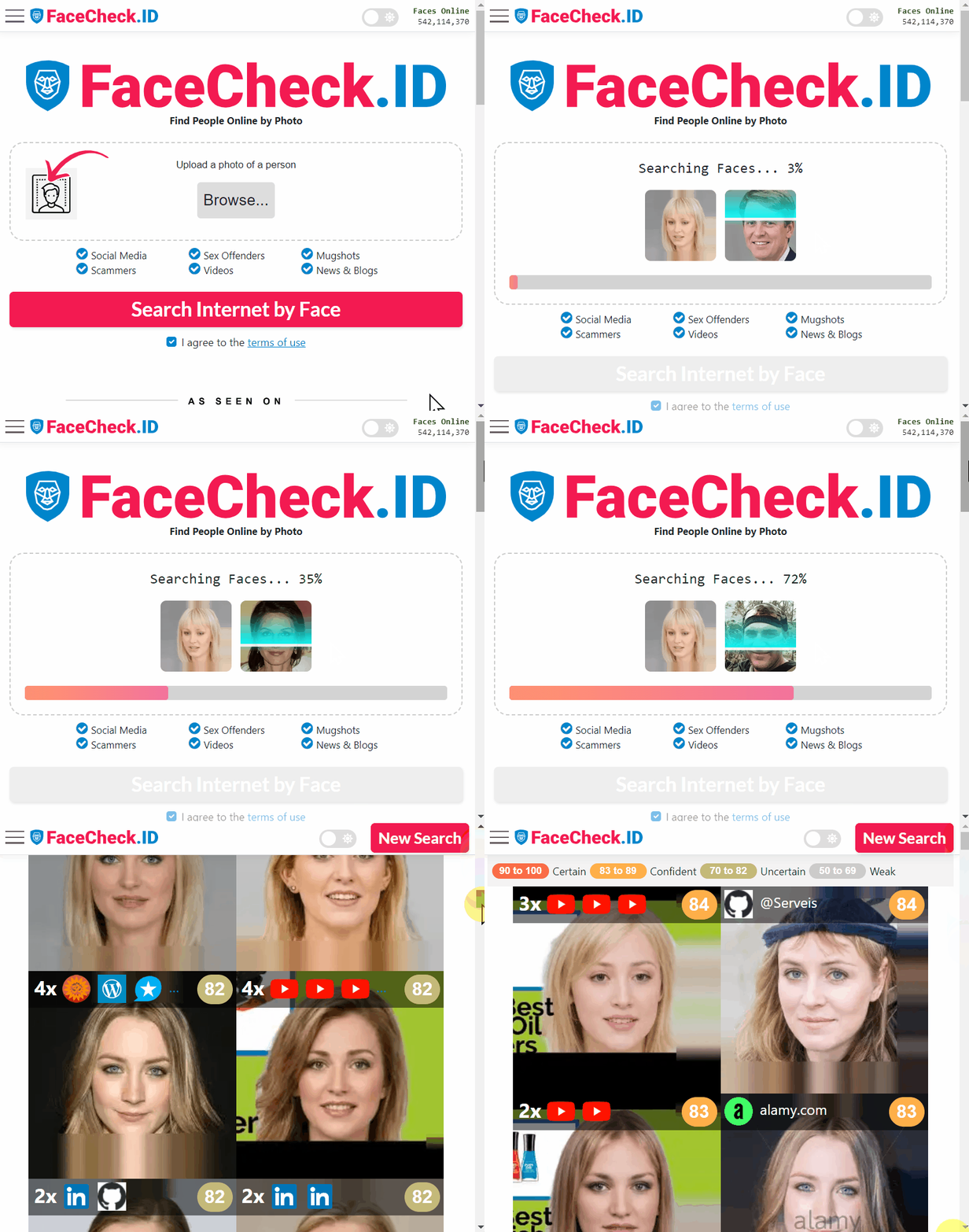
When a face image enters a reverse image search like FaceCheck.ID, the question of whether that face is real or AI generated changes how the result should be read. AI watermarks are one of the signals that can tell an investigator, a moderator, or a curious user that a portrait was synthesized rather than photographed, which directly affects how matches across the web should be interpreted.
Why AI watermarks matter for face search
Face-search engines crawl public images and compare faces by their geometric features. Those engines do not know, on their own, whether a face was lifted from a real photo or generated by a diffusion model. An AI watermark embedded in the source file is one way to flag that origin before the image gets pulled into anyone's identity workflow.
This matters in a few specific scenarios:
- A scammer uses a generated headshot for a dating profile, then reuses it across Telegram, Instagram, and a fake LinkedIn account. A watermark surviving across those copies is a strong tell.
- An investigator runs a face search and finds the same synthetic face on multiple unrelated profiles. A persistent AI signal in even one copy supports the conclusion that no real person is behind any of them.
- A journalist verifies a leaked or viral portrait. A detectable watermark from a known generator shifts the analysis from "who is this" to "which model produced this and when."
In all of these cases, a watermark is not the answer. It is a piece of evidence that adjusts the weight given to the match.
How watermarks survive (or fail to survive) the open web
The lifecycle of an image online is brutal for fragile signals. By the time a face photo reaches a search index, it has often been reposted, cropped to a square avatar, recompressed by a CDN, screenshotted, run through a filter, or pasted into a collage. Each step erodes embedded signals.
Watermark approaches behave differently under that pressure:
- Frequency-domain embeddings in images can survive moderate JPEG recompression and resizing, but lose strength after heavy crops or strong filters often used on profile pictures.
- Pixel-level patterns are easy to disturb with face beautification filters, common on dating apps and short-video platforms.
- Metadata tags like C2PA manifests are the easiest to strip because most social platforms remove EXIF and similar headers on upload.
- Statistical text watermarks apply to AI-written bios and captions, not faces, but they matter when correlating a suspicious profile's photo with its writing.
For face-search specifically, the harder a watermark survives recompression and cropping to a circular or square avatar, the more useful it is.
Reading watermark signals in match results
A face search result that includes a generated portrait with a detectable watermark looks different from a result anchored to a real, repeatedly photographed person. Real faces tend to appear across multiple time periods, varied lighting, different angles, and in contexts that line up: a LinkedIn page, a conference photo, a wedding tag, an old forum avatar. Synthetic faces tend to appear in newer accounts, with fewer non-portrait shots, and often with reused or near-duplicate images across profiles.
Watermarks reinforce the second pattern. When a face match returns several copies of the same image and at least one carries an AI provenance signal, the working assumption should shift toward synthetic identity rather than missing or private real-person history.
Limits and honest caveats
A watermark is a hint, not proof. The absence of one does not mean the face is real, since most generated images circulating online were never watermarked, were produced by open-source models that skip provenance, or had any signal stripped by editing. The presence of one does not prove fraud either, because legitimate users post AI portraits as avatars, art, or stylized self-representation.
False positives are also a real concern. Detection tools can flag heavy compression artifacts or aggressive filters as watermark-like patterns. A face-search hit on a watermarked image still requires the same judgment calls as any other match: checking where the image appears, how long the surrounding accounts have existed, whether the writing and behavior match a real person, and whether the same face shows up on known scam-report sites. The watermark adjusts confidence. It does not replace the investigation.
FAQ
What does “AI Watermark” mean in face recognition search engines?
An “AI watermark” is a visible label (e.g., a logo/text) or an invisible signal embedded by some AI-image tools to indicate an image was generated or edited by AI. In face recognition search contexts, the watermark is not the “identity”; it’s an extra pattern in or around the face image that can influence how the image is processed, cropped, and visually interpreted.
Can an AI watermark change face recognition search results (wrong matches or fewer matches)?
Yes. If a watermark overlaps the face (eyes, nose, mouth, jawline) or forces the image to be heavily compressed/cropped, it can reduce match quality or increase look-alike results. Even when the watermark is outside the face, it can still correlate with reposted versions of the same image, which may cause the search results to cluster around reposts of that same watermarked asset instead of other photos of the person.
Do AI watermarks prevent a face recognition search engine from indexing or finding a face?
Not reliably. A watermark is usually not an access-control or privacy mechanism; it mainly signals provenance. Many face search systems can still extract a face embedding from a watermarked image if enough facial detail is visible, and they may still find matches to the same person in other images without the watermark.
Should I remove an AI watermark before running a face recognition search?
If the watermark blocks key facial features, using a cleaner source image (or a crop that keeps the full face while excluding the watermark) can improve results. However, “removing” a watermark by heavy editing can introduce artifacts that also hurt matching or create misleading results. A safer approach is to use the best original image available (highest resolution, minimal edits), and only do basic, non-destructive cropping to the face.
If FaceCheck.ID (or another tool) returns watermarked images, how should I interpret them?
Treat watermarked hits as leads about where a particular image (or derivative) was reposted, not as proof of identity. Open the source pages, look for the earliest publication date, check if multiple independent sources show the same face without the watermark, and compare contextual clues (username, location, captions, other photos). If FaceCheck.ID shows several similar matches, prioritize results with consistent context across multiple pages rather than relying on a single watermarked thumbnail.