Ai Watermark Explained: What It Is & How It Works
An AI watermark is a built in marker added to content created or edited with artificial intelligence. It helps identify that an image, video, audio clip, or text came from an AI system, even after the file is shared online. AI watermarks are used to support authenticity, content tracking, and responsible disclosure.
What an AI watermark is used for
AI watermarks are commonly used to:
- Label AI generated content so viewers and platforms can recognize it
- Reduce misinformation by making synthetic media easier to detect
- Protect creators and brands by helping prove where content came from
- Support copyright and licensing workflows by embedding ownership or source signals
- Help platforms moderate content by flagging likely AI generated assets
How AI watermarking works
AI watermarking typically works in one of two ways:
Visible AI watermark
A visible AI watermark is a logo or text label placed on top of an image or video. It is easy to see and can discourage unauthorized reuse, but it can sometimes be cropped out or blurred.
Invisible AI watermark
An invisible AI watermark is embedded into the content data in a way that is not noticeable to people. It can be more durable than visible marks, but it depends on the method used and how the file is later edited or compressed.
Common technical approaches include:
- Pixel or frequency domain embedding for images and video
- Audio signal modifications that survive typical re encoding
- Text watermarking using controlled patterns in word choice or token generation
- Metadata based tags stored in file headers, which can be removed more easily than true embedded watermarks
AI watermark vs metadata vs watermark overlay
- AI watermark: A marker intended to indicate AI involvement, often designed to be detectable later.
- Metadata tag: Information stored in the file details. Useful but easier to strip during exports or uploads.
- Watermark overlay: A visible stamp on top of media. Simple and effective for deterrence, but not stealthy.
What makes a good AI watermark
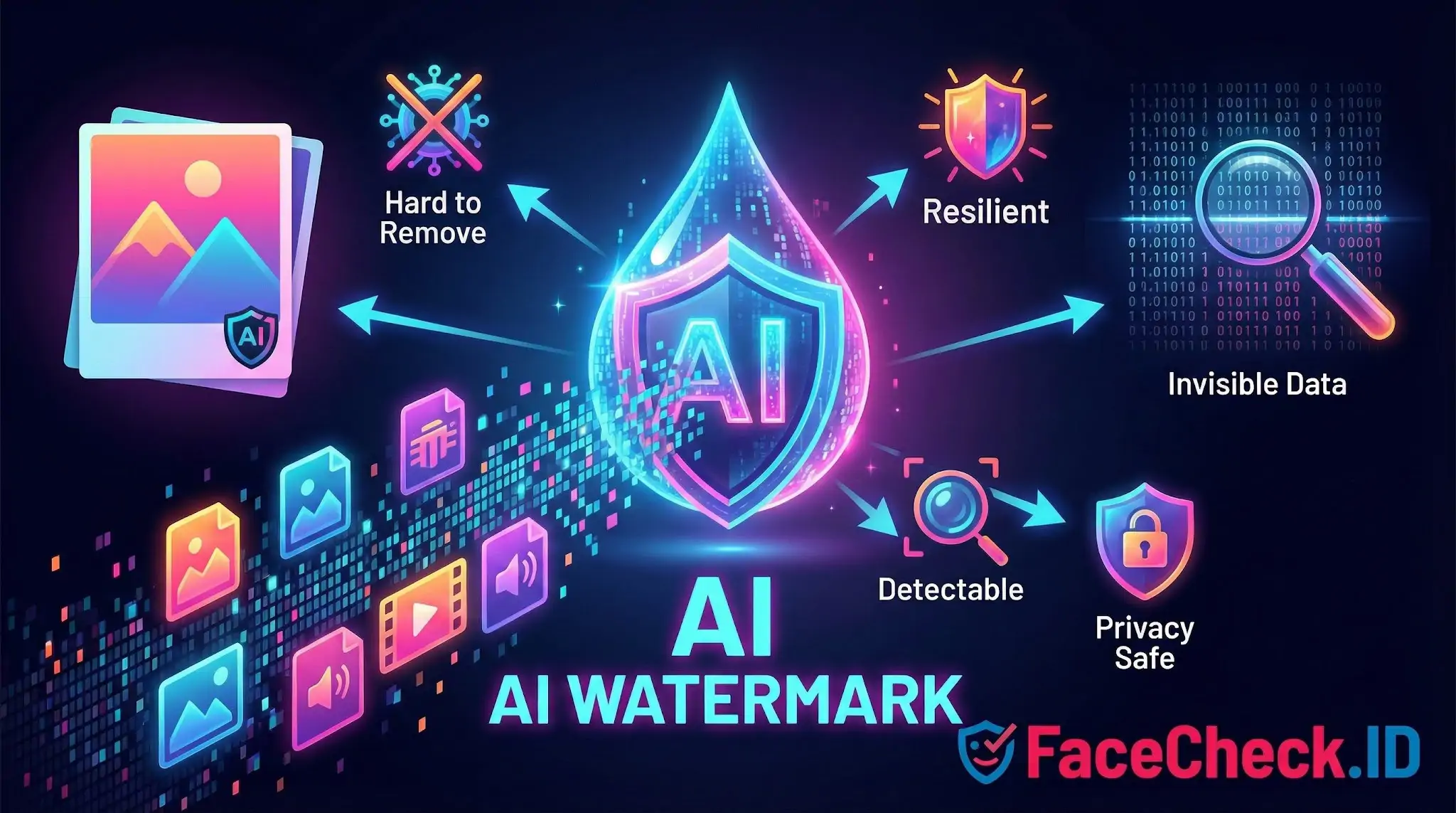
A strong AI watermark is:
- Hard to remove without noticeably damaging the content
- Resilient to cropping, resizing, compression, and re encoding
- Detectable using reliable tools without producing many false results
- Privacy safe by avoiding personal data and focusing on provenance signals
- Consistent across platforms so detection works at scale
Limitations to know
AI watermarks are helpful, but not perfect:
- Heavy editing can weaken or destroy a watermark
- Screenshots, re filming, and format conversions can remove signals
- Different tools use different standards, so detection is not always universal
- Watermark presence does not automatically prove intent, accuracy, or ownership
Examples of where you may see AI watermarks
- Social platforms labeling AI generated images or videos
- Stock media providers marking AI generated assets
- Enterprise systems tracking AI generated marketing materials
- Newsrooms and verification teams checking content authenticity
FAQ
What does “AI Watermark” mean in face recognition search engines?
An “AI watermark” is a visible label (e.g., a logo/text) or an invisible signal embedded by some AI-image tools to indicate an image was generated or edited by AI. In face recognition search contexts, the watermark is not the “identity”; it’s an extra pattern in or around the face image that can influence how the image is processed, cropped, and visually interpreted.
Can an AI watermark change face recognition search results (wrong matches or fewer matches)?
Yes. If a watermark overlaps the face (eyes, nose, mouth, jawline) or forces the image to be heavily compressed/cropped, it can reduce match quality or increase look-alike results. Even when the watermark is outside the face, it can still correlate with reposted versions of the same image, which may cause the search results to cluster around reposts of that same watermarked asset instead of other photos of the person.
Do AI watermarks prevent a face recognition search engine from indexing or finding a face?
Not reliably. A watermark is usually not an access-control or privacy mechanism; it mainly signals provenance. Many face search systems can still extract a face embedding from a watermarked image if enough facial detail is visible, and they may still find matches to the same person in other images without the watermark.
Should I remove an AI watermark before running a face recognition search?
If the watermark blocks key facial features, using a cleaner source image (or a crop that keeps the full face while excluding the watermark) can improve results. However, “removing” a watermark by heavy editing can introduce artifacts that also hurt matching or create misleading results. A safer approach is to use the best original image available (highest resolution, minimal edits), and only do basic, non-destructive cropping to the face.
If FaceCheck.ID (or another tool) returns watermarked images, how should I interpret them?
Treat watermarked hits as leads about where a particular image (or derivative) was reposted, not as proof of identity. Open the source pages, look for the earliest publication date, check if multiple independent sources show the same face without the watermark, and compare contextual clues (username, location, captions, other photos). If FaceCheck.ID shows several similar matches, prioritize results with consistent context across multiple pages rather than relying on a single watermarked thumbnail.