Baidu Images for Face Search
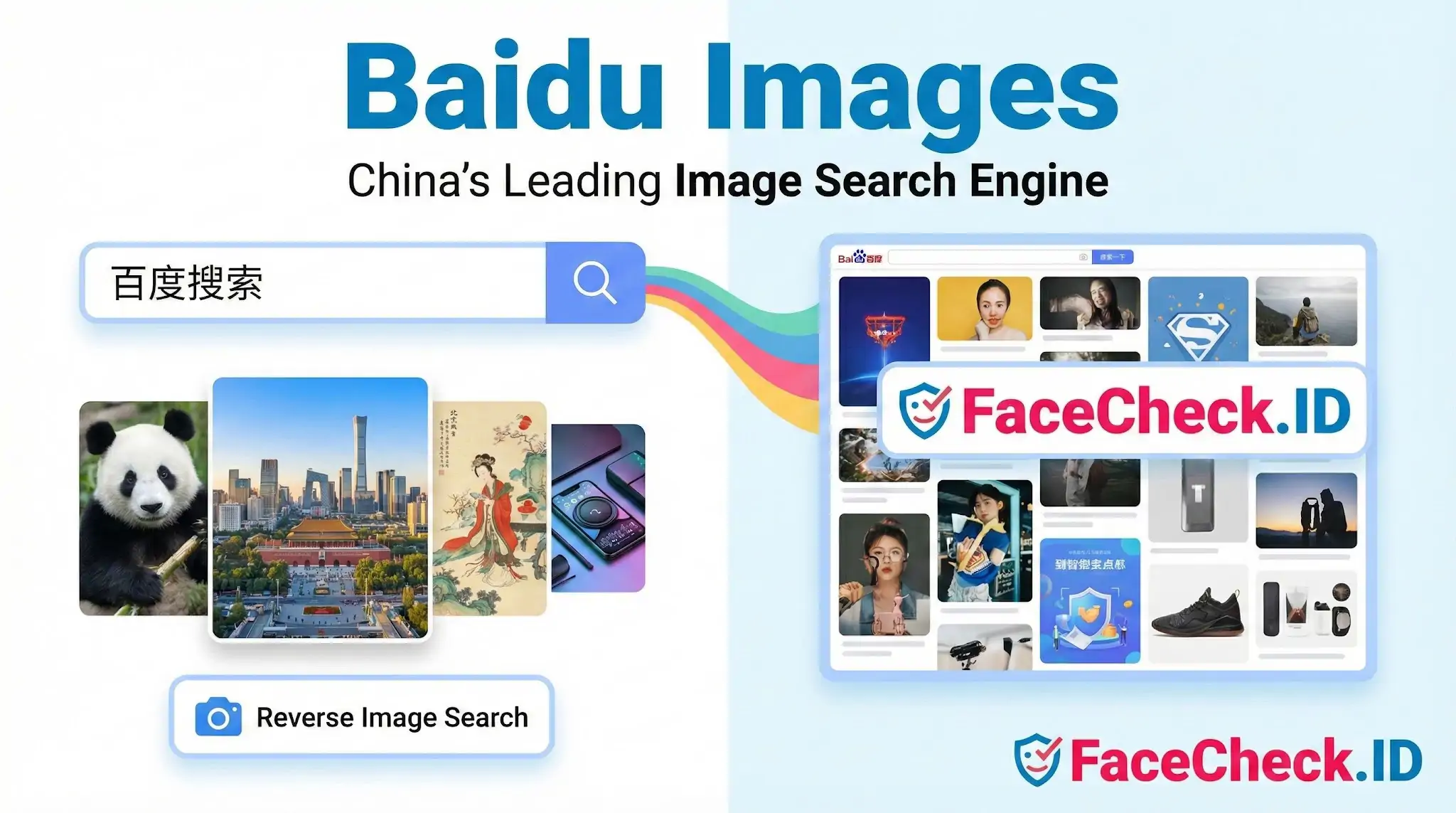
When a face shows up online but leaves no trace on Western platforms, the next place to look is often the Chinese web. Baidu Images is the image search arm of Baidu, and for face-search investigations it acts as a window into a portion of the internet that Google and Bing index poorly or not at all.
Why Baidu Images matters for face search
Most reverse image tools pull from indexes weighted toward English-language sites. That leaves a blind spot. Stolen profile photos used in romance scams frequently trace back to Chinese livestreaming platforms, Weibo posts, Xiaohongshu (RED) lifestyle posts, Douyin reposts, and forum threads that only Baidu reliably crawls. A face that returns no results on a Western reverse image engine can produce dozens of hits on Baidu when the original source sits on a Chinese platform.
This matters in several recurring scenarios:
- A scammer steals photos from a Chinese model, influencer, or actor and reuses them on Tinder, Instagram, or WhatsApp under a Western name.
- A LinkedIn profile claims work history at a Chinese firm, and the headshot needs to be checked against local press, conference photos, or company pages.
- A face appears in a fraud report and the only reposts live on Tieba threads or e-commerce seller pages.
- An adoptee or family member is searching for someone whose photos were only ever published on Chinese sites.
FaceCheck.ID focuses on face matching across the public web, but no single index covers everything. Baidu Images is a useful complement when the trail seems to end and the subject has any plausible connection to China or to images circulating on Chinese platforms.
How Baidu's reverse image search behaves differently
Baidu's reverse image upload (识图) is keyword and visual similarity based rather than purely face-recognition driven. That changes how results should be read. Some practical differences:
- It surfaces visually similar images, not necessarily the same person. Two people in similar studio lighting and pose can be grouped together.
- It tends to return e-commerce and stock-style results aggressively, which can bury the actual source of a personal photo.
- Cropped or filtered versions of the same face often cluster well, which helps trace how a photo was reused across seller pages, news aggregators, and reposts.
- Text overlays, watermarks, and Chinese captions in the result thumbnails frequently reveal the original platform even when the source link is dead.
For investigators comparing this to a dedicated face engine: Baidu will not rank results by facial similarity confidence. A FaceCheck result of 80 percent or above carries identity weight in a way that a Baidu visual match does not.
Practical workflow with face-search investigations
A typical pattern is to run the photo through a face-recognition tool first to see whether the face has been indexed under known identities, then take the cleanest crop and run it through Baidu Images to look for Chinese-language sources. Watermarks, account handles, and image filenames recovered from Baidu can then be searched as text, which often unlocks Weibo or Douyin profiles that no face index reached.
Front-facing, well-lit photos perform best. Sunglasses, heavy filters, group shots, and low-resolution screenshots from video usually produce noisy similarity clusters rather than identity hits.
Limits and what Baidu Images cannot prove
Baidu Images is a similarity engine, not an identity engine. Finding a photo on a Chinese site does not prove the person in the photo is Chinese, lives in China, or controls that account. Photos get scraped, reposted, and laundered through stock galleries constantly. A match on Baidu only tells you that an image, or one resembling it, has been published somewhere Baidu crawls.
Common failure modes worth keeping in mind:
- Stock photos and modeling portfolios produce false leads when the real subject simply resembles a model.
- Reposted images often outrank originals, so the first result is rarely the source.
- Face-unrelated visual features (clothing, background, pose) can dominate ranking and pull in unrelated people.
- Coverage of private individuals is thin compared with influencers, sellers, and public figures.
Treat Baidu Images as a discovery tool that widens the search space, then verify any apparent identity match with face-recognition confidence scores, account history, and corroborating context before drawing conclusions.
FAQ
What is Baidu Images, and how is it typically used when people are trying to look up a face photo online?
Baidu Images is Baidu’s image search service. In face-related investigations, it’s typically used as a reverse image search tool (uploading an image or using an image URL) to find identical/near-duplicate copies, reposts, or visually similar images—often across websites indexed heavily in Chinese-language ecosystems.
Does Baidu Images provide true “same person across different photos” face recognition search, or is it closer to reverse image search?
For most users, Baidu Images behaves closer to reverse image search and visual similarity search—best at finding the same photo, cropped/resized versions, or closely related images—rather than reliably matching the same person across many different photos (which is what dedicated face recognition search tools focus on).
How can I use Baidu Images more effectively for a face-related lookup without over-sharing personal data?
Use a tightly cropped image that contains only the face (remove backgrounds, usernames, and other identifying overlays), avoid uploading unnecessary high-resolution originals, and consider using a browser session that minimizes account linkage (e.g., logged-out). The goal is to search with the minimum image content needed to get results.
Why might Baidu Images results for a face photo look very different from Google/Bing, and how should I interpret that?
Different search engines index different parts of the web and prioritize different regions, languages, and hosting platforms. Baidu Images often surfaces more China-based sources (Chinese social platforms, forums, news reposts, and local CDNs). Treat results as leads to investigate—verify by opening the source pages, checking dates, and looking for the earliest/original upload rather than trusting the top match alone.
When does it add value to use a dedicated face search tool like FaceCheck.ID instead of (or in addition to) Baidu Images?
Use Baidu Images when you suspect the exact photo (or a crop) was reposted and you want duplicates or near-duplicates. Consider a dedicated face search tool like FaceCheck.ID when you need “same person” matching across different photos (different angles, lighting, or time) and want face-centric grouping or similarity scoring—while still treating matches as non-definitive leads that require independent verification.