Find Person by Photo Explained: How It Works & Uses
Definition
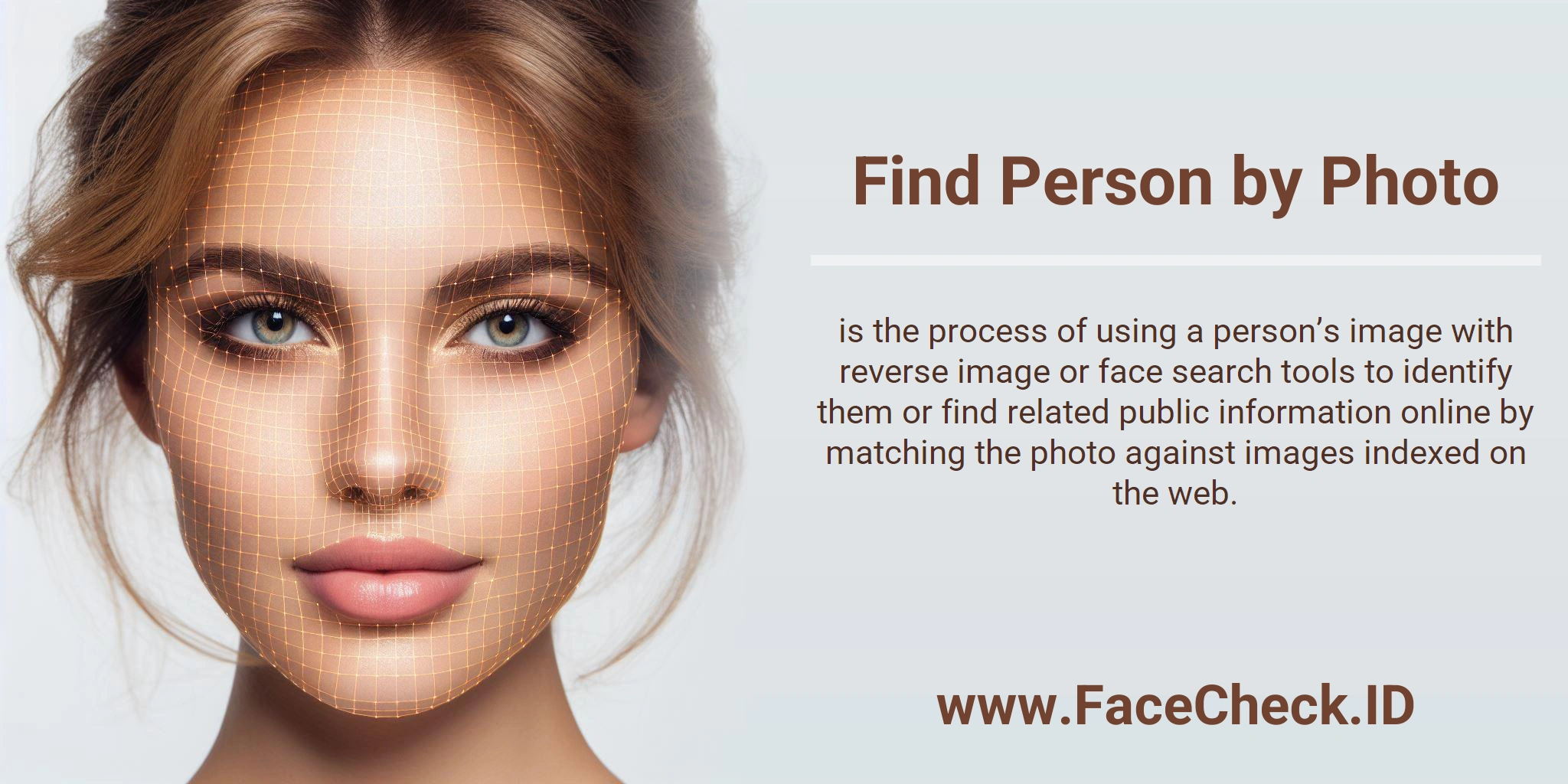
Find Person by Photo means using an image of someone to identify who they are or to locate public information about them online. It is commonly done with reverse image search tools and face search services that compare the photo against indexed images on the web.
How it works
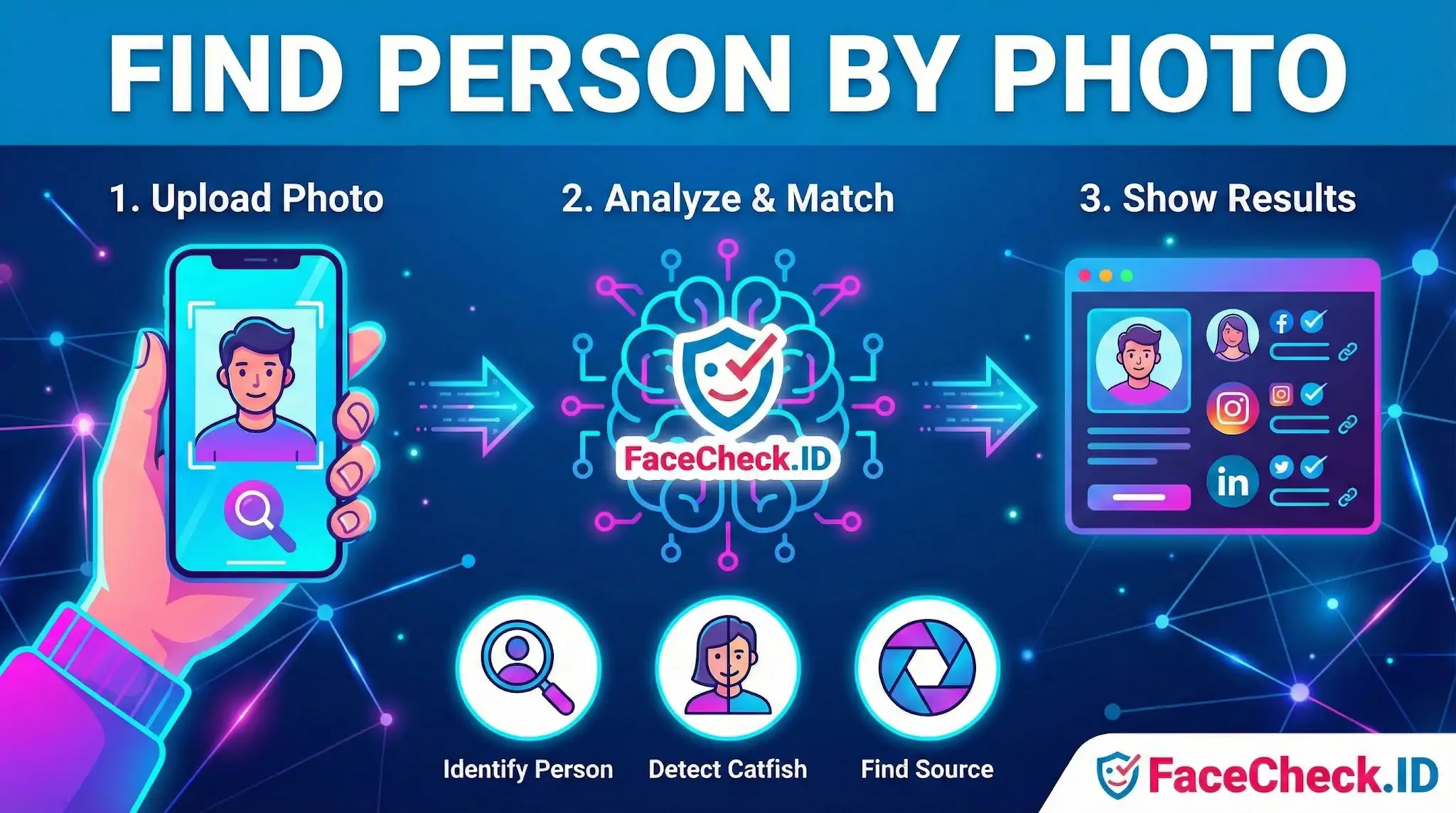
Most tools follow a similar process:
- Upload or paste the photo
You provide an image file or a link to the image.
- Analyze visual features
The system looks at details like facial landmarks, skin tone ranges, hair shape, clothing patterns, background elements, and image metadata when available.
- Match against databases and web pages
The tool searches for identical photos, close variants, or visually similar faces and scenes.
- Show possible results
Results may include matching images, social profiles, news articles, or websites where the photo appears.
What you can use it for
- Identifying a person in a photo when you have legitimate reasons to do so
- Finding the original source of an image and where it was posted first
- Checking if a profile photo is stolen or used across multiple accounts
- Spotting fake accounts, catfishing, and romance scams
- Finding higher quality versions of the same image
Common methods and tools
- Reverse image search
Finds exact or near exact copies of the image across the web. - Face search
Attempts to match the person’s face even if the photo has been cropped, resized, or edited. - Social platform image lookup
Some results come from public pages and open profiles indexed on the web. - Manual verification
Cross-checking results by comparing names, locations, mutual connections, and timestamps.
Best practices for accurate results
- Use a clear, front-facing photo with good lighting
- Crop to the face if the goal is identity matching
- Avoid heavy filters, stickers, or extreme blur
- Try multiple images of the same person if you have them
- Compare several results before making conclusions
Limitations
Find Person by Photo is not guaranteed to identify someone. Results depend on whether the image or similar images exist publicly online and whether the sites are indexed. Accuracy can drop when the face is partially covered, the image is low resolution, or the person has few public photos.
Privacy and legal notes
Only use Find Person by Photo for lawful purposes. Respect privacy, avoid harassment, and do not attempt to identify minors or share sensitive personal details. Many platforms and regions have rules that limit biometric identification and the use of face recognition.
FAQ
What does “Find Person by Photo” mean in the context of face recognition search engines?
“Find Person by Photo” usually means using a face recognition search engine to look for web pages that contain the same face (or a very similar face) as the one in your uploaded image. The results are typically links to images and pages where that face appears, not a guaranteed real-world identity or legal name.
Does “Find Person by Photo” always identify the person’s real name or prove who they are?
No. A face search can surface potential leads (profiles, reposts, articles, or image copies), but it does not reliably prove identity by itself. People can share similar facial features, photos can be mislabeled, and images can be reused or reposted under different names—so any “match” should be treated as a starting point for verification, not proof.
What’s the safest way to use “Find Person by Photo” results without misidentifying someone?
Use results as leads and verify with multiple independent cues: compare multiple photos across time, check whether the page context matches (location, age range, language, affiliations), and look for an original source rather than reposts or scraped copies. Avoid sharing accusations, and if the use case is sensitive (crime, employment, relationships), seek corroborating evidence that does not rely solely on facial similarity.
What should I avoid uploading when using “Find Person by Photo” tools for face search?
Avoid uploading images that contain unnecessary sensitive data, such as children’s faces, IDs/documents, medical information, home addresses, or other bystanders in the background. If you must search, consider cropping to just the relevant face and removing metadata where possible, so you reduce privacy risk for both the subject and anyone else captured in the image.
How can FaceCheck.ID add value to a “Find Person by Photo” workflow, and what should I keep in mind?
FaceCheck.ID is an example of a face-search tool that can help you discover where a face appears across different pages and image sources, which may be useful for checking photo reuse, impersonation, or whether the same face shows up under multiple profiles. Keep in mind that any tool’s results can include look-alikes, mislabeled pages, or repost networks, so you should validate matches carefully and avoid treating a face-search hit as definitive identification.