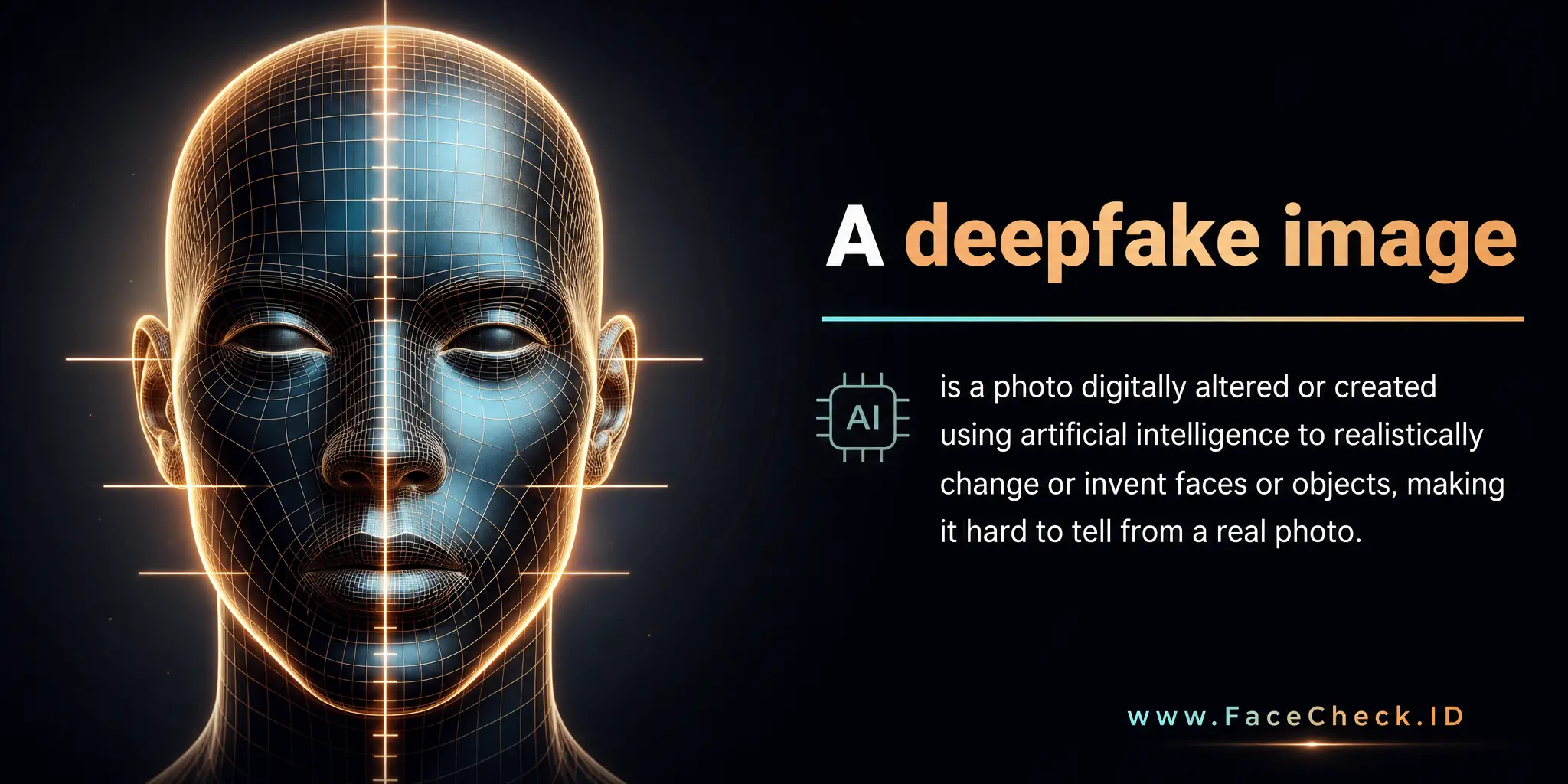
Deepfake Image: Face-Search Signals
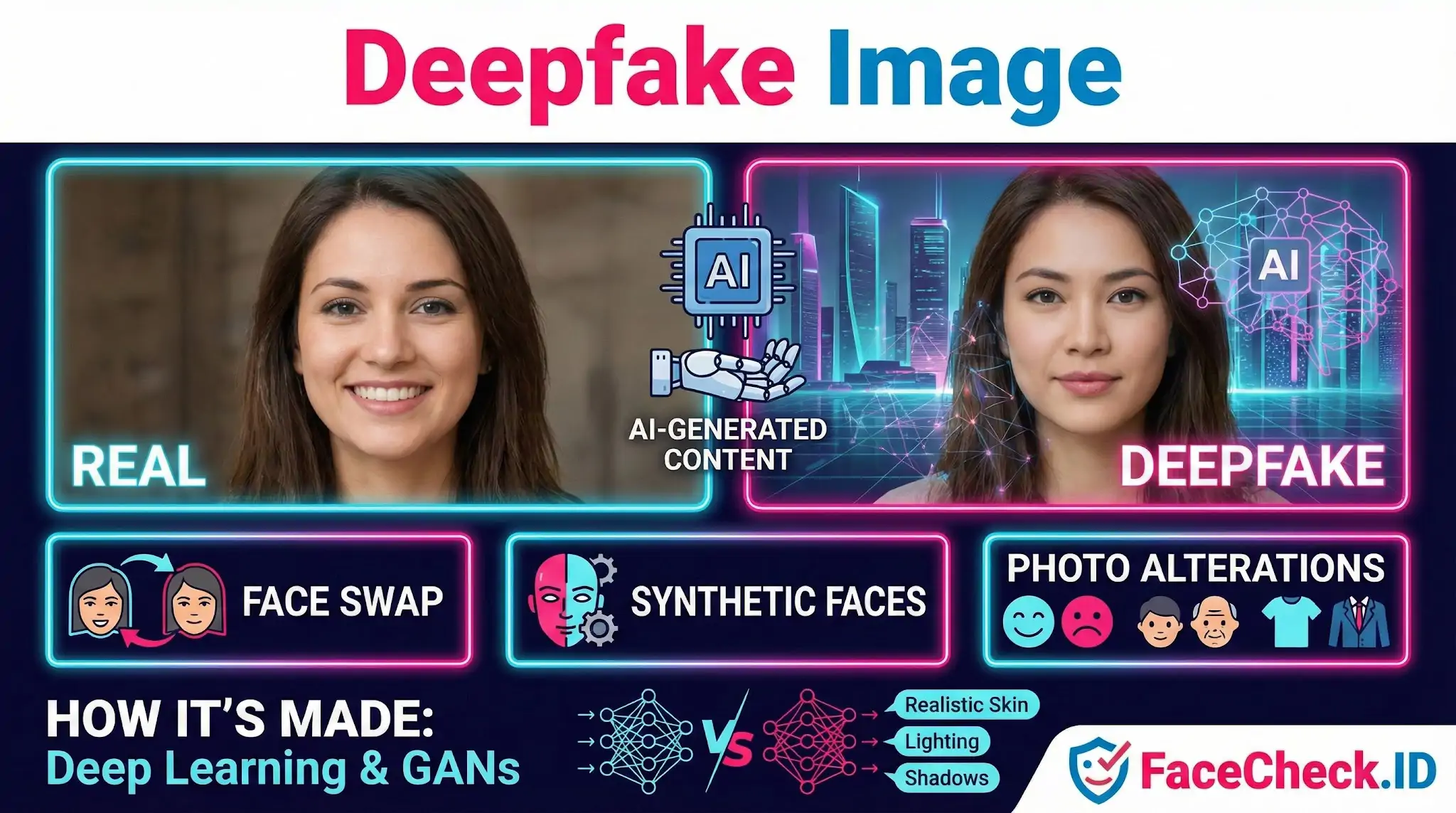
Deepfake images sit at the center of one of the hardest problems in face search: telling a real person's photo apart from a synthetic one that was built to look like a real person. When a face-recognition engine indexes the public web, it pulls in genuine selfies, professional headshots, AI-generated portraits, and face-swapped composites without knowing which is which. Understanding how deepfakes behave inside reverse image search changes how you read the results.
How deepfake images affect face-search results
A face-recognition system matches based on facial geometry, not on whether the image is authentic. That means a well-made deepfake can produce strong match confidence with the source identity, especially in face-swap cases where the synthetic image preserves the donor face's structure. If someone runs a face swap that grafts a celebrity or stranger's face onto another body, the resulting image can match the donor in a search even though the scene never happened.
The opposite problem also shows up. Fully synthetic faces, generated by GANs or diffusion models with no real-world subject, sometimes return weak matches against real people who share similar features. These are coincidence-level similarities, not identity links. Treat low-confidence hits on glamour shots, dating profile photos, or flawless studio portraits with extra skepticism, since these are common deepfake formats.
Cropped or filtered deepfakes complicate things further. A synthetic face passed through a low-resolution social media pipeline can look indistinguishable from a normal compressed JPEG, stripping out many of the artifacts that detection tools rely on.
Where deepfake images show up in investigations
People running face searches usually encounter deepfakes in a handful of recurring scenarios:
- Romance scams and catfishing. Fake profiles increasingly use AI-generated faces instead of stolen photos, because synthetic faces will not match anyone else's account on a reverse search. A clean profile with no other web presence is itself a warning sign.
- Fake escort, modeling, or influencer pages. Operators paste real or synthetic faces onto stock body photos to populate hundreds of lookalike profiles.
- Non-consensual intimate imagery. A real person's face is grafted onto explicit content. The face match will lead back to the actual victim, which can mislead someone into thinking the underlying image is genuine.
- Reputation attacks. Fabricated photos placed on blogs or low-quality news sites to damage someone's standing, then indexed and surfaced later by search engines.
Reading the surrounding context matters as much as the match itself. If a search returns one suspicious image with high confidence and no corroborating profiles, news mentions, or older photo history, the image may be manipulated rather than authentic.
Signs an image in your results may be a deepfake
No single tell is reliable, but several together raise suspicion:
- Symmetric, almost too-perfect facial features with smooth skin and even lighting
- Inconsistent earrings, eyeglass frames, or earlobes between the left and right side
- Hair that blends oddly into the background or has a painted texture
- Background objects that warp or repeat, especially text, fence lines, and patterned fabrics
- Teeth that look like a single fused shape rather than individual teeth
- A mismatch between face age and skin, hands, or neck
Diffusion-based images often handle faces well but fail on hands, jewelry, and writing. Face-swap deepfakes tend to leave a faint seam along the jawline or hairline visible at full resolution.
What a deepfake match does and does not prove
A face-match hit on a deepfake image proves that someone's face appears in that image. It does not prove the person was photographed in that setting, made those statements, wore those clothes, or consented to the use. Investigators and ordinary users both need to separate two questions: is this the person's face, and is this image a real record of them. Face search answers the first reliably and the second only with careful context, source checking, and sometimes forensic tools beyond pixel-level inspection. Treat any single image as a lead, not as proof, and rely on multiple independent matches across older, well-established sources before drawing conclusions about identity or behavior.
FAQ
What is a “Deepfake Image” in the context of face recognition search engines?
A Deepfake Image is a synthetic or heavily manipulated picture (often generated with AI) where a face is altered or swapped to look like a real person. In face recognition search engines, deepfakes matter because the tool may match the deepfake’s facial features to images of the “source” person, the “target” person, or to unrelated look-alikes—creating misleading leads.
Can a deepfake image cause a face recognition search engine to return matches to the wrong person?
Yes. If the deepfake preserves key facial geometry similar to someone else (or blends features from multiple people), the search engine may retrieve pages for a different individual, reposts of the deepfake, or visually similar faces. Treat results as investigative pointers, not identity proof, and verify with multiple independent cues (source page context, timestamps, corroborating images, and consistent biographical details).
If I upload a deepfake image to a face search tool like FaceCheck.ID, what results should I expect?
You may see (1) exact or near-duplicate reposts of the same manipulated image, (2) matches to the person whose face was used to generate the deepfake, (3) matches to the person the deepfake is pretending to be, or (4) mixed/weak matches to similar-looking people. On tools such as FaceCheck.ID, review match strength carefully and open the result pages to confirm whether they reference the same real person or simply reused the deepfake.
How can I check whether an image is a deepfake before relying on face-search results?
Look for manipulation signals (inconsistent lighting/shadows, blurred edges around hairline/ears, asymmetrical eyewear or teeth, unnaturally smooth skin, distorted backgrounds, or mismatched reflections). Then cross-check: run searches using multiple frames/photos of the subject, compare facial landmarks across sources, and verify the earliest credible upload or original photographer/site. If the “same face” appears in incompatible contexts (different names, locations, or eras), treat it as high risk for synthetic or stolen imagery.
What are safe, responsible steps if a deepfake image might be involved in a face recognition search?
Avoid public accusations, do not dox or share the image as “proof,” and keep conclusions provisional. Save the result URLs and screenshots for documentation, check for the original source and publication date, and look for corroboration from reputable outlets or official accounts. If the deepfake is harming someone (impersonation, fraud, harassment), report it to the hosting platform and consider contacting the affected person/organization through verified channels; for serious threats or financial fraud, involve appropriate authorities.


Recommended Posts Related to deepfake-image
-
How to Find and Remove Nude Deepfakes With FaceCheck.ID: A Step-by-Step Guide
We'll use FaceCheck.ID to find deepfake images. Your Action Plan: Finding Deepfake Images. Most big platforms will help you remove deepfake images online.