Fake Facebook Profiles Explained: Signs, Risks & Actions
Definition
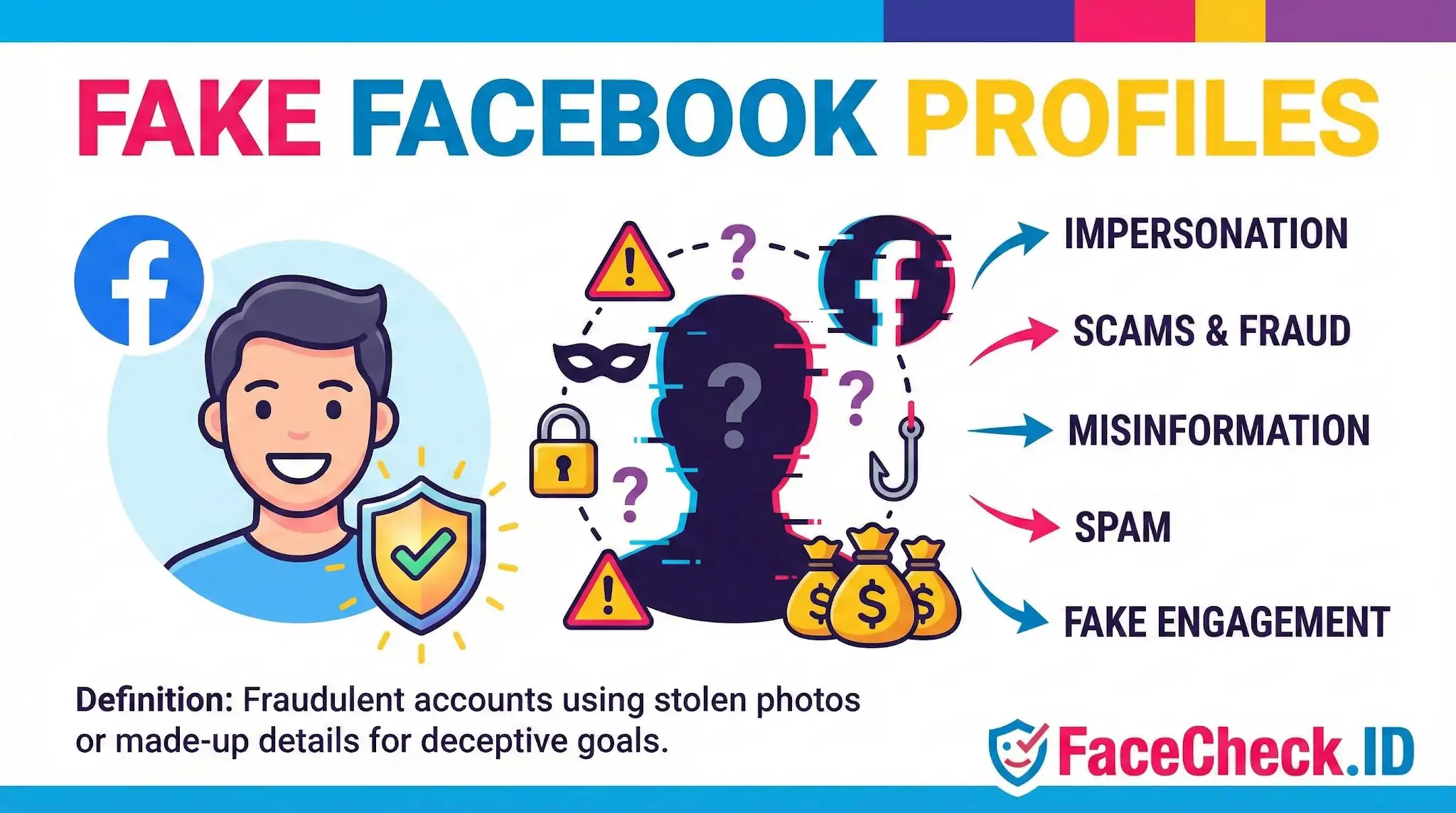
Fake Facebook Profiles are fraudulent or deceptive accounts on Facebook that use stolen photos, made up details, or impersonated identities. They are created to look like real people or believable fake personas.
Why Fake Facebook Profiles Exist
These accounts are made to achieve specific goals, including:
- Impersonation to copy a real person, brand, or public figure
- Scams and fraud to trick people into sending money, gift cards, or personal data
- Misinformation and manipulation to spread false stories or influence opinions
- Spam and unwanted promotions to push links, offers, or shady products
- Fake engagement to inflate followers, likes, comments, or page credibility
Common Signs of a Fake Facebook Profile
Not every suspicious account is fake, but these red flags are common:
- Very few posts, or a timeline that starts recently
- Profile photo looks like a stock photo or a model style image
- Friends list is hidden or full of random accounts
- Bio details do not match the person’s claimed location, job, or school
- Lots of copied posts, generic comments, or repeated messages
- Immediate attempts to move the chat off Facebook to WhatsApp, Telegram, or email
- Links to sketchy websites, giveaways, or urgent “account problem” messages
Risks and Impacts
Fake Facebook Profiles can cause real harm, such as:
- Identity theft and reputation damage
- Financial loss from romance scams, marketplace scams, or phishing
- Account takeovers from stolen passwords or verification codes
- Coordinated harassment or targeted manipulation
- Distorted metrics from fake followers and fake engagement
What To Do If You Find One
If you suspect an account is fake:
- Do not share personal info like your address, ID photos, or one time codes
- Check the profile carefully for inconsistencies and duplicate photos
- Message the real person elsewhere if you think it is impersonation
- Block the account to stop contact
- Report the profile inside Facebook so it can be reviewed
Related Terms and Variations
People may also search for:
- Fake Facebook account
- Facebook impersonation account
- Facebook catfish profile
- Facebook scammer profile
- Facebook bot account
- Fake profile on Facebook
FAQ
What are “Fake Facebook Profiles” in the context of face recognition search engines?
“Fake Facebook Profiles” are accounts that appear to represent a real person but are created for deception (e.g., scams, impersonation, or misinformation). In face recognition search engines, the term usually comes up when a profile photo seems stolen, reused across multiple accounts, or does not match the identity claims on the profile.
How can a face recognition search engine help detect a fake Facebook profile using stolen photos?
A face recognition search engine can show where else the same (or very similar) face appears online. If the photo on a Facebook profile also appears on unrelated accounts, different names, stock-model pages, scam reports, or older posts belonging to another person, that pattern can be a strong indicator the Facebook account is using stolen photos and may be fake.
What face-search result patterns are common when a fake Facebook profile uses AI-generated or heavily edited images?
AI-generated or heavily edited profile images often produce (a) no reliable matches, (b) scattered weak matches to many look-alike faces, or (c) matches to reposts of the same synthetic image rather than to a consistent real person. These patterns don’t prove a profile is fake, but they are common signals that the photo may not represent a real, traceable identity.
If a face search returns multiple Facebook profiles for the same face, does that prove the profiles are fake?
No. Multiple matches can happen for legitimate reasons (reposts, fan pages, public screenshots, shared family photos, or the same person running multiple accounts). Treat it as a lead: compare timelines, friend networks, posting history, and whether the same face is consistently tied to one real-world identity across multiple sources.
What’s a safe workflow to investigate a suspected fake Facebook profile with a tool like FaceCheck.ID without misidentifying someone?
Use a clear, front-facing profile photo (crop to the face) and run a face search (e.g., FaceCheck.ID) to gather leads. Then verify by opening the result pages and checking context: same name/handle across sites, consistent biographical details, consistent timeframes, and whether the images look like originals versus reposts. Avoid acting on a single match; save evidence (URLs/screenshots), and if it looks like impersonation, report the account to Facebook and the original-image source rather than contacting or accusing a bystander.


Recommended Posts Related to fake facebook profiles
-
Facial Recognition and Reverse Search on Facebook: A Deep Dive into FaceCheck
Find Anyone on Facebook: Lost Friends, Verify Identities, and Unmask Fake Facebook Profiles.