Find Anyone on Facebook: Search Tips & Filters
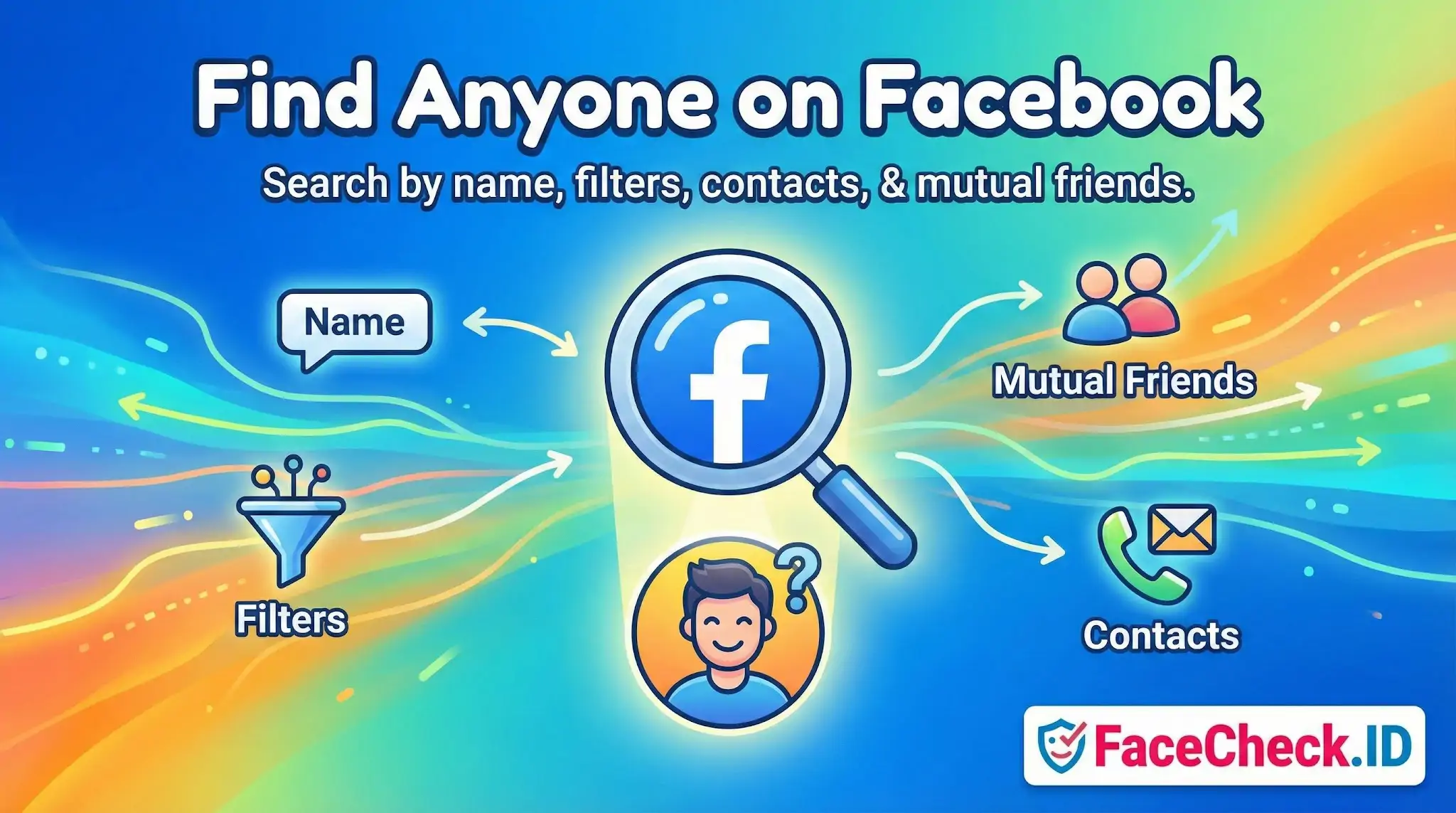
Find Anyone on Facebook refers to using Facebook’s built in tools and available profile details to locate a specific person on the platform. People commonly use it to reconnect with friends, find coworkers, confirm a profile, or locate someone connected to a school, workplace, or community.
What it means
In simple terms, it is the process of searching Facebook for a person using identifying information such as their name, username, contact info, or mutual connections. How much you can find depends on what the person allows others to see through Facebook privacy settings.
Common ways to find someone on Facebook
1) Search by name
Type the person’s full name into the Facebook search bar. If the name is common, add extra details like a city or workplace.
2) Use filters to narrow results
Facebook search results can often be refined using details like:
- Current city or hometown
- School or university
- Workplace or organization
- Mutual friends or shared groups
These details help you identify the correct account when multiple people share the same name.
3) Search by username or profile URL
If you know the person’s Facebook username (often shown in their profile link), searching it is usually faster and more accurate than searching a name.
4) Search by email or phone number (when available)
If a person has allowed it, searching an email address or phone number can surface the matching profile. This depends on the person’s settings and whether that contact detail is connected to their account.
5) Find via mutual friends and connections
Checking a mutual friend’s friend list, tagged posts, or shared groups can help you locate a profile when search results are unclear.
6) Reverse image search (limited usefulness)
Some people try reverse image search with a profile photo. This may help only if the image appears publicly on the web. Many Facebook photos are not indexed or visible due to privacy restrictions.
Why you might not be able to find someone
Even if the person has an account, Facebook search may not show them because of:
- Private profile settings
- Limited visibility of name, email, or phone number
- A nickname, maiden name, or different spelling
- Deactivated or deleted accounts
- Being blocked by the person
Best practices
- Use the most specific info you have (full name plus city or workplace).
- Verify identity using mutual friends, profile photos, and timeline details.
- Respect privacy and do not attempt to bypass security or settings.
FAQ
What does “Find Anyone on Facebook” usually mean when people talk about face recognition search engines?
It’s usually a marketing-style phrase meaning “use a face photo to try to locate the same (or similar) face on webpages that might include Facebook-related pages.” It does not mean guaranteed identification, and it does not mean a tool can magically discover anyone’s account if there are no publicly accessible images or reposts to match.
Can face recognition search engines actually scan Facebook and find someone’s profile from a photo?
Typically, no. Most face recognition search engines can only match against images they can legally and technically access (often public web pages and other indexable sources). Private/locked Facebook profiles, private photos, and content behind logins are generally not searchable by third-party tools, so “Find Anyone on Facebook” claims should be treated as “best-effort on publicly reachable content,” not direct access to Facebook’s private data.
If a face search result includes a Facebook link, does that confirm the person’s identity?
No. A Facebook link is a lead, not proof. The image could be reposted, scraped, mirrored, or used by someone else (including impersonators). Treat the match as a starting point and verify using multiple signals (timeline consistency, other photos, mutual connections you can confirm, cross-platform consistency, and non-face context like locations or unique details) before concluding it’s the same person.
What’s the safest workflow to use a “Find Anyone on Facebook” face search without misidentifying someone?
Use it as a hypothesis generator: (1) start with a clear, front-facing photo; (2) review multiple top matches, not just the first; (3) open the source pages and check whether the image appears in context (not just as a thumbnail); (4) look for repeated corroboration across different sites; (5) assume uncertainty when results are sparse, heavily edited, or show look-alikes; and (6) avoid taking real-world actions (accusations, reporting, contacting employers, doxxing) based on face matches alone.
How can FaceCheck.ID add value to “Find Anyone on Facebook” searches, and what should users keep in mind?
FaceCheck.ID can be useful as a face-focused search tool to surface potential matches and source pages that may include social-media-related reposts or publicly accessible profile images. Keep in mind: results can include look-alikes, reposts, and mismatched context; a match does not equal identity verification; and you should follow privacy/consent norms and the tool’s policies, using results carefully and conservatively—especially when the outcome could harm someone.


Recommended Posts Related to find anyone on facebook
-
Facial Recognition and Reverse Search on Facebook: A Deep Dive into FaceCheck
Find Anyone on Facebook: Lost Friends, Verify Identities, and Unmask Fake Facebook Profiles. Find anyone on Facebook with just a photo!