Find Twitter Profile
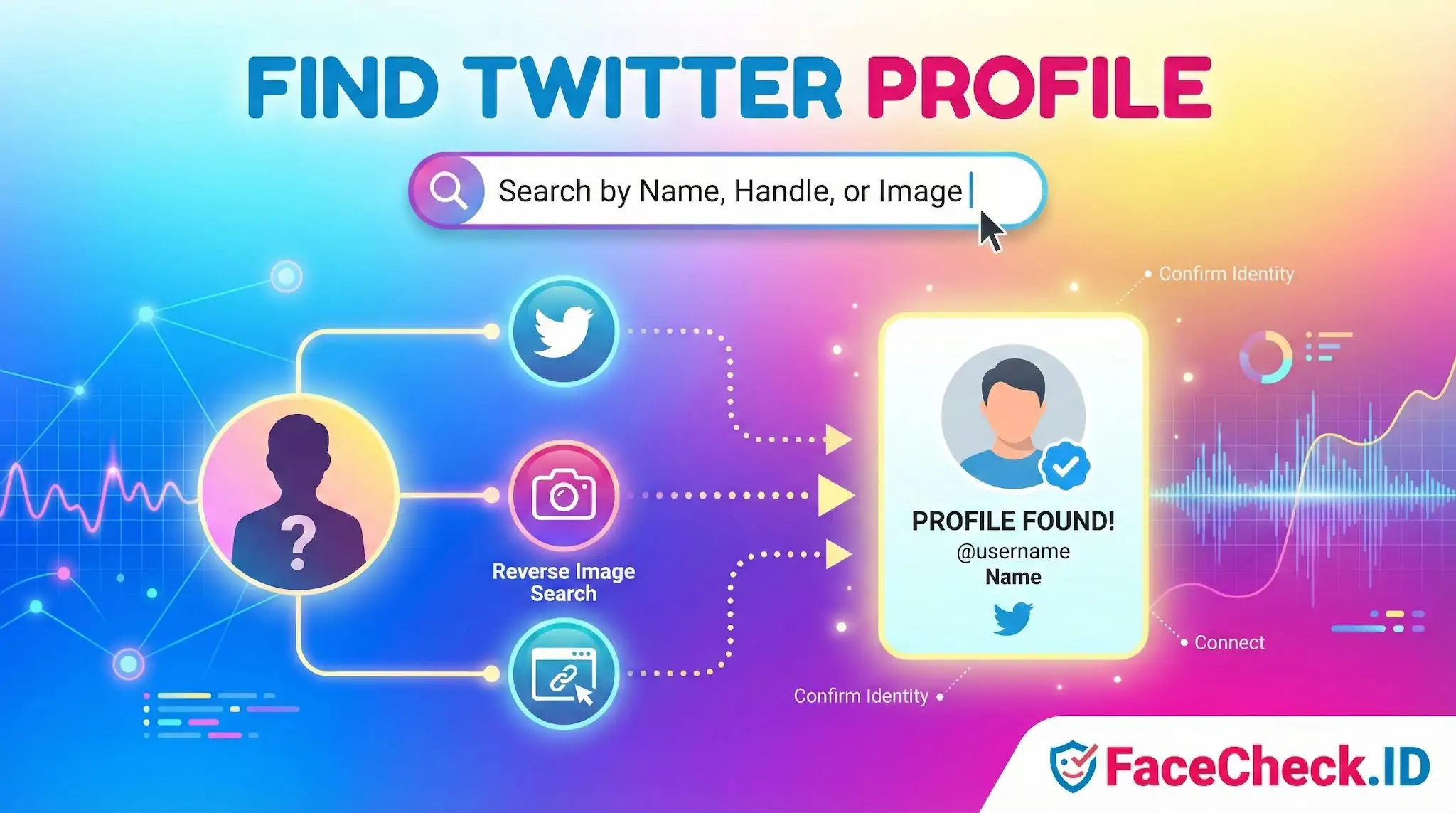
Locating someone's Twitter (now X) profile is one of the most common goals behind a face search. Investigators, recruiters, journalists, and people checking on a new online contact often start with a photo or a name and need to confirm whether a real X account belongs to that person.
Why face search helps when the handle is unknown
Handle-based searches fail when you only have a photo, a screenshot of a tweet, or a vague memory of a display name. This is where reverse image search using a face becomes useful. If the same headshot has been used on an X profile that is publicly indexed, a face-recognition engine can surface that account along with other web pages where the face appears.
A few details affect whether an X profile actually shows up:
- Profile photo visibility. Private accounts and recently created ones may not be indexed.
- Image reuse. People who use the same headshot across LinkedIn, personal blogs, GitHub, and X are far easier to match than people who use a different photo on every platform.
- Crop and size. X avatars are small and circular. A face cropped tightly into a circle gives the matcher less to work with than a full headshot from a personal site.
- Face angle and lighting. Front-facing, well-lit photos produce the cleanest matches. Sunglasses, hats, and side profiles drop confidence scores.
When a face search returns an X profile, treat it as a lead, not a confirmation. Two people can look similar enough to confuse a matcher, especially at lower confidence thresholds.
Practical methods that work alongside face search
Face search is most effective when combined with traditional lookup methods. Once a candidate profile is found, you can verify it through context.
- Handle and URL. If you have any partial handle, type
x.com/usernamedirectly. Variants with underscores, numbers, or different spellings often belong to the same person across platforms. - Cross-platform linking. Many people link their X account from personal sites, Instagram bios, YouTube about pages, Substack, or company team pages. Following these links is more reliable than guessing.
- Display name plus context. Searching the full name with a city, employer, or niche keyword narrows results when handles are common.
- Bio and post history. A real account usually has posting history, follows that match the person's interests, and a bio consistent with their other profiles.
If a face match points to an X account but the bio, location, or post style does not match what you already know about the person, you are likely looking at a lookalike or an impersonator.
Common scenarios where this matters
Face-based profile lookup tends to come up in a few specific situations:
- Confirming whether a dating app match has a real X presence under the same name.
- Identifying the source of a viral tweet when only a screenshot exists.
- Checking whether a stranger who contacted you matches the public identity they claim.
- Spotting impersonator accounts that copy a real person's photos.
- Finding an old contact whose handle you no longer remember.
In scam detection, the reverse pattern is also useful. If someone's photo appears on an X profile under a different name than the one they gave you, that is a strong signal of catfishing or stolen images.
Limits and what a match does not prove
A face-search result that points to an X profile does not prove the account belongs to the person in your source image. Stolen profile photos are common, especially on accounts used for romance scams, crypto promotion, or political impersonation. A high-confidence match means the same face is on that account, not that the same person operates it.
Face search also cannot reach private, deleted, suspended, or shadow-restricted accounts that are not publicly indexed. Absence of a result is not evidence that someone has no presence on X. Always verify through bio details, posting history, mutual connections, and links from other platforms before drawing conclusions.
FAQ
What does “Find Twitter Profile” mean in the context of face recognition search engines?
“Find Twitter Profile” typically refers to using a face recognition search engine to look for public images on the web that appear to match a person’s face and that may be associated with a Twitter (X) account—most commonly the account’s avatar, header image, or reposted screenshots. It’s a lead-generation step, not proof of identity.
Why might a “Find Twitter Profile” face search return reposts, screenshots, or fan accounts instead of the original profile?
Face search tools often find the same face wherever it appears publicly, which can include reposts, quote-post screenshots, embedded images, or third-party sites mirroring Twitter (X) content. As a result, the top match might point to a repost page or a different account that reused the same photo rather than the original profile.
What checks should I do before assuming a “Find Twitter Profile” result is the same person?
Treat the result as a clue and verify with multiple signals: compare several photos (not just one avatar), look for consistent usernames/handles across sites, check timeline consistency (dates, locations, life events), and confirm that the linked account shows multiple distinct images of the same person. If only one image matches and everything else conflicts, assume it could be a reused photo or a look-alike.
Why can “Find Twitter Profile” fail even if the person has a Twitter (X) account?
It can fail when the account is private/locked, images are not publicly accessible to the tool’s crawler, the profile photo is low quality or heavily edited, the person rarely posts their face, or the photo you have is too different (angle, lighting, occlusion). It can also fail if the tool’s index simply hasn’t discovered or refreshed that content yet.
How can FaceCheck.ID add value to a “Find Twitter Profile” workflow, and what should I avoid doing with the results?
FaceCheck.ID (and similar face search tools) can help by quickly surfacing web pages where a matching face appears, which may include Twitter (X) avatars or screenshots shared elsewhere—useful for spotting photo reuse, impersonation, or cross-platform reposting. Avoid treating any single Twitter link as identity confirmation, avoid doxxing/harassment, and avoid making high-stakes decisions without independent verification from multiple sources and non-face-based evidence.


Recommended Posts Related to find-twitter-profile
-
Find Twitter Profiles by Photo using Search by Face Engine
One way to maximize its potential is by using image search to find Twitter profiles by photo. Twitter Reverse Image Search FaceCheck.ID is a search engine that lets you find Twitter profiles by searching by a face photo of a person. Find Twitter profiles with facial recognition search.