OnlyFans Face Search Matches
OnlyFans comes up often in face-search investigations because creator photos posted there frequently end up indexed elsewhere on the public web, including promotional accounts, leak aggregators, and scraper sites. For someone running a reverse image search on a face, an OnlyFans-linked profile can reveal a second identity, a recycled scam persona, or simply a creator's professional alias separate from their real-name accounts.
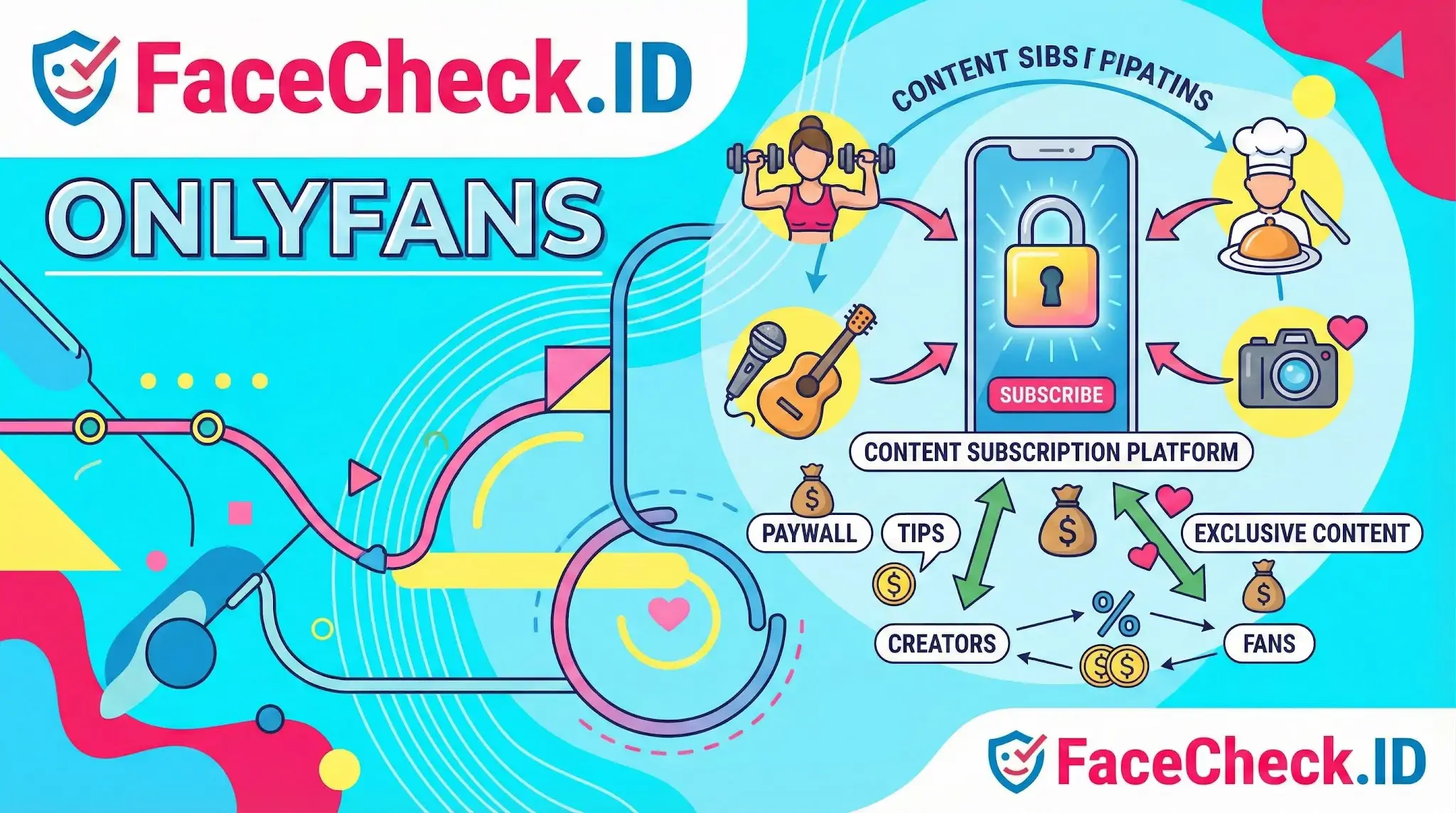
OnlyFans itself is a subscription content platform where creators charge fans for access to photos, videos, and messages behind a paywall. Most of the actual platform content sits behind that paywall and is not crawlable. What gets indexed, and what face search can surface, is the public-facing material: profile photos, free preview posts, promotional images shared on Twitter or Reddit, and reposts on third-party sites.
Why OnlyFans matters in face search
A face match pointing to OnlyFans-related pages tells you something specific. The same face appears on a monetized adult or creator account, which may or may not be the same person depicted in another context such as a dating profile, LinkedIn page, or social account under a different name. This matters in several common scenarios:
- Catfishing investigations. Scammers frequently steal OnlyFans creator photos to build fake dating, Instagram, or Tinder profiles. A reverse face search can show the original creator while the impersonator uses a different name and location.
- Identity verification. Someone trying to confirm whether a person they met online is real may discover the photos belong to a creator who has nothing to do with the account contacting them.
- Stage name versus real name. Creators often work under aliases. A face match can tie a stage persona to a personal account, which has obvious privacy implications.
- Image leaks and reposts. Paid content sometimes ends up on free aggregator sites. Reverse image search can show how widely a creator's photos have spread without consent.
What face matches to OnlyFans content actually prove
A match is a starting point, not a conclusion. Several patterns are worth understanding:
- The same face on two profiles does not mean the same person runs both. Stolen photos are common. The OnlyFans creator may be the real person; the dating profile using their photos may be an impersonator on another continent.
- Promotional images are reused heavily. Creators repost the same photos across Twitter, Reddit, and link-in-bio pages. A single face can produce dozens of matches that all trace back to one source.
- Lookalikes exist. Adult content creators often share styling cues such as similar lighting, makeup, and posing that can fool weaker face-recognition systems. Confidence scores matter, and so does checking facial geometry rather than relying on overall vibe.
- Indexed previews are limited. Most OnlyFans content is gated. Face search can only surface what crawlers can see, which skews toward marketing photos and any material that has been leaked or reposted publicly.
Practical considerations for investigators and creators
For someone investigating a possible scam, an OnlyFans-linked match should prompt a closer look at the timeline. If the creator account predates the suspicious profile by years, the suspicious profile is almost certainly using stolen photos. Cross-checking usernames, posting cadence, and language patterns helps separate the original creator from the impersonator.
For creators, the same indexing dynamic is a privacy concern. Promotional photos posted publicly to drive subscriptions are exactly the photos most likely to be picked up by face-search engines. That can connect a stage identity to a legal name if the creator has ever used a similar photo elsewhere, even years earlier on a forgotten account.
Limits of what a match can tell you
A face-search hit pointing to OnlyFans-adjacent content does not prove the person you are researching is a creator, is involved in adult work, or is the same individual behind any specific account. It shows that a face resembling theirs appears in indexed material tied to that ecosystem. Cropped images, filters, and shared aesthetics inflate false positives in this category more than in most. Treat the match as one signal, confirm with additional context such as account age, mutual connections, and writing style, and avoid drawing identity conclusions from a single result.
FAQ
Can face recognition search engines find OnlyFans-related pages or content?
Sometimes. If images associated with an OnlyFans creator (or reposts of their images) are publicly accessible on the open web and indexed by a face search engine, a face match may surface pages that reference OnlyFans (e.g., promo profiles, link aggregators, fan repost sites). Private or paywalled OnlyFans content typically isn’t directly searchable unless it has been reposted publicly elsewhere.
If a face search result points to OnlyFans, does that confirm the person has an OnlyFans account?
No. A link that mentions OnlyFans is only a lead, not proof of identity or account ownership. Results can be wrong due to look-alikes, mislabeled pages, reposts, or impersonation. Confirm by checking the source page context, additional photos, consistent usernames/handles, and corroborating links from official social profiles.
Why might a face recognition search associate someone’s face with OnlyFans even if they never used it?
Common causes include stolen images used by impersonators, reposted photos on adult-content aggregators, mislabeled thumbnails, or a look-alike match. In some cases, the same photo was copied from a non-adult platform and later used to advertise an OnlyFans page, creating a misleading association in search results.
How should I interpret OnlyFans-related matches on FaceCheck.ID (or similar tools) without jumping to conclusions?
Treat the result as a hypothesis, not a conclusion. Compare multiple images across different sources, look for consistent identifiers (same handle, tattoos, distinctive features), and check whether the linking page is reputable or a repost/aggregator. If FaceCheck.ID (or any tool) shows lower-confidence matches, assume a higher risk of look-alikes or misattribution and seek independent confirmation.
What steps can someone take to reduce the chance their photos are used to promote fake OnlyFans accounts that show up in face searches?
Use consistent, official accounts and link them from a verified hub (e.g., your own website) to make impersonation easier to spot. Limit high-resolution, easily reusable headshots; add subtle watermarks or branding where appropriate; and monitor for reuse of key images by periodically running face searches. If you find impersonation or non-consensual reposts, document URLs/screenshots and report them to the hosting site/platform and relevant abuse channels.


Recommended Posts Related to onlyfans
-
How to Find an OnlyFans Profile by Photo Using a Reverse Image Search
No OnlyFans link? If you are looking for someone on OnlyFans, you may wonder if there is a way to search for them by photo. Unfortunately, OnlyFans does not have a built-in search function that allows you to find someone using their picture.
-
OnlyFans Finder: How to Search by Face to Find Profiles
Maybe it's someone from a dating app, maybe you spotted a creator on social media and want to find their OnlyFans, or maybe you're worried your own photos are being used on the platform without permission. Whatever the reason, you want to search OnlyFans by face. OnlyFans has no public search.
-
PimEyes Review: We Ran 16 Face Search Tests and Scored Every One
Test 8: OnlyFans Profile Search. FaceCheck.id (5/5): Found her OnlyFans profile as well as many social media profiles. OnlyFans search55.
-
The 4 Simple Steps To Find Someone Using Face Search Engine
FaceCheck will show you photo results with all the links to their social media account, such as Facebook, LinkedIn, Instagram, Twitter, Onlyfans, ModelMayhem, Poshmark, Flickr, etc...
-
Image Search to Find Facebook Profiles by Photo using Face Search Engine
If that's not an option, FaceCheck.ID allows you also to search all social media platforms like Twitter, LinkedIn, YouTube, Instagram, Facebook, OnlyFans, and many others using a picture of a person.