Twitter Face Image Search Explained
Definition
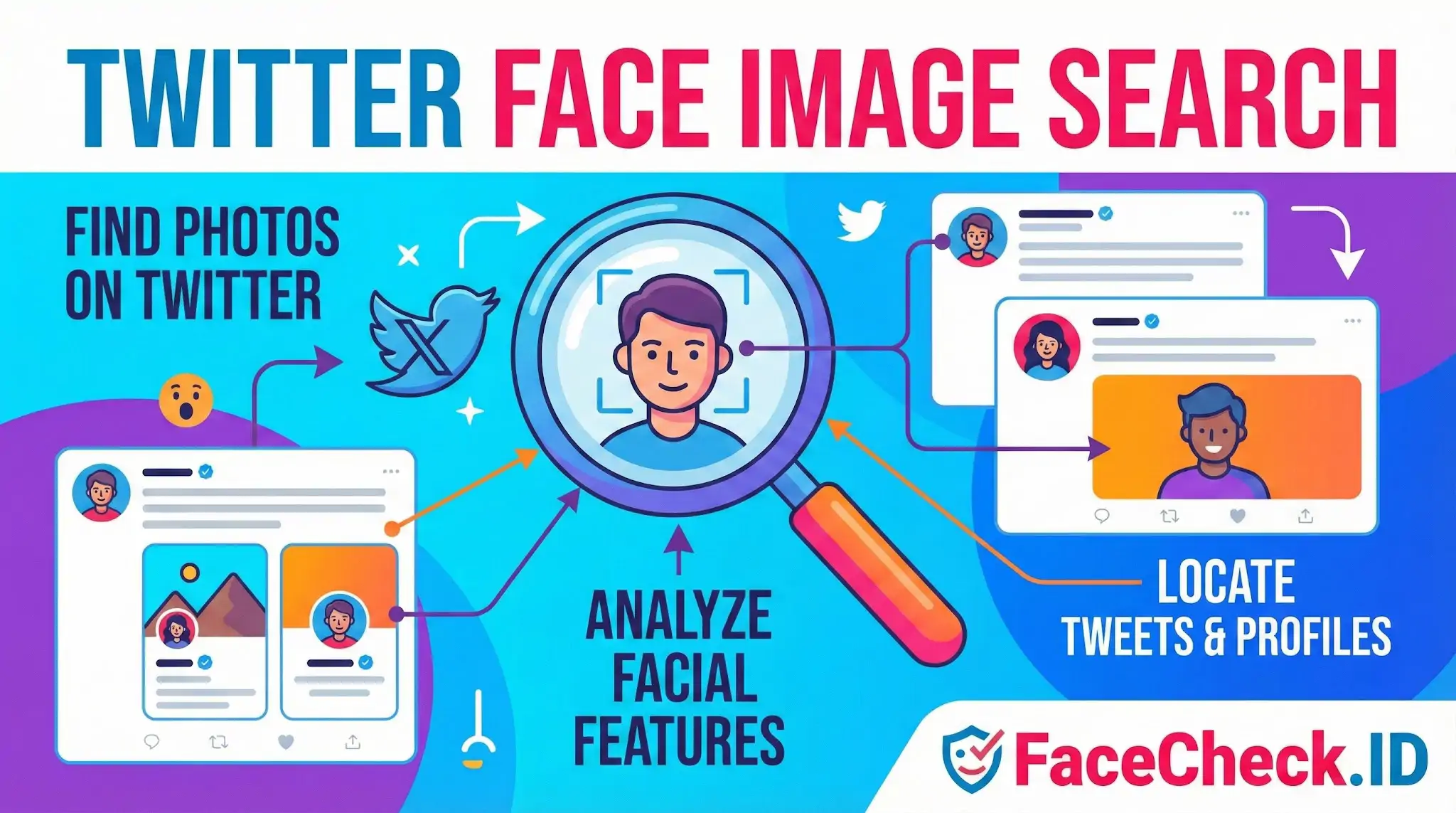
Twitter Face Image Search is a method for finding photos on Twitter that match a specific person’s face. It typically combines reverse image search with facial recognition style matching to locate tweets and profiles that contain the same face.
What it does
- Finds images on Twitter that look like a target face
- Helps identify where a face appears across tweets, replies, and profiles
- Supports visual lookups when text search is not enough
How it works (simple overview)
- Start with an image of a face you want to match.
- Analyze key facial features such as shape, spacing, and landmarks.
- Compare the face pattern against images found on Twitter.
- Return possible matches where the same or a similar face appears.
Common use cases
- Identity verification: confirm if the same person appears across multiple accounts
- Investigations and research: track where a face shows up in public tweets
- Brand and influencer monitoring: detect reused photos or impersonation attempts
- Safety and moderation: spot duplicate or stolen profile images
Tips for better results
- Use a clear, front facing photo with good lighting
- Crop to the face to reduce background noise
- Try multiple images of the same person if available
- Verify results manually since visual matches can be wrong
Limits and privacy considerations
Results can be inaccurate due to angles, edits, masks, low resolution, or lookalikes. Always follow platform rules, local laws, and privacy expectations when searching or storing face images, especially for investigation or monitoring.
FAQ
What does “Twitter Face Image Search” usually mean in the context of face recognition search engines?
“Twitter Face Image Search” usually means using a face recognition search engine to look for webpages that contain images matching a person’s face that may appear on Twitter/X (such as profile photos, reposted screenshots, or embedded images). It does not mean Twitter/X itself provides a built-in face search.
Does “Twitter Face Image Search” search Twitter/X directly, including private or locked accounts?
Typically, no. Face recognition search engines generally search what they can access and index on the public web. Private/locked Twitter/X accounts and content behind access controls usually cannot be searched directly unless the images are publicly accessible elsewhere (for example, reposts, cached pages, or screenshots on other sites).
Why might “Twitter Face Image Search” results show reposts, screenshots, or third-party sites instead of the original tweet/profile?
Because the same image can be re-hosted or embedded across many sites. Search engines may find the first accessible or best-indexed copy (like a repost page, meme site, blog, or a screenshot shared on another platform) rather than the original Twitter/X post. Deletions, account privacy changes, or indexing delays can also make the original harder to surface.
What’s the safest way to use “Twitter Face Image Search” to investigate impersonation or stolen profile photos without misidentifying someone?
Treat results as leads, not proof. Verify the context of each hit (date, caption, username/handle, surrounding text, and whether the page appears to be a repost or screenshot). Cross-check multiple independent sources, and look for consistent identifiers (same handle, linked official website, consistent bio, or verified cross-links). Avoid contacting or accusing someone based only on a single face-match result.
How can FaceCheck.ID add value to a “Twitter Face Image Search” workflow?
FaceCheck.ID can be used as a face-focused search step when you have a Twitter/X avatar, screenshot, or headshot and want to find other places the same (or very similar) face appears online. It can help uncover reuse across platforms (possible impersonation or repost networks). As with any face search, you should validate each match by opening the source page and confirming the broader context before drawing conclusions.


Recommended Posts Related to twitter face image search
-
Find Twitter Profiles by Photo using Search by Face Engine
Pros and Cons of Using Twitter Face Image Search.