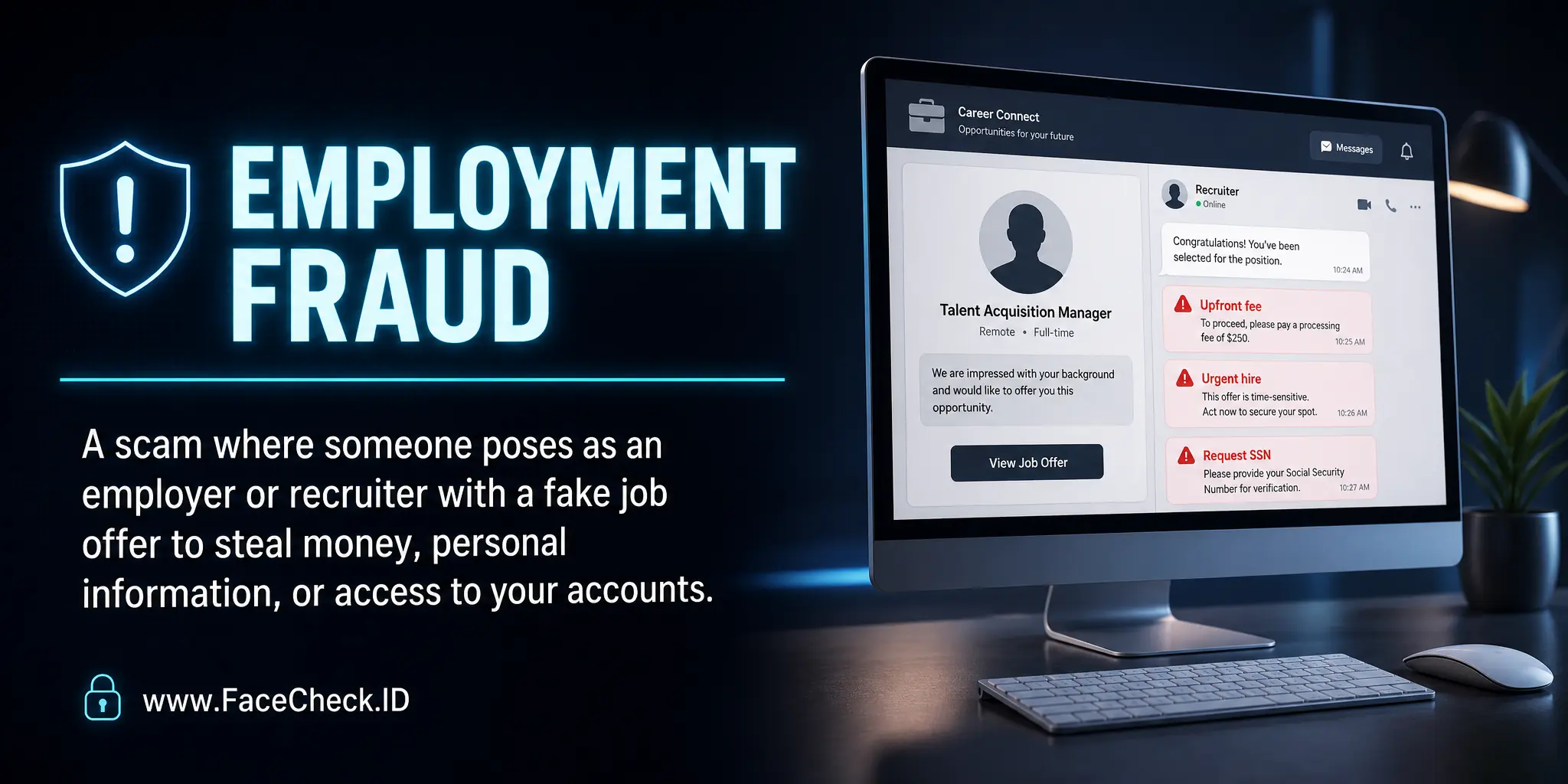
Employment Fraud
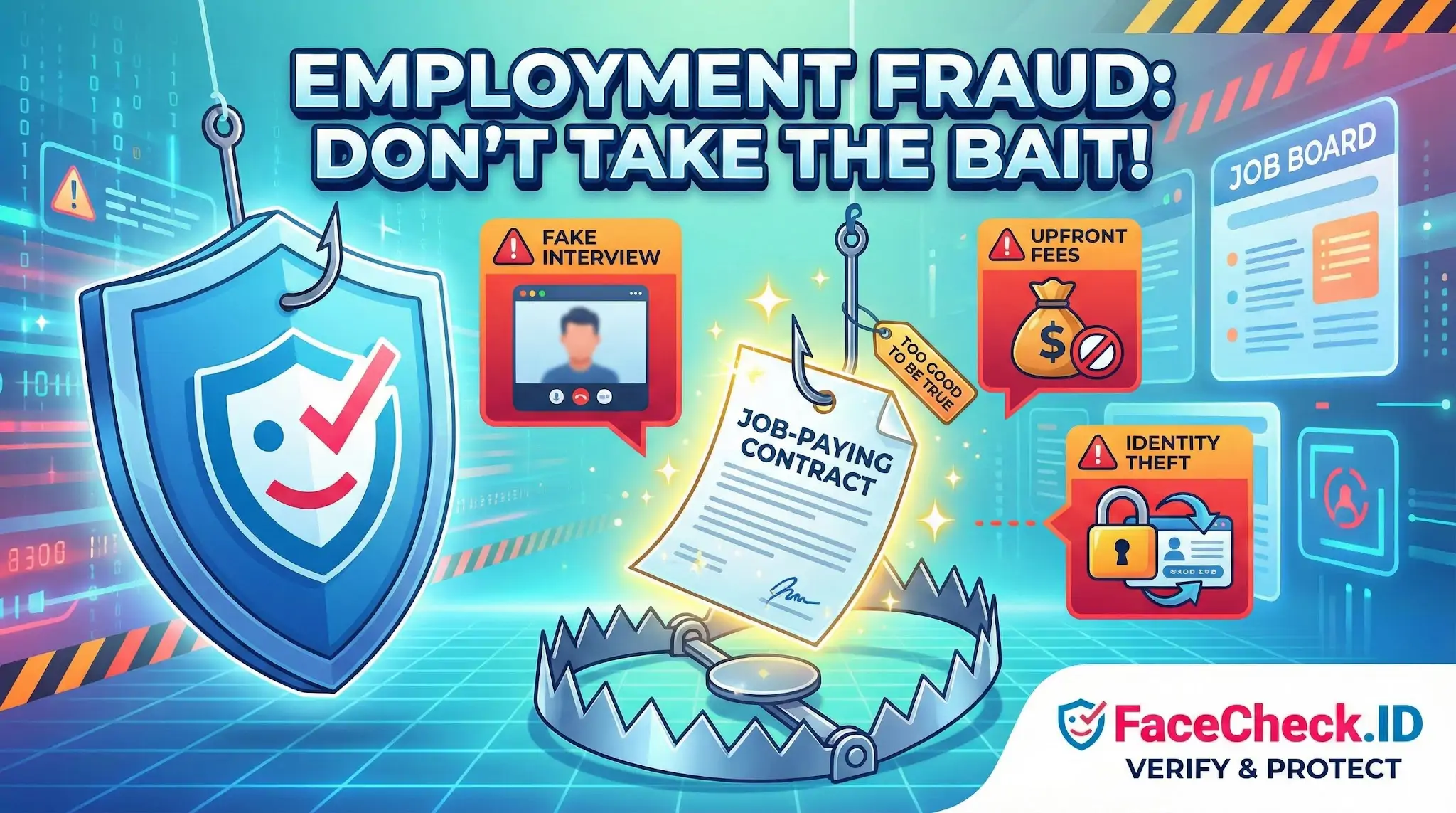
Employment fraud is one of the scam categories where reverse face search has become a practical defense. Fake recruiters, cloned hiring managers, and fabricated company representatives all rely on photos, and those photos often appear elsewhere on the public web in ways that expose the scheme.
How face search exposes fake recruiters
Most employment fraud begins with a person, not a posting. A "recruiter" reaches out on LinkedIn, Telegram, WhatsApp, or email with a profile photo, a name, and a company affiliation. Running that photo through a reverse face search frequently produces results that contradict the recruiter's claims.
Common patterns that surface in face-search results:
- The same face appears under multiple names across different recruiter profiles, often on different platforms or in different countries
- The photo traces back to a stock image library, an actor's headshot, or a real person whose identity has been copied
- The face matches an unrelated professional in a different industry whose images were scraped from a corporate bio page
- The image appears on scam-warning sites, romance-fraud reports, or forums where victims have already posted screenshots
LinkedIn headshots are especially useful for searching because they tend to be front-facing, evenly lit, and reused across personal sites, conference pages, and press releases. When a recruiter's photo has zero matches anywhere on the indexed web, that is also informative. Real professionals who have worked long enough to recruit for a company usually leave some image trail.
Verifying the company side, not just the person
Employment fraud often pairs a real person's stolen photo with a fake company, or a real company with a fabricated employee. Face search helps with both directions.
If a candidate is told they are speaking with a hiring manager at a known firm, searching that person's photo should produce results consistent with that employer. A match showing the same face listed as an employee at a different company, or no professional footprint at all, is a strong signal that the affiliation is invented. The reverse also matters. When fraud rings build entire fake companies, the "team" page often uses AI-generated faces or stolen headshots. Reverse-searching each face on a suspicious careers page can collapse the whole front in a few minutes.
AI-generated faces are now common in employment scams. They typically show no matches anywhere because the face does not exist. Subtle artifacts, such as asymmetric earrings, warped backgrounds, or eyes locked to the same position across multiple "employees," support that conclusion.
Where image-based investigation helps most
Face search is most effective at the early stages of an offer, before money or documents change hands. Useful checks include:
- Searching the recruiter's profile photo against the open web to confirm name, employer, and history
- Checking whether the same image is being used in romance scams, crypto investment scams, or other employment scams already documented online
- Verifying that an interviewer who appeared on a video call matches the photo on their claimed LinkedIn or company bio, since scammers sometimes swap a stolen still photo for a different person on camera
- Confirming that "team" pages on small or unknown companies are populated by real, traceable people
Documents like offer letters, employee badges, and equipment invoices can also be reverse-image-searched to check whether logos and templates have been reused from other scam reports.
What face search cannot prove
A face match suggests a connection between an image and the places it appears online. It does not, by itself, prove fraud or innocence. Real recruiters sometimes have thin web footprints, especially early-career hires or people who keep low online profiles. Common faces produce lookalike matches that are not the same person. A clean search result does not mean the offer is real, since scammers can use photos with no public presence.
Treat face-search findings as one input. Combine them with domain checks, official company phone numbers, written offer review, and refusal to pay any upfront fee. When a recruiter's photo links to three different names on three different platforms, that is enough to walk away. When it does not, the rest of the verification still has to happen.
FAQ
What is “Employment Fraud” in the context of face recognition search engines?
Employment Fraud (in face recognition search workflows) is when someone misrepresents who they are for hiring or contracting—such as using stolen headshots, a fake persona, or a different person in interviews—and a face search engine is used to detect photo reuse, impersonation, or inconsistent online footprints.
How can face recognition search engines help detect possible Employment Fraud during hiring?
They can reveal whether a candidate’s profile photo (or screenshots from interviews) appears across multiple names, usernames, countries, or unrelated accounts; whether the same face is tied to many “resume-like” profiles; or whether images come from modeling portfolios, stock-photo pages, or prior identities. These are signals to investigate further, not proof of fraud.
What are common face-search red flags that may indicate Employment Fraud (without proving it)?
Common red flags include: the same face appearing under different names on multiple professional profiles; repeated use of identical headshots across many accounts; results dominated by reposts/scraped pages rather than an original source; a sudden jump between geographies or industries for the same face; and matches that look similar but are actually different people (look-alikes), which can create false suspicion if not checked carefully.
If FaceCheck.ID (or another face search tool) returns matches, does that confirm Employment Fraud?
No. A match only suggests that similar or the same face appears elsewhere online. Legitimate explanations include reposting, public speaking/media coverage, image scraping, shared team pages, or coincidental resemblance. Treat face-search results as investigative leads and corroborate with additional evidence (direct verification, documented work history, reference checks, and consistent identity documentation).
What is a safe, practical workflow to investigate suspected Employment Fraud using face recognition search engines?
Use multiple images (LinkedIn headshot, portfolio photo, and a clean video-call frame) and compare results for consistency; open the top source pages and look for an original uploader/date/context; check whether the same face maps to multiple names or regions; rule out look-alikes by comparing unique facial features across several photos; then escalate to standard hiring controls (live video verification, skills-based assessments, and secure identity verification) rather than confronting based on face search alone. If using FaceCheck.ID, use it as one step in this broader verification process.


Recommended Posts Related to employment-fraud
-
How to Detect Fake Remote IT Workers with Facial Recognition (2026 Guide)
Awareness of DPRK employment fraud tactics.