Fake Facebook Profiles
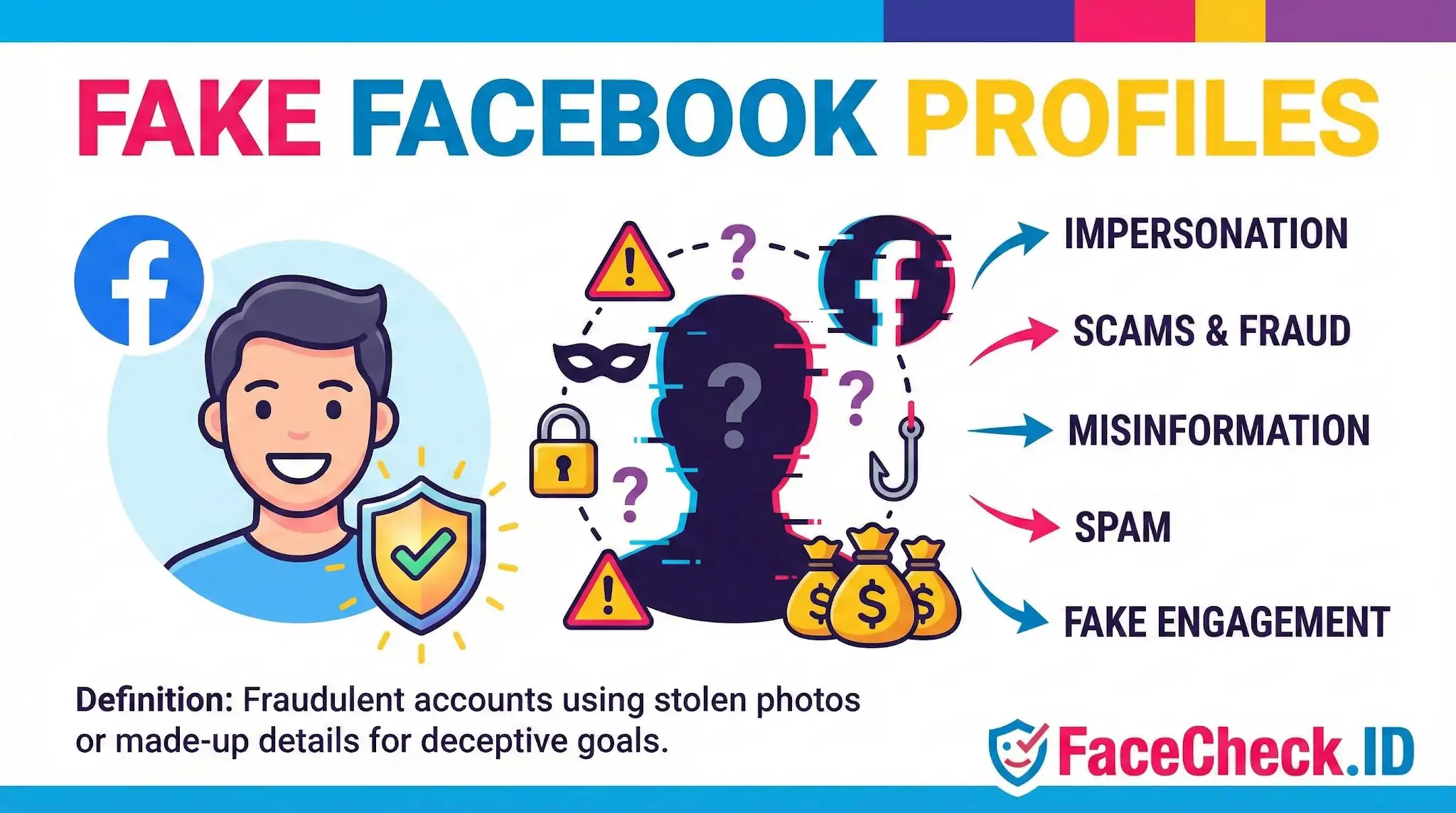
Fake Facebook profiles are one of the most common reasons people run a reverse face search. Someone messages you out of nowhere, the photos look too polished, the story does not add up, and the fastest way to test whether the person is real is to drop their profile picture into a face-recognition engine and see where else that face appears online.
How face search exposes fake Facebook profiles
A genuine Facebook profile usually leaves a trail. The same person tends to show up on LinkedIn, an old MySpace page, a college sports roster, a wedding announcement, or a tagged photo on a friend’s blog. When you run a face search on a real person’s photo, you often see scattered results across years and platforms, with consistent name, location, and aging cues.
A fake profile behaves differently. The photo is usually stolen from someone else, often a model, an influencer, a soldier, a doctor, or a random Instagram user with attractive images. When you reverse-search the face, the matches point to a completely different identity, frequently in another country, with a different name and a much longer online history than the suspect Facebook account claims to have.
Common patterns face search reveals:
- The same face attached to multiple unrelated names across Facebook, Instagram, and dating apps
- A single original source profile with hundreds of stolen reuses
- Matches on scam-warning sites, romance scam databases, or Reddit threads where victims posted the photo
- Military or medical uniform photos lifted from public service members and reused for romance fraud
- Influencer images recycled into fake "single mom" or "widowed engineer" personas
Why scammers prefer Facebook for fake personas
Facebook gives a fake account the appearance of legitimacy that a brand new dating-app profile cannot. A timeline with a few photos, a handful of friends, and some shared posts looks like a real person at a glance. Scammers exploit this by aging accounts for months before activating them, copying friends and photos from the real person being impersonated, or buying ready-made profiles in bulk.
For investigators and ordinary users, the photo is the weakest link in this setup. The scammer can fabricate a name, a job, and a location, but the face in the profile picture exists somewhere else on the public web. Reverse face search is built to find that somewhere else.
Reading face-search results on a suspect profile
Match interpretation matters. A face-search hit is a starting point, not proof. Two things to keep in mind:
A high-confidence match to an unrelated identity on a long-running professional account is strong evidence the Facebook profile is using stolen images. A match to an Instagram model with a verified blue check, where the suspect Facebook account claims to be a small-town accountant, is essentially a confirmed fake.
A weaker match, or matches only to other suspicious accounts, is more ambiguous. It could mean the original source was scrubbed, the photo was edited or AI-generated, or the face genuinely belongs to a private person with little online presence. Lookalikes also exist, and angle, lighting, filters, and heavy makeup can pull confidence scores down even on real photos.
If a profile uses AI-generated faces, reverse search may return no meaningful matches at all. That absence is itself a signal worth weighing alongside other red flags such as inconsistent bio details, recently created timelines, hidden friend lists, and quick attempts to move conversation to WhatsApp or Telegram.
What face search cannot prove
Finding the same face on another account does not automatically mean fraud. People legitimately maintain multiple profiles, change names after marriage, run public personas under stage names, or have their photos reposted by fan accounts and news outlets. A match tells you where a face appears, not why.
It also cannot confirm intent. Someone using a stolen photo might be a scammer, a privacy-conscious user hiding behind a stranger’s image, a bot operator, or a teenager pretending to be older. The decision about how to act, whether to block, report, warn the person being impersonated, or contact law enforcement, still belongs to the human looking at the evidence. Face search narrows the question. It does not answer it on its own.
FAQ
What are “Fake Facebook Profiles” in the context of face recognition search engines?
“Fake Facebook Profiles” are accounts that appear to represent a real person but are created for deception (e.g., scams, impersonation, or misinformation). In face recognition search engines, the term usually comes up when a profile photo seems stolen, reused across multiple accounts, or does not match the identity claims on the profile.
How can a face recognition search engine help detect a fake Facebook profile using stolen photos?
A face recognition search engine can show where else the same (or very similar) face appears online. If the photo on a Facebook profile also appears on unrelated accounts, different names, stock-model pages, scam reports, or older posts belonging to another person, that pattern can be a strong indicator the Facebook account is using stolen photos and may be fake.
What face-search result patterns are common when a fake Facebook profile uses AI-generated or heavily edited images?
AI-generated or heavily edited profile images often produce (a) no reliable matches, (b) scattered weak matches to many look-alike faces, or (c) matches to reposts of the same synthetic image rather than to a consistent real person. These patterns don’t prove a profile is fake, but they are common signals that the photo may not represent a real, traceable identity.
If a face search returns multiple Facebook profiles for the same face, does that prove the profiles are fake?
No. Multiple matches can happen for legitimate reasons (reposts, fan pages, public screenshots, shared family photos, or the same person running multiple accounts). Treat it as a lead: compare timelines, friend networks, posting history, and whether the same face is consistently tied to one real-world identity across multiple sources.
What’s a safe workflow to investigate a suspected fake Facebook profile with a tool like FaceCheck.ID without misidentifying someone?
Use a clear, front-facing profile photo (crop to the face) and run a face search (e.g., FaceCheck.ID) to gather leads. Then verify by opening the result pages and checking context: same name/handle across sites, consistent biographical details, consistent timeframes, and whether the images look like originals versus reposts. Avoid acting on a single match; save evidence (URLs/screenshots), and if it looks like impersonation, report the account to Facebook and the original-image source rather than contacting or accusing a bystander.


Recommended Posts Related to fake-facebook-profiles
-
Facial Recognition and Reverse Search on Facebook: A Deep Dive into FaceCheck
Find Anyone on Facebook: Lost Friends, Verify Identities, and Unmask Fake Facebook Profiles.