Find Anyone on Facebook
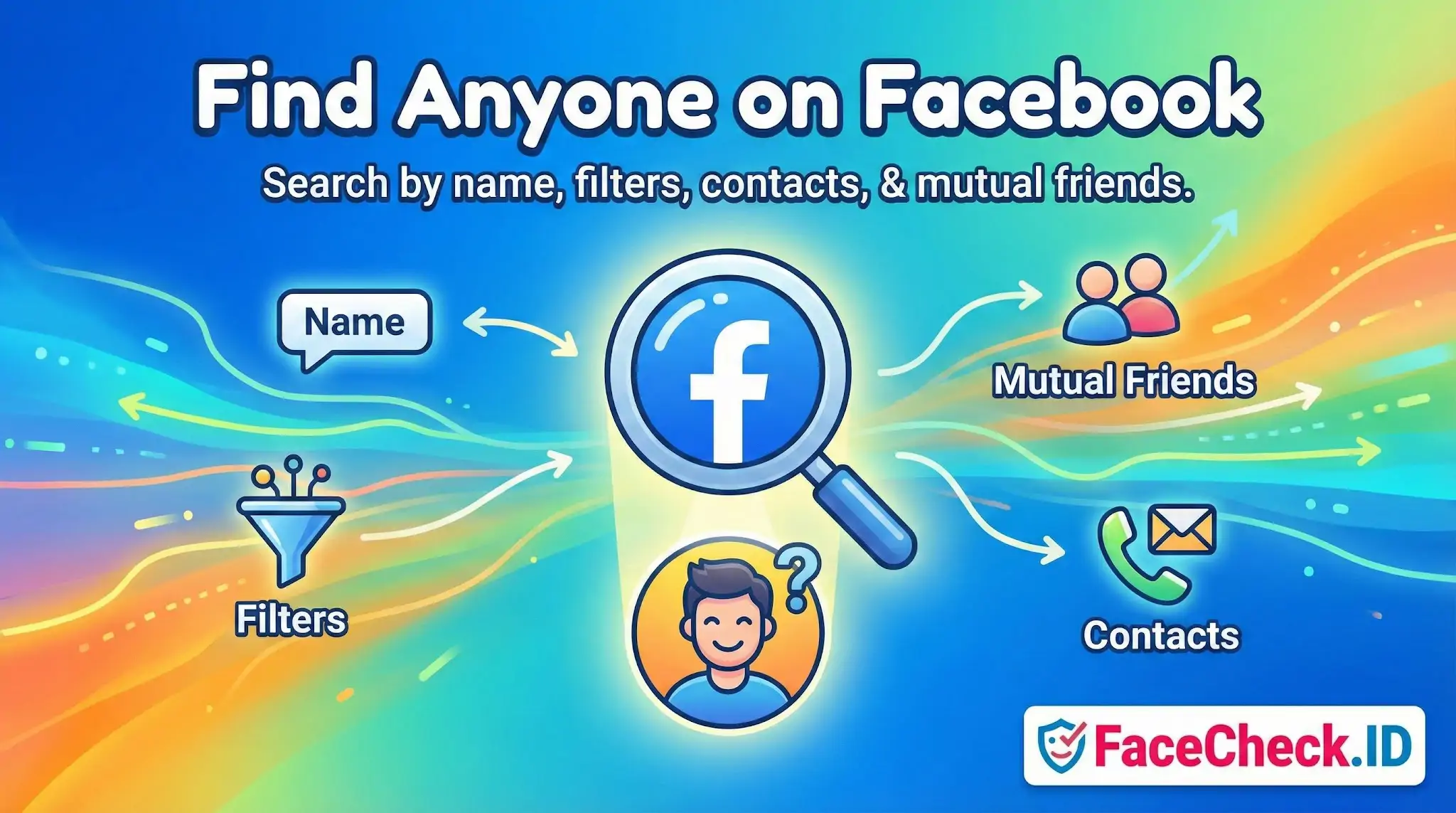
Locating a specific person on Facebook is one of the most common starting points for online identity research, whether you are reconnecting with someone, vetting a new contact, or trying to confirm whether a profile is real. When Facebook's own search tools fall short, face-based reverse image search becomes the next logical step.
Why Facebook search alone often fails
Facebook's internal search depends on what the target account allows the public to see. Privacy settings, name changes, and account deactivations routinely block straightforward name searches. A person using a maiden name, a nickname, or an alternate spelling may not appear at all. Phone and email lookups, once reliable, were heavily restricted after Cambridge Analytica and now require the target to have explicitly opted in.
This creates a recurring problem for investigators, journalists, families looking for missing persons, and people trying to verify a romantic interest: the account may exist, but Facebook will not surface it.
Where face search fits in
A reverse face search like FaceCheck.ID approaches the problem from the opposite direction. Instead of starting with a name, you start with a photo. The system scans indexed pages across the public web, including public Facebook profiles, mirror sites that scrape Facebook content, news articles, dating profiles, forum posts, and other places where the same face has appeared.
This matters because:
- Profile photos and cover photos on public Facebook accounts are often indexed even when the underlying profile is hard to find by name.
- People reuse the same headshot across Facebook, Instagram, LinkedIn, dating apps, and Telegram, so a single match can lead to the correct Facebook account through a connected platform.
- Scammers and catfish accounts almost always recycle stolen photos, which face search detects more reliably than name search.
If a Facebook profile is fully private with no public photo, no face-search tool can find it. Face matching depends on at least one image being publicly accessible somewhere the crawler has indexed.
Practical workflow when name search fails
Combine Facebook's tools with face search rather than relying on either alone:
- Run the photo you have through a face-search engine first to see every public profile, article, or page where the same face appears.
- Note any usernames, real names, locations, or employers that surface in the results.
- Feed those new details back into Facebook search, including filters for city, workplace, school, and mutual friends.
- Cross-check the resulting Facebook profile against the original photo source. Matching facial features, tattoos, background details, and posting timelines all help confirm identity.
This approach is especially useful when someone is using a fake name on Facebook but their real name appears on LinkedIn or a company bio with the same headshot.
Confirming a match versus assuming one
A face-search hit pointing to a Facebook profile is a strong lead, not proof. Several things can mislead an untrained eye:
- Lookalikes and relatives. Siblings and parents often score high on face matching, particularly with low-resolution profile photos.
- Stolen images. A real Facebook profile using someone else's photos is common in romance scams and fake recruiter accounts. The face match is correct, but the account behind it is not the person in the picture.
- Outdated photos. A 2012 graduation photo may surface profiles belonging to the same person under a married name a decade later, or it may attach to an old account the person no longer uses.
- Cropped or filtered images. Heavily edited Facebook profile pictures can lower match confidence and produce false negatives, leading you to miss the correct account.
Limits worth respecting
Face search cannot reach behind a closed Facebook profile, recover a deleted account, or verify that the person on the other end of a chat is the one in the photos. It can confirm where a face has appeared publicly and help you decide whether a profile deserves more trust or more scrutiny. The judgment about what to do with that information, especially when minors, sensitive contexts, or legal questions are involved, still belongs to the person doing the searching.
FAQ
What does “Find Anyone on Facebook” usually mean when people talk about face recognition search engines?
It’s usually a marketing-style phrase meaning “use a face photo to try to locate the same (or similar) face on webpages that might include Facebook-related pages.” It does not mean guaranteed identification, and it does not mean a tool can magically discover anyone’s account if there are no publicly accessible images or reposts to match.
Can face recognition search engines actually scan Facebook and find someone’s profile from a photo?
Typically, no. Most face recognition search engines can only match against images they can legally and technically access (often public web pages and other indexable sources). Private/locked Facebook profiles, private photos, and content behind logins are generally not searchable by third-party tools, so “Find Anyone on Facebook” claims should be treated as “best-effort on publicly reachable content,” not direct access to Facebook’s private data.
If a face search result includes a Facebook link, does that confirm the person’s identity?
No. A Facebook link is a lead, not proof. The image could be reposted, scraped, mirrored, or used by someone else (including impersonators). Treat the match as a starting point and verify using multiple signals (timeline consistency, other photos, mutual connections you can confirm, cross-platform consistency, and non-face context like locations or unique details) before concluding it’s the same person.
What’s the safest workflow to use a “Find Anyone on Facebook” face search without misidentifying someone?
Use it as a hypothesis generator: (1) start with a clear, front-facing photo; (2) review multiple top matches, not just the first; (3) open the source pages and check whether the image appears in context (not just as a thumbnail); (4) look for repeated corroboration across different sites; (5) assume uncertainty when results are sparse, heavily edited, or show look-alikes; and (6) avoid taking real-world actions (accusations, reporting, contacting employers, doxxing) based on face matches alone.
How can FaceCheck.ID add value to “Find Anyone on Facebook” searches, and what should users keep in mind?
FaceCheck.ID can be useful as a face-focused search tool to surface potential matches and source pages that may include social-media-related reposts or publicly accessible profile images. Keep in mind: results can include look-alikes, reposts, and mismatched context; a match does not equal identity verification; and you should follow privacy/consent norms and the tool’s policies, using results carefully and conservatively—especially when the outcome could harm someone.


Recommended Posts Related to find-anyone-on-facebook
-
Facial Recognition and Reverse Search on Facebook: A Deep Dive into FaceCheck
Find Anyone on Facebook: Lost Friends, Verify Identities, and Unmask Fake Facebook Profiles. Find anyone on Facebook with just a photo!