Picture Lookup
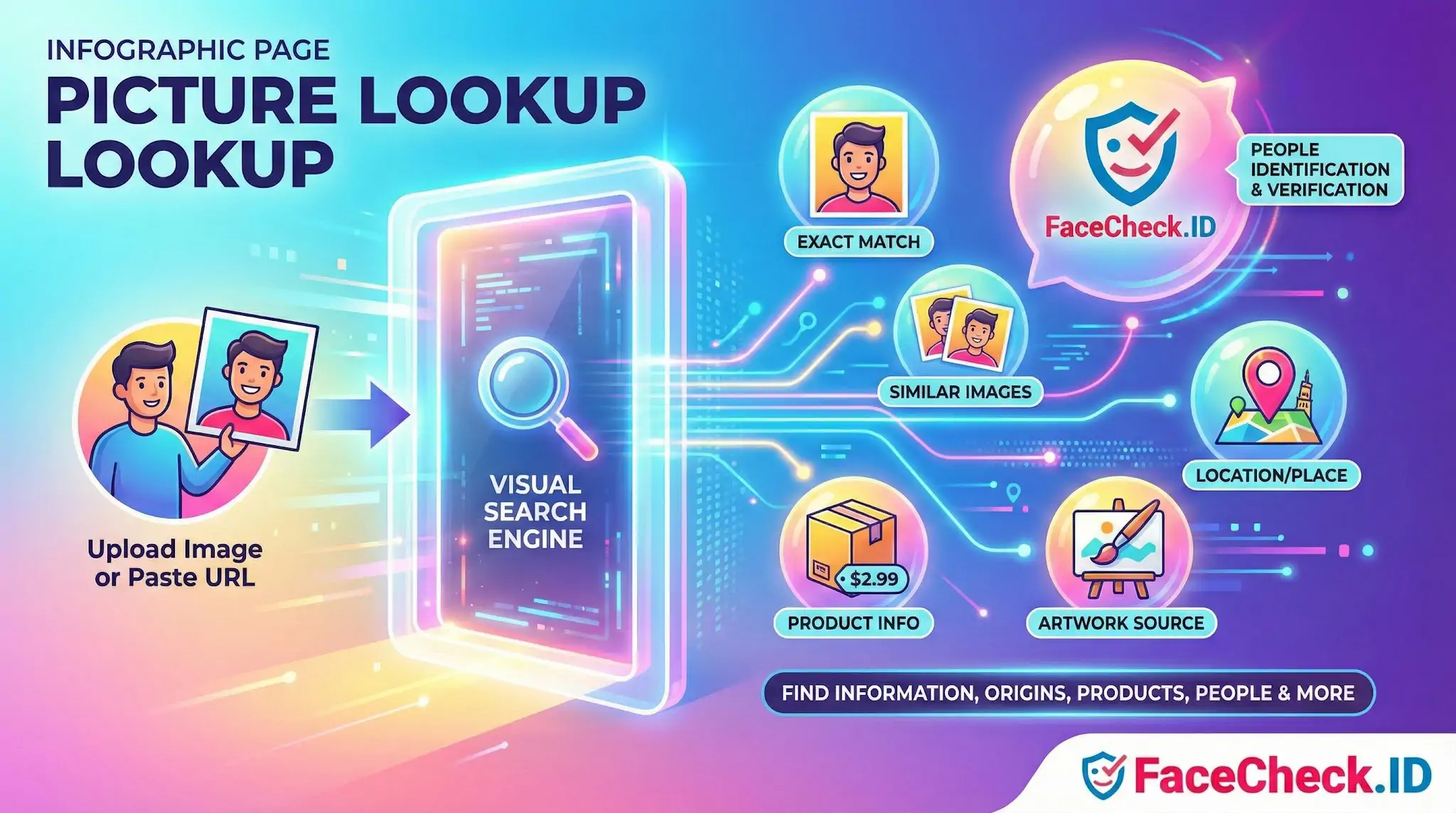
Picture lookup on FaceCheck.ID means submitting a face photo and asking the index to return public web pages where that face appears. It shifts the search problem from "what words describe this person" to "where else does this face show up," which is often the only practical way to investigate an image when you have no name, handle, or context to start from.
How face-based picture lookup works on FaceCheck.ID
A face search engine extracts a numerical signature from the face in your uploaded image, then compares that signature against signatures generated from faces on indexed public pages. The result is a ranked list of pages with similarity scores, not an identity. You decide what the matches mean.
The quality of a picture lookup depends heavily on the input image. Useful uploads tend to share these traits:
- A single, clearly visible face that occupies a meaningful portion of the frame
- Front-facing or near front-facing angle, with both eyes visible
- Even lighting without strong backlight, heavy shadow, or color casts
- Minimal occlusion from sunglasses, masks, hats pulled low, or hair across the face
- Resolution high enough that facial features are not blurred or pixelated
Group photos, profile shots cropped to a tiny thumbnail, heavy filters, and extreme angles all reduce match confidence and increase the chance of lookalike noise in the results.
What a picture lookup is actually telling you
A returned match means the face in your photo resembles a face on that indexed page above some threshold. It does not, on its own, prove the two people are the same person. Strong evidence usually comes from a cluster of corroborating signals across multiple results: the same name appearing on several pages, consistent context (city, employer, school, hobby), and reused photos that suggest a single owner of the image.
Common investigative uses of picture lookup include:
- Checking whether a dating-app or social profile photo appears elsewhere under a different name, a classic catfish or romance-scam signal
- Tracing a stolen profile picture back to the original owner whose photos were copied
- Finding additional public profiles, news mentions, blog posts, or forum activity tied to the same face
- Verifying that a person presenting themselves online matches the identity they claim
- Reviewing where your own face appears on the public web, including reposts you did not authorize
Reading the results carefully
Match scores compress a lot of variability into a single number. Two scores in the same range can mean different things depending on image quality and how distinctive the face is. Generic-looking faces, very young or very old subjects, and twins or close relatives tend to produce more false positives. Faces with unusual features, glasses, scars, or distinctive hairlines tend to produce cleaner separation between the right person and lookalikes.
It also matters where a match comes from. A hit on a personal LinkedIn page or a verified news article carries more weight than a hit on a generic stock-photo site, an AI-generated face gallery, or a site that scrapes and republishes images at scale. Look at the source page itself, not only the thumbnail in the result list.
Limits and responsible use
Picture lookup cannot prove identity. It surfaces visual similarity across publicly indexed pages, and the strength of any conclusion depends on how the user interprets the surrounding evidence. A search will miss people who keep their photos off the public web, who use heavily edited or AI-altered images, or whose only photos sit behind login walls that the index does not crawl.
The same tool can be used to expose a scammer or to harass a private person, and the results look identical to the system. Reasonable use means having a real reason to search, treating low-confidence matches as leads rather than facts, and recognizing that a face on a webpage is not the same as a verified identity. When the stakes are high, such as financial decisions, legal matters, or accusations, picture lookup is a starting point for further checks, not a substitute for them.
FAQ
What does “Picture Lookup” mean in the context of face recognition search engines?
“Picture Lookup” usually means uploading (or providing a link to) a photo so a face recognition search engine can search for visually similar faces across its indexed web sources. Unlike text-based lookup, it relies on the face in the image rather than a name, username, or keywords.
Is “Picture Lookup” the same as reverse image search?
Not always. Traditional reverse image search is strongest at finding exact or near-duplicate images (same photo, resized, cropped, or reposted). “Picture Lookup” in face-recognition tools is often face-based, meaning it may find the same person in different photos—even when the exact image was never reposted.
What kinds of results should I expect from a face-based Picture Lookup?
You typically get a list of pages or images that the engine considers similar to the face you uploaded, sometimes grouped by match strength or similarity. Results are best treated as investigative leads (possible matches), not proof of identity, because look-alikes, low-quality photos, and misleading context can produce wrong-person hits.
Why might a Picture Lookup return no results even if the person is online?
Common reasons include: the person’s photos aren’t publicly accessible (private accounts, locked profiles, paywalls), the sites aren’t indexed by that engine, the face is too small/blurred/obscured, or the available online photos differ significantly (lighting, angle, age, heavy edits). Different search engines also have different coverage, so results can vary by tool.
How should I use Picture Lookup results responsibly (including on FaceCheck.ID)?
Use results as starting points: open the source pages, check whether the context matches (date, location, other photos of the same person), and look for corroboration from multiple independent sources before making any claim. Avoid doxxing, harassment, or public accusations based on a match list alone. If using FaceCheck.ID (or similar tools), pay close attention to match-strength indicators and verify with additional evidence before acting.


Recommended Posts Related to picture-lookup
-
How to Find Someone on Instagram Using a Picture
**Upload the Picture**: Look for the option to upload the picture of the person whose Instagram profile you are trying to find.