Presentation Attack
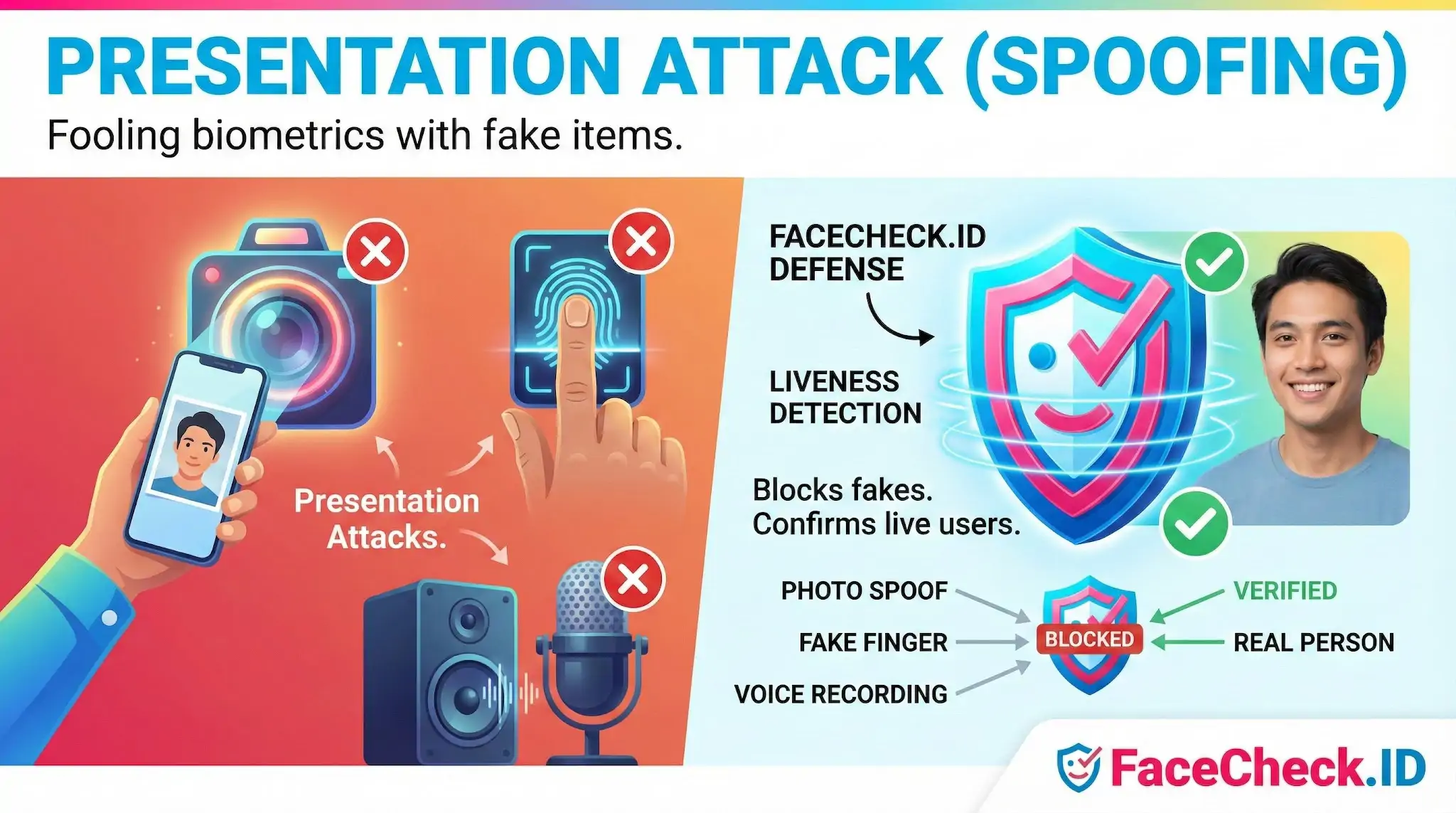
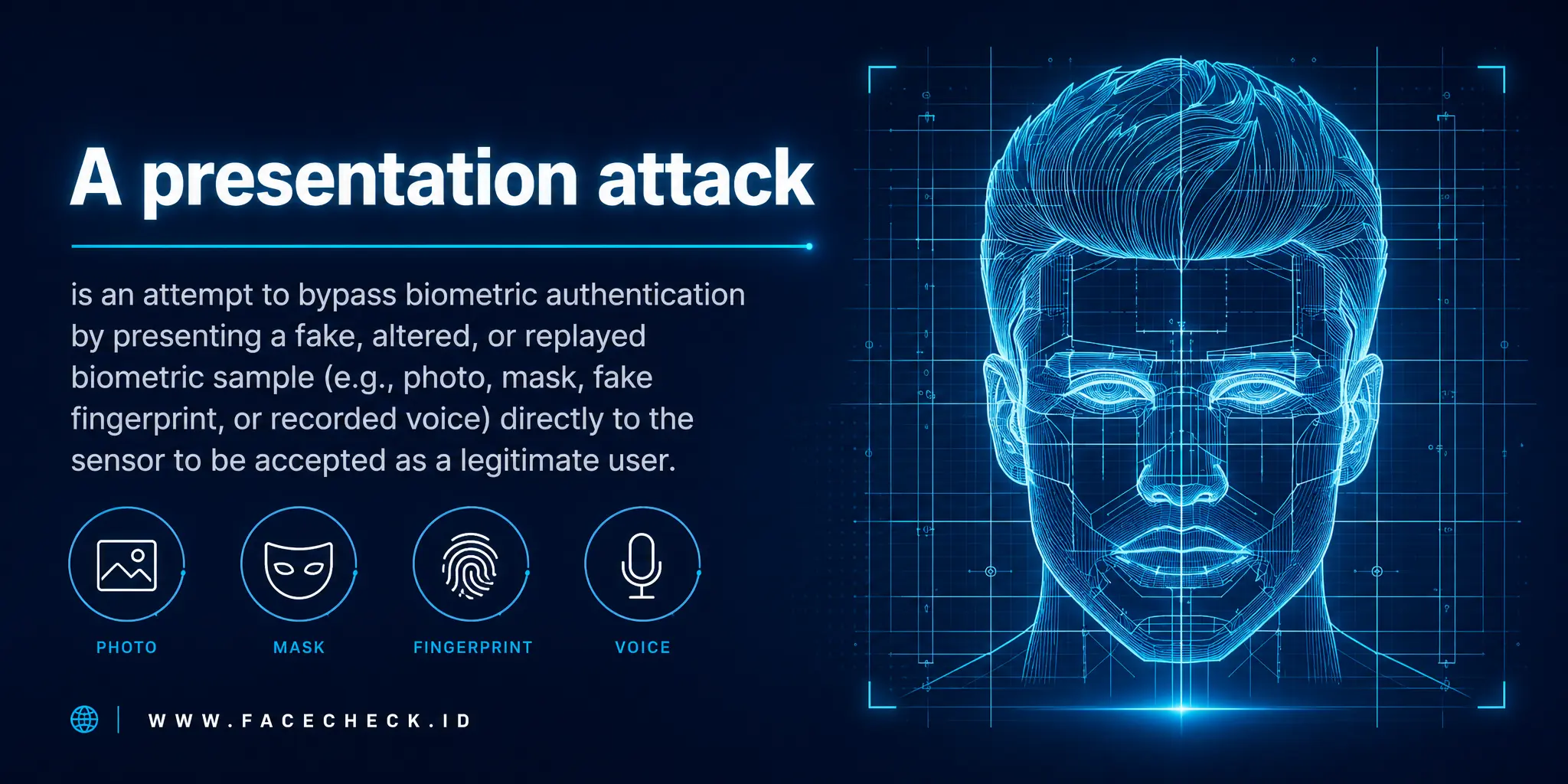
A presentation attack is an attempt to trick a biometric sensor by holding up something fake, a printed photo, a screen replay, a silicone mask, in place of a real face. For face-search and identity tools like FaceCheck.ID, the concept matters in two directions: spoofs that try to defeat live face-verification systems, and reused images on the open web that reveal when those spoofs were sourced from someone else's online identity.
How presentation attacks work against face systems
The attacker targets the capture point. Instead of compromising a database or stealing a session token, they present an artifact to the camera at the exact moment the system samples a face. Common variants include:
- A printed photo held up to a webcam
- A high-resolution image displayed on a phone or tablet
- A looped video clip of the target's face
- A paper mask with eye and mouth cutouts
- A silicone or 3D-printed mask shaped to the target's bone structure
- A deepfake video fed through a virtual camera, which sits between presentation attack and injection attack
The artifact is called a Presentation Attack Instrument, or PAI. The quality of the PAI determines whether passive liveness checks notice it. Flat photos fail depth cues. Screen replays show moiré patterns and reflections. Masks struggle with micro-expressions and skin texture under varied lighting.
Why this connects to reverse face search
Most presentation attacks need source material, and that material almost always comes from the public web. Attackers pull face images from LinkedIn headshots, Instagram selfies, dating profiles, YouTube thumbnails, conference speaker pages, and tagged photos on Facebook. The cleaner the indexed image, front-facing, well-lit, high resolution, the better it works as a PAI.
This is where reverse face search becomes part of the defense and the investigation:
- A victim of identity misuse can search their own face to see which photos are public, indexed, and reusable as spoof material.
- A fraud investigator who has captured a suspected spoof image can run that image through face search to find the original source profile, which often reveals the real person being impersonated.
- Trust and safety teams reviewing flagged onboarding sessions can check whether the submitted selfie matches faces appearing on unrelated profiles, a sign the attacker scraped someone else's photos.
A face that returns dozens of matches across stock-photo sites, scam dating profiles, or recycled social accounts is a stronger candidate for impersonation than one with a single authentic footprint.
Defenses and standards worth knowing
Liveness detection, formally Presentation Attack Detection or PAD, is the main countermeasure inside verification systems. Approaches include passive analysis of texture, reflection, and depth artifacts, active challenges like blinking or turning the head, depth sensing through structured light, and multi-modal checks combining face with voice or device signals.
ISO/IEC 30107 defines the testing framework. Two metrics show up often:
- APCER, Attack Presentation Classification Error Rate, how often spoofs slip through
- BPCER, Bona Fide Presentation Classification Error Rate, how often real users get rejected
Tuning one usually worsens the other, which is why no production system claims zero spoof risk.
What face search can and cannot tell you about a spoof
Reverse face search is a strong tool for tracing where a spoof image originated, but it has limits worth being honest about.
A match on FaceCheck.ID can show that a particular face appears on multiple sites, including pages predating the suspected fraud. That pattern supports a theory of impersonation. It does not, on its own, prove who presented the artifact, when the attack happened, or whether the person in the original photos is involved. Lookalikes produce convincing false positives, especially with low-resolution or heavily cropped inputs. Old photos, filtered selfies, and AI-generated faces complicate match interpretation further.
Face search is most useful as one input in a larger picture: combine it with liveness logs, device fingerprints, behavioral signals, and human review. Treat a match as evidence to investigate, not a verdict. The same caution applies in reverse, finding a victim's photos online does not mean their identity has been used in an attack, only that the raw material for one is available.
FAQ
What is a “Presentation Attack” in face recognition search engines?
A Presentation Attack is an attempt to fool a face-recognition system by presenting an artificial or altered “face” to the camera or input pipeline—such as a printed photo, a phone/tablet screen replay, a mask, or a digitally manipulated image—so the system returns matches that would not occur with a genuine, live face of the real person.
Why do Presentation Attacks matter for face recognition search results (including “wrong-person” matches)?
Because a presentation attack can change the visual evidence the search engine analyzes, it may produce misleading similarity scores and results—e.g., matching the attacker’s target image instead of the real subject, or generating mixed trails where the same uploaded face seems linked to multiple people or contexts. This increases the risk of false conclusions if results are treated as identity proof rather than investigative leads.
What are common examples of Presentation Attacks that could affect a face recognition search upload?
Common examples include: (1) a photo-of-a-photo (printing a face image and re-photographing it), (2) screen replays (showing a face on another device and capturing it as a “new” image), (3) masks or partial masks, (4) heavy beauty filters or face-swap edits that shift facial geometry/texture, and (5) AI-generated or composited portraits that look realistic but do not correspond to a real person’s photo trail.
How can I reduce Presentation-Attack risk when using a face recognition search engine for verification or safety checks?
Use a higher-confidence input image and cross-check the context: prefer an original, unfiltered, front-facing photo with good lighting; avoid screenshots with overlays/watermarks when possible; compare multiple images of the same person (different dates/angles) and see whether the same sources repeat; and validate results by opening the source pages to confirm the face appears in the expected context. Treat matches as leads, and corroborate with non-face signals (usernames, locations, posting history) before acting.
Does FaceCheck.ID (or similar face search tools) perform liveness detection to stop Presentation Attacks?
FaceCheck.ID is a face recognition search tool, not an access-control “live selfie” authentication system; face search engines generally do not perform true liveness detection because they typically analyze an uploaded still image or screenshot rather than running an interactive liveness challenge. Practical mitigation is therefore user-driven: verify sources, compare multiple images, and avoid treating a single high-similarity result as proof of identity.


Recommended Posts Related to presentation-attack
-
Face Recognition Systems: How They Work, Best Open Source Models, and Production APIs
Face anti-spoofing for verification: In verification scenarios, presentation attack detection (PAD) is critical.