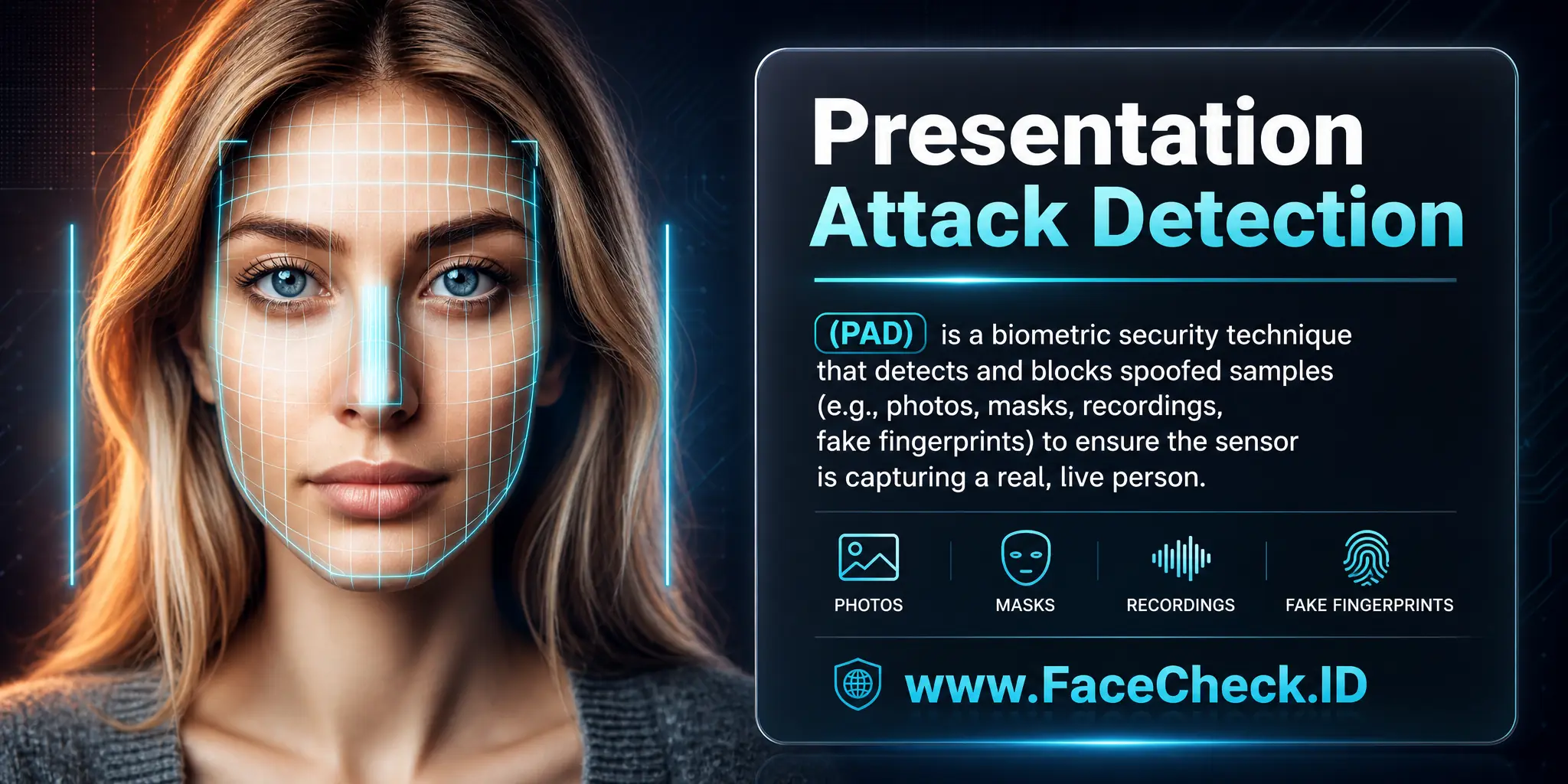
Presentation Attack Detection

Presentation Attack Detection (PAD) is the layer of a face-recognition system that decides whether the face in front of a camera belongs to a real person or to a printed photo, a phone screen, a 3D mask, or a generated video. For anyone using FaceCheck.ID to investigate online identities, understanding PAD helps explain why some online photos look authentic but originate from spoofing attempts, and why face-search results sometimes surface the same face across accounts that should never share it.
What PAD actually checks for
A presentation attack is any attempt to fool a biometric sensor at the moment of capture. In face systems, the most common attacks include holding up a printed photo, replaying a video on a tablet, wearing a silicone or resin mask, or feeding a deepfake stream into a virtual camera. PAD software looks for signals that distinguish a live face from these substitutes:
- Micro-movements in the eyes, mouth, and skin that flat images cannot reproduce
- Depth and parallax cues that reveal a 2D surface held up to the camera
- Light reflection patterns on real skin versus paper, screens, or rubber
- Frequency artifacts and compression traces typical of replayed video or generated frames
- Pulse signals visible in subtle color changes across the face
Hardware-assisted PAD adds infrared sensors, structured-light depth, or multispectral imaging. Software-only PAD relies on the camera feed and runs anywhere, but performs unevenly across devices and lighting.
Why PAD matters for face search and online identity
PAD lives at the sensor, but its failures spill onto the open web, which is exactly where reverse face search operates. When a verification system gets fooled, the spoofed photo often ends up tied to a real account, profile, or KYC record. Months later, those images surface during a FaceCheck.ID search, attached to identities the actual person never created.
Common patterns to watch for:
- A scammer reuses a stranger's selfie to pass a basic liveness check on a dating app, and that selfie now anchors a fake profile that shows up in face-search results
- A deepfake video bypasses a remote-onboarding flow, and the synthetic face appears across multiple bank or crypto accounts under different names
- A stolen ID-style portrait gets reused across forums and marketplaces because the original PAD system did not catch the printed-photo attack
When you see the same face attached to inconsistent names, locations, or job histories, weak PAD upstream is often part of the explanation. Face search reveals the spread, not the original spoof, but the spread is the signal.
Active versus passive checks
Passive PAD analyzes whatever the camera already sees and does not ask the user to do anything. It is faster and less annoying, but it leans heavily on subtle texture and reflection cues. Passive systems get tricked more often by high-resolution screens and quality masks.
Active PAD asks the subject to blink, turn their head, smile, or follow a moving dot. The motion makes printed photos and most replay attacks fail immediately, but it adds friction and gives attackers a known script to rehearse against. Sophisticated deepfake tools now generate head turns and blinks in real time, which is why active liveness alone is no longer a strong defense.
What PAD does not solve
PAD only protects the moment of capture. It does not stop someone who already has access to a real account, and it does nothing about photos that have leaked into public indexes. Once a face image is online, it can be pulled into face search regardless of how strong the original liveness check was.
A few limits worth keeping in mind:
- A clean PAD pass does not prove the person owns the identity they claim, only that a live face was present
- High-quality deepfake video can defeat both passive and active checks under the right conditions, so a verified profile is not automatically trustworthy
- Face-search results can show that an image has been reused across accounts, but they cannot confirm which account, if any, was created by the real person in the photo
PAD reduces fraud at the door. Reverse face search helps you see what slipped through and where those images ended up. Both are needed, and neither replaces careful judgment about what a match actually means.
FAQ
What is Presentation Attack Detection (PAD) in face-recognition systems, and why does it matter for face recognition search engines?
Presentation Attack Detection (PAD) is a set of techniques used to detect whether a face sample presented to a camera is a live, genuine face or a spoof (for example, a printed photo, a screen replay, a mask, or a face-swap/deepfake shown to the camera). It matters because if a face image used for searching comes from a spoofed capture, the search results can be misleading—returning matches linked to the spoof source rather than the real person (or mixing identities).
Do face recognition search engines usually perform Presentation Attack Detection (PAD) the same way login or access-control systems do?
Often, no. Access-control and identity verification flows typically capture from a live camera session and can run PAD (and sometimes active liveness challenges). Face recognition search engines usually accept a still image upload (or a screenshot), so they may have limited ability to assess liveness, and instead focus on matching the face visually across their index. That means the user should assume a search result is a lead about where similar-looking faces appear online—not proof that the input image came from a live person.
What are common presentation attacks that can distort face-search results?
Common presentation attacks that can distort face-search results include: (1) print attacks (a photo held up to a camera), (2) replay attacks (a face shown on a phone/monitor), (3) partial or full masks, (4) makeup/prosthetic attacks, and (5) synthetic media such as face swaps or AI-generated portraits. In face search, these can create “mixed trails,” where the same query face seems to link to multiple identities or sources because the face content was manipulated or re-presented.
If my query image might be a screenshot, deepfake, or face-swap, how should I use PAD thinking to interpret face-search matches safely?
Treat the results as source-tracing rather than identity confirmation. Prefer a clean, high-quality frame that looks like a real camera capture (neutral lighting, minimal compression, no UI overlays). Cross-check whether top hits share the same underlying media (same video, same watermark set, same repost network) rather than assuming they indicate the same person. If the matches cluster around obvious reposts or manipulated content, that pattern supports a presentation-attack or synthetic-media hypothesis and should lower confidence in any identity inference.
How does Presentation Attack Detection (PAD) relate to using FaceCheck.ID or similar tools responsibly?
PAD is a helpful mindset for using FaceCheck.ID (or any face recognition search engine) responsibly: it reminds you that an uploaded face may be a re-presentation (print/screen) or synthetic (swap/deepfake), and that search results can reflect that manipulation. When results look inconsistent, appear to mix different contexts, or point heavily to repost/screenshot pages, assume higher spoof/manipulation risk and verify through additional context checks (original-source hunting, multiple photos of the same person, and corroborating identifiers) before taking any real-world action.


Recommended Posts Related to presentation-attack-detection
-
Face Recognition Systems: How They Work, Best Open Source Models, and Production APIs
Face anti-spoofing for verification: In verification scenarios, presentation attack detection (PAD) is critical.