Twitter Face Image Search
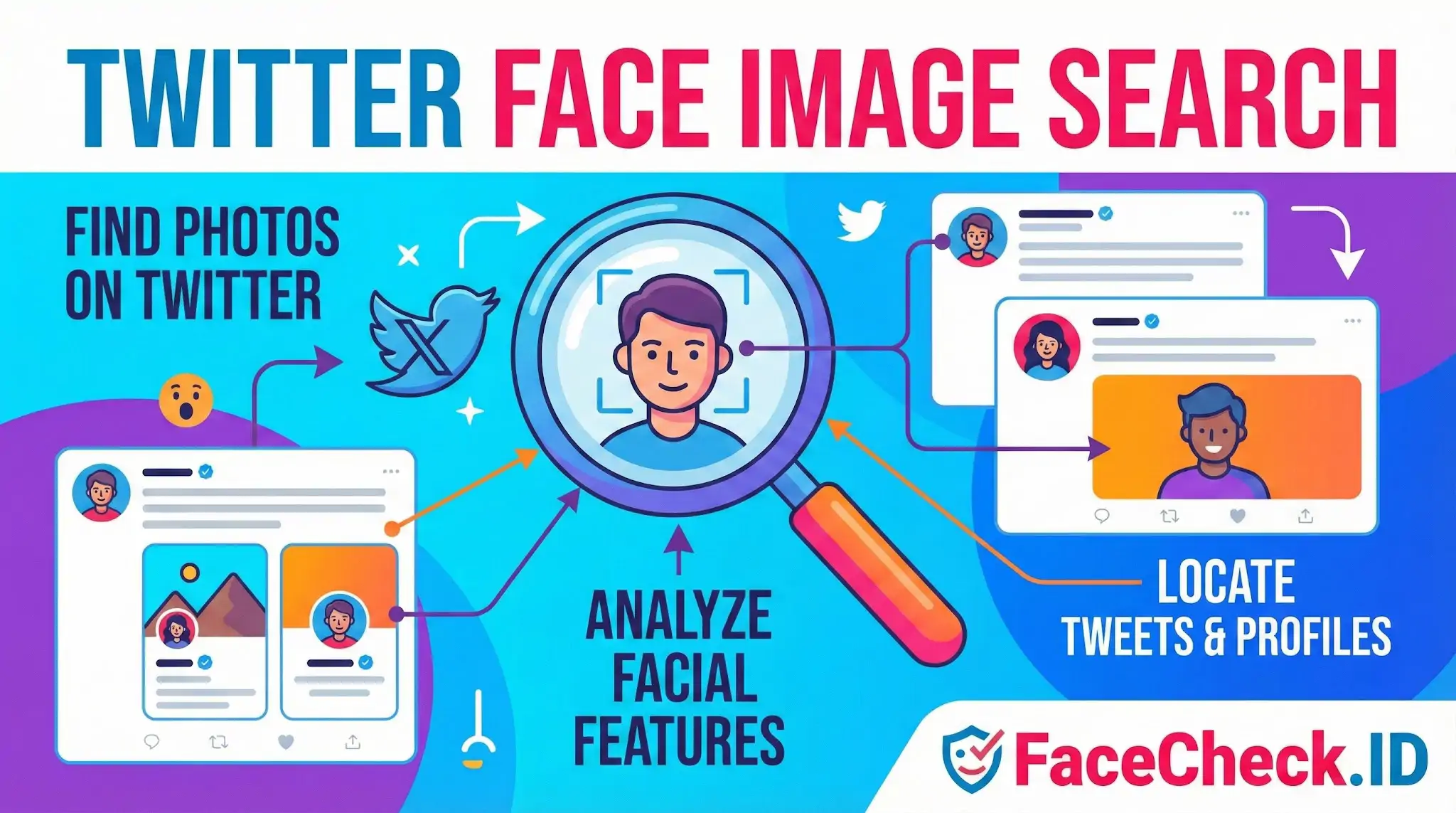
Twitter (now X) is one of the noisiest places to track a face online. Profile photos get reused, scrapers repost selfies, news photos circulate through quote tweets, and the same person often runs several accounts under different handles. Twitter Face Image Search is the practice of using a face photo, rather than a username or keyword, to find where that person actually appears across the platform and the wider indexed web.
FaceCheck.ID approaches this from the reverse image search side. You upload a face, and the engine looks for that face anywhere it has been indexed publicly, which often includes Twitter avatars, header images, embedded tweet screenshots on news sites, and archived profile pages. The result is a way to ask, "where else does this face show up?" instead of, "who claims to be this username?"
Why face search beats text search on Twitter
Twitter's native search is built around text, hashtags, and account metadata. None of that helps when you only have a photo. A scammer can change their @ handle, display name, and bio in seconds, but the face in their avatar tends to stick around because they need it to look real. Face-based lookup gets around that.
Practical scenarios where this matters:
- A dating app match's photos look familiar, and you want to see if the same face runs a Twitter account under a different name
- A reply guy harassing someone uses a stock-looking headshot that may be stolen from a real person's Twitter
- A "verified expert" account uses a photo that also appears on a marketing site, suggesting the persona is borrowed
- A crypto promoter's avatar matches a face that appears in unrelated scam reports
Text search cannot connect any of those dots. Face search can, when the images are public and indexed.
What affects match quality on Twitter avatars
Twitter avatars are small, heavily compressed, and cropped into circles. That hurts recognition accuracy. A few patterns to keep in mind:
- Avatar size and crop. The displayed avatar is low resolution. The original upload is larger, but the version that ends up indexed varies. Faces tightly cropped inside a circular frame lose jawline and ear detail.
- Filters and edits. Twitter users heavily filter selfies. Skin smoothing, color shifts, and stickers reduce the unique features a recognition model relies on.
- Angle and expression. Tweetable photos are often candid, sideways, or partially obscured by sunglasses, hats, or hands. Front-facing, neutral-expression shots match more reliably.
- Reused stock and AI photos. Many fake accounts use the same generated face across dozens of profiles. A face search may surface several of those accounts at once, which is usually a strong signal of coordinated inauthentic behavior.
- Header images. People sometimes appear in their banner rather than their avatar. These are larger and can produce cleaner matches when indexed.
A confidence score on a Twitter result is best read as a starting point. The same person can look different across two avatars taken a year apart, and two different people can score surprisingly high if both are young, light-haired, and shot under similar lighting.
What it cannot prove on its own
A face match between a Twitter account and another image does not prove the account is run by that person. Common pitfalls:
- The account could be impersonating the real person using a stolen photo
- The match could be a sibling, parent, or unrelated lookalike
- Old avatars cached by archives may belong to a previous owner of a recycled handle
- AI-generated faces can resemble real people by accident
A face search result is evidence to investigate, not a verdict. Confirming identity usually requires corroboration: bio details that line up with other sources, posting patterns consistent with the person's known activity, mutual connections, or content that only that individual would post. For impersonation reports, platform moderators still expect that kind of context, not just a similarity score.
Used carefully, face-based lookups on Twitter content cut through username churn and surface connections that text search cannot reach. Used carelessly, they generate confident-looking matches that fall apart on closer inspection.
FAQ
What does “Twitter Face Image Search” usually mean in the context of face recognition search engines?
“Twitter Face Image Search” usually means using a face recognition search engine to look for webpages that contain images matching a person’s face that may appear on Twitter/X (such as profile photos, reposted screenshots, or embedded images). It does not mean Twitter/X itself provides a built-in face search.
Does “Twitter Face Image Search” search Twitter/X directly, including private or locked accounts?
Typically, no. Face recognition search engines generally search what they can access and index on the public web. Private/locked Twitter/X accounts and content behind access controls usually cannot be searched directly unless the images are publicly accessible elsewhere (for example, reposts, cached pages, or screenshots on other sites).
Why might “Twitter Face Image Search” results show reposts, screenshots, or third-party sites instead of the original tweet/profile?
Because the same image can be re-hosted or embedded across many sites. Search engines may find the first accessible or best-indexed copy (like a repost page, meme site, blog, or a screenshot shared on another platform) rather than the original Twitter/X post. Deletions, account privacy changes, or indexing delays can also make the original harder to surface.
What’s the safest way to use “Twitter Face Image Search” to investigate impersonation or stolen profile photos without misidentifying someone?
Treat results as leads, not proof. Verify the context of each hit (date, caption, username/handle, surrounding text, and whether the page appears to be a repost or screenshot). Cross-check multiple independent sources, and look for consistent identifiers (same handle, linked official website, consistent bio, or verified cross-links). Avoid contacting or accusing someone based only on a single face-match result.
How can FaceCheck.ID add value to a “Twitter Face Image Search” workflow?
FaceCheck.ID can be used as a face-focused search step when you have a Twitter/X avatar, screenshot, or headshot and want to find other places the same (or very similar) face appears online. It can help uncover reuse across platforms (possible impersonation or repost networks). As with any face search, you should validate each match by opening the source page and confirming the broader context before drawing conclusions.


Recommended Posts Related to twitter-face-image-search
-
Find Twitter Profiles by Photo using Search by Face Engine
Pros and Cons of Using Twitter Face Image Search.