Image Lookup Explained: Find Sources, Copies & More
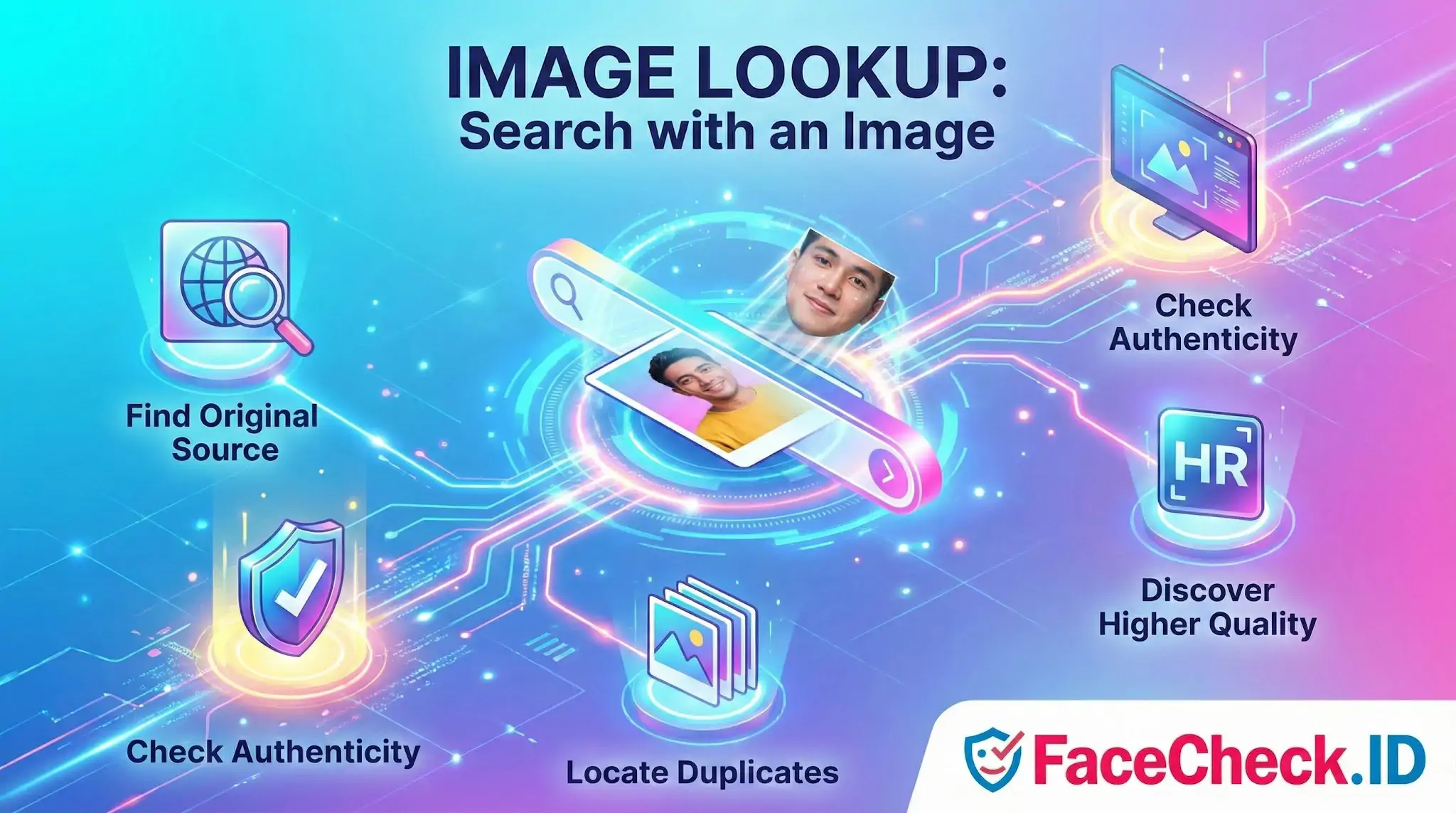
Image lookup is the process of finding information about an image by using the image itself as the query instead of typing keywords. It helps you identify what is in a picture, where it appears online, who created it, and whether similar or higher quality versions exist.
Image lookup is often done with reverse image search tools that analyze visual features like shapes, colors, objects, text, and patterns to match the image with results on the web.
What image lookup is used for
- Identify objects, people, places, or products in a photo
- Find the original source of an image and trace where it was first published
- Locate duplicates and copies of your photos across websites
- Check image authenticity by spotting reused or edited versions
- Discover higher resolution versions for better quality downloads
- Verify listings in ecommerce by confirming product photos are not stolen
- Research usage rights by finding the creator and related pages
How image lookup works
Most image lookup tools use computer vision to extract visual signals from the image and compare them with indexed images online. Some systems also read text inside images using OCR and use metadata when available.
Common match types include:
- Exact matches for the same file or near identical copies
- Partial matches for cropped versions or images used inside collages
- Visually similar matches for different images that look alike
Ways to perform an image lookup
- Upload an image from your device
- Paste an image URL to search an image already online
- Drag and drop into a search tool that supports it
- Use a browser feature to search an image from a webpage
- Use a mobile app to scan with your camera for real time identification
Image lookup vs reverse image search
These terms are often used interchangeably. In practice, image lookup is a broad term that can include reverse image search, visual search in shopping apps, and photo identification tools. Reverse image search usually refers specifically to searching the web for matches using an image.
Tips for better image lookup results
- Use the highest quality version of the image you can find
- Try cropping to focus on the main subject if results are noisy
- If you need source attribution, search with multiple tools since indexes differ
- Remove heavy filters when possible, as they can reduce match accuracy
- For products, include a clear shot of logos, labels, or unique details
Common limitations
- Results can be limited for new images that are not indexed yet
- Private social media images may not appear
- Heavily edited or AI generated images may be harder to match
- Similar looking items can cause false positives, especially for generic products
FAQ
What does “Image Lookup” mean in the context of face recognition search engines?
In face recognition search engines, “Image Lookup” usually means uploading (or providing a link to) a photo so the service can search the public web for images that contain a visually similar face. The goal is typically to find other appearances of the same person (or close look-alikes), not just exact duplicates of the same file.
How is “Image Lookup” for a face different from searching by text (name, username, or keywords)?
Text search relies on words (names, captions, usernames, tags) that may be missing, inaccurate, or intentionally misleading. Face-based Image Lookup uses the pixels of the face itself to find visually similar faces, which can surface matches even when the person’s name is unknown or the page is poorly labeled.
What are the main limitations of face-based Image Lookup results?
Common limitations include false positives (different people who look similar), missed matches (the person isn’t indexed or the photo quality is poor), and context errors (a result page may contain the image but not identify the person correctly). Results should be treated as investigative leads, not proof of identity.
How can I improve my chances of getting useful Image Lookup matches without increasing misidentification risk?
Use a clear, well-lit, front-facing image where the face is large and unobstructed; avoid heavy filters, extreme angles, and motion blur. If you only have a screenshot or group photo, crop tightly to the target face and try multiple frames/images of the same person to see whether the same sources repeat across searches.
What should I check before acting on an Image Lookup result from a face search tool (e.g., FaceCheck.ID)?
Verify the match across multiple photos on the source page (not just one thumbnail), look for consistent non-face clues (tattoos, scars, age range, timeline, location, associates), and confirm whether the page is an original post versus a repost/scrape. If the result could harm someone (accusations, doxxing, employment decisions), seek independent corroboration and avoid treating a single face-match as confirmation.


Recommended Posts Related to image lookup
-
Reverse Image Search FAQ: The Ultimate Guide for 2025
What Is Reverse Image Lookup? Reverse image lookup refers to the process of using an image as a search query instead of text:. Reverse image lookup is a search technique where you provide an image to a search engine, which then returns information about that image, including:.
-
How to Enhance a Low-Resolution Blurry Face like a CSI Detective
How to make Blurry Low Resolution Images look Super Sharp.
-
Can you reverse image search a person?
FaceCheck.ID helps you spot potential catfishes by verifying images, looking for inconsistencies, and offering robust verification methods.
-
TinEye Review: What It Does Well and Where It Falls Short
TinEye approach: Creates a fingerprint of the entire image. Looks for copies of that image.
-
How to Search for a Person Online by Photo
Image search compares what an image looks like.
-
How to Spot a Catfish Online in Under 60 Seconds with FaceCheck.ID
Too-perfect photos images look professionally shot or artificially flawless.