Bing Images
Bing Images is Microsoft's image search product, and for anyone running identity checks or trying to trace where a photo came from, it sits alongside Google Images and TinEye as one of the general-purpose tools investigators reach for before turning to a dedicated face-search engine like FaceCheck.ID. It indexes a different slice of the web than Google does, which is why it sometimes surfaces matches the others miss.
How Bing Images fits into a reverse image search workflow
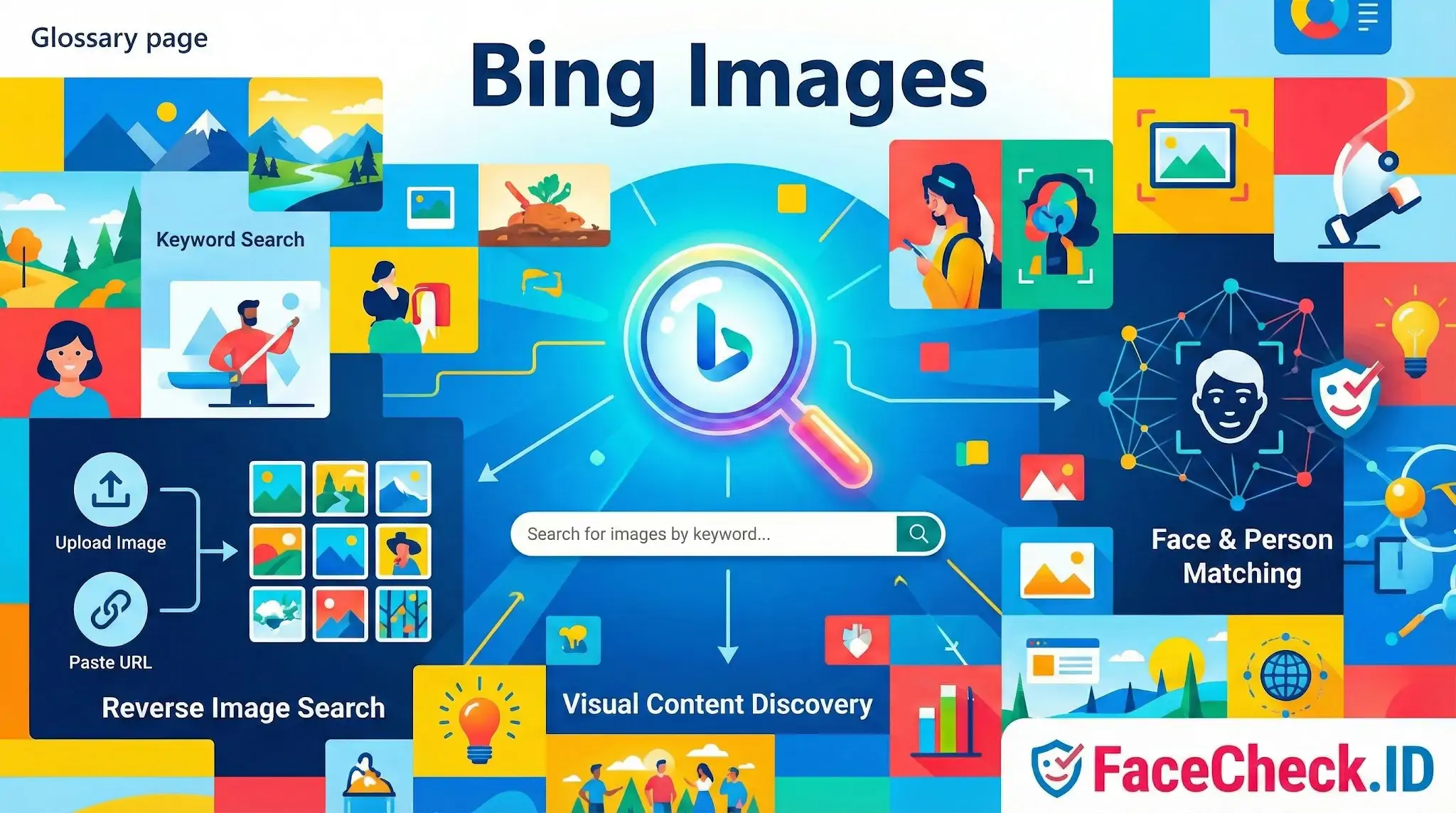
Bing's reverse image search accepts an uploaded file, a pasted URL, or a cropped region of an existing image. It returns visually similar images and the pages where those images appear. For investigators looking into a suspected fake profile, scam account, or stolen photo, this is often the first sweep before running a face-recognition search.
The key distinction matters: Bing's reverse search looks for the same image or visually similar images. It compares pixels, composition, color, and structure. It does not specifically look for the same person across different photos. If a catfisher is using one stolen photo, Bing can find other places that exact photo lives on. If they are using ten different photos of the same stranger, Bing will treat each one as an isolated query, while a face-recognition tool would link them through facial features.
In practice, useful Bing Images queries during an identity check include:
- Profile pictures from dating apps, to see if they appear on stock photo sites or unrelated social profiles
- Images from suspected romance scams, which often turn out to be stolen from soldiers, doctors, or models
- Verification of news photos and screenshots before sharing
- Locating higher-resolution versions of a cropped or compressed photo before submitting it to face search
What Bing Images can and cannot tell you about a person
Bing's visual matching can confirm that an image has been used elsewhere on the indexed web. That alone is sometimes enough to expose a fake profile. If the photo on a dating app appears on a Russian model agency site under a different name, the deception is obvious without any face recognition involved.
What Bing Images does not do reliably is identify a person from a photo where that exact image has not been published online. If someone uses a private photo, a slight crop, or a re-saved version that breaks the visual hash, Bing may return nothing useful. Face-recognition systems designed for person matching, including FaceCheck.ID, work on facial geometry and can find the same person in different poses, outfits, and lighting conditions. That is a different problem from finding the same image file.
Bing also does not deduplicate identities. It will happily show you matches across stock photo libraries, AI-generated faces, and lookalikes, leaving the interpretation to you.
Tips for getting better results
A few practical points that affect match quality:
- Higher resolution uploads produce stronger visual signatures than thumbnails or screenshots
- Crop tightly around the subject before uploading to reduce background noise that can pull results in the wrong direction
- Try the same image in Bing, Google, Yandex, and TinEye, since each indexes different sources. Yandex in particular has a reputation for surfacing matches the others miss
- If Bing returns nothing, run the photo through a face-search engine, which uses different matching logic
Limits and how interpretation goes wrong
A Bing Images match is evidence that two image files are similar, not proof that two people are the same person. Stock photos get reused thousands of times. AI-generated faces produce near-identical variants. Identical twins, lookalikes, and people with similar features can produce noisy results. A confident-looking match grid is still raw data, not a conclusion.
Equally, an empty result page does not mean an image is original or that a person is who they claim to be. Bing only indexes what its crawlers have reached. Private accounts, paywalled sites, recent uploads, and images behind login walls are invisible to it. Treat Bing Images as one tool in a verification chain, useful for catching stolen and reused photos, weaker for identifying people, and never a substitute for human judgment when the stakes are real.
FAQ
What is Bing Images and how is it used for finding photos of a person online?
Bing Images is Microsoft’s image search service. People often use it to look up a person’s photo by uploading an image or pasting an image URL in Bing Visual Search, which can surface exact duplicates, near-duplicates, and visually similar images across indexed web pages.
Does Bing Images provide true face recognition search (finding the same person across different photos)?
Not in the same way as dedicated face recognition search engines. Bing Images/Visual Search is primarily designed for visual similarity and duplicate detection of images and objects; it may find the same photo reposted or slightly edited, but it is generally less reliable for matching the same person across different angles, ages, lighting, or different photos.
How do I run a reverse image search with Bing Images for a face photo?
Use Bing Visual Search: go to Bing Images, select the camera/visual search option, then upload the photo, drag-and-drop it, or paste an image URL. For better results, use a clear face image, avoid heavy filters, and consider uploading a tighter crop that centers the face (while keeping enough context to avoid mismatches).
Why might Bing Images show “similar people” who aren’t the same person?
Bing’s results can include visually similar faces due to shared attributes (pose, hair, lighting, makeup, camera angle) and because it may emphasize overall image similarity rather than confirming identity. This can lead to look-alike results, especially when the source photo is low-resolution, heavily edited, or partially obscured.
When should I use a dedicated face search tool like FaceCheck.ID instead of Bing Images?
Use a dedicated tool (e.g., FaceCheck.ID) when you need face-focused matching across different photos of the same person (not just reposts of the same image). Bing Images is often a good first pass for finding copies of a photo; a face recognition search engine can be more effective for locating the same person in other images—but results should still be treated as leads, not proof of identity.


Recommended Posts Related to bing-images
-
Top 7 Reverse Image Search Engines for Face Search Compared
Google Images and Bing Images are the most popular and well-known options, allowing you to search either by keyword or by image. Bing Images. Just go to Bing Images and click on the camera icon in the search bar.
-
How to Find Pictures of Yourself on the Internet
Start with the obvious: Google Images and Bing Images.
-
Top 5 Reverse Image Search APIs for Your Projects
bing-image-search/overview'>Bing Image Search API. Bing Image Search API. Bing Image Search API for objects and landmarks.
-
The 4 Simple Steps To Find Someone Using Face Search Engine
Bing image search does not work at all for faces!
-
How to Find Someone with a Photo?
Bing Images. Like Google, Microsoft Bing also has a side service called Bing Images for visual search. Here's how you can find someone using a picture with Bing Images:.