People on Social Media
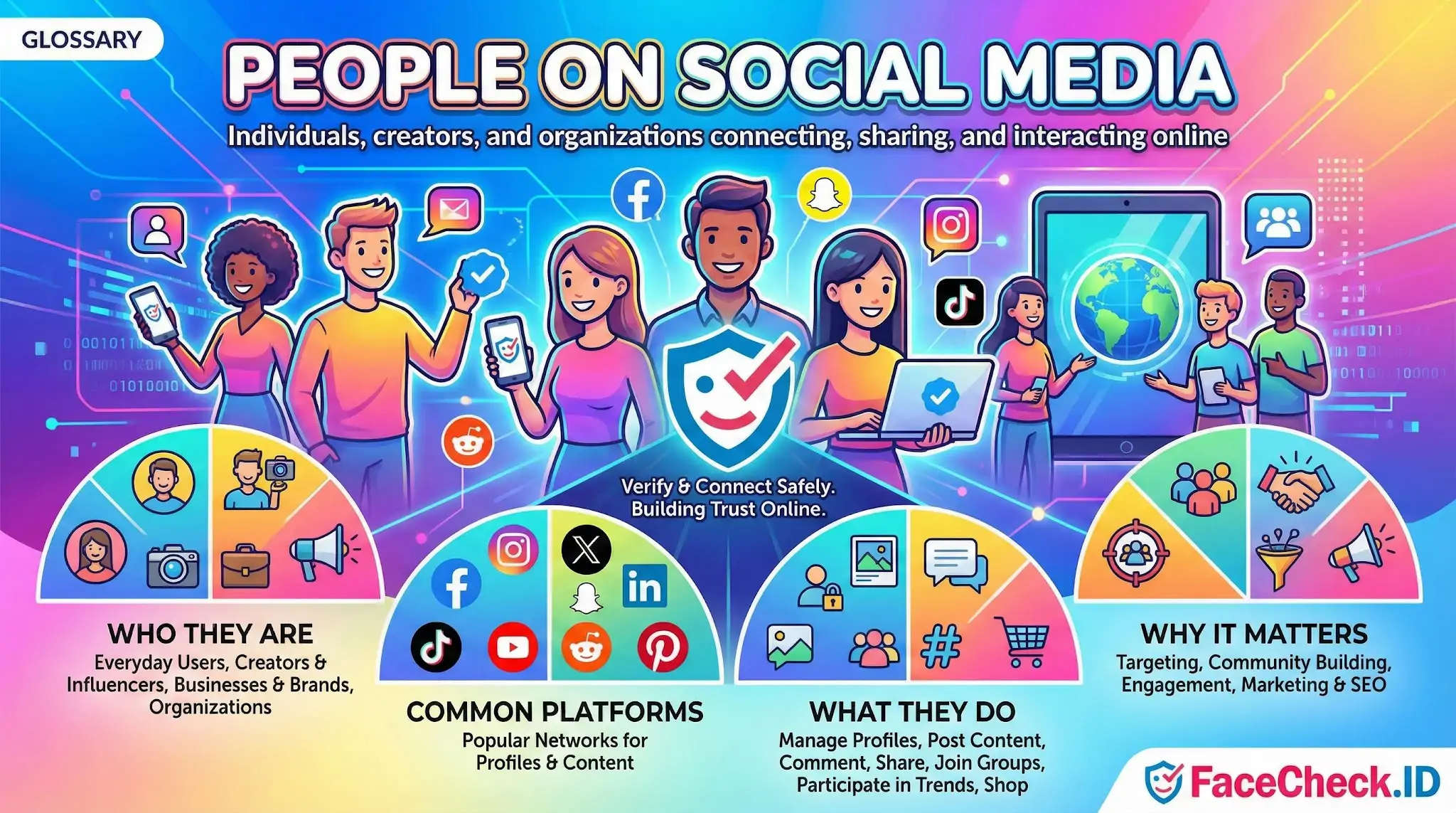
Every public profile, tagged photo, and group post is a potential hit in a face search. When FaceCheck.ID crawls the indexed web, the people on social media are the largest source of identifiable faces, which makes understanding how they appear, post, and reuse images central to interpreting any match.
How social media shapes face-search results
Most strong matches in a reverse face search trace back to images people uploaded themselves or images others uploaded of them. The patterns differ sharply by platform and user type, and those patterns directly affect what a search returns.
- Casual posters tend to upload candid photos with varied lighting, angles, and expressions. Their faces may appear in dozens of low-quality group shots, which produces noisier matches and more false positives.
- Creators and influencers publish front-facing, well-lit, frequently reposted images. These produce high-confidence matches but also generate clusters across fan pages, news aggregators, and scraped content sites.
- Professionals on LinkedIn typically have a single curated headshot that gets reused on company pages, conference sites, and bios. This is often the cleanest signal a face search can return for a working adult.
- Businesses and brand accounts post images of staff, models, and stock subjects, which can confuse a search if the same face appears across unrelated commercial pages.
- Anonymous or pseudonymous users post selectively or with cropped, filtered, or partial-face images that make matching harder and reduce confidence scores.
Why public versus private posting changes everything
Face-search engines can only index what is publicly accessible. A user with a locked Instagram, a private Facebook profile, or restricted Snapchat content largely disappears from reverse-image results, even if they post constantly. The same person may still surface through:
- Photos uploaded by friends with public settings
- Tagged group shots on event pages
- Profile pictures that remain visible even when the rest of the account is private
- Cached or archived versions of previously public posts
- Cross-posted content reshared by public accounts
This is why a face search for a private user can return zero results, while a search for a similar but more public person returns hundreds. Absence of matches does not mean a person is not on social media. It usually means their content is not indexable.
Reused photos, catfishing, and identity misuse
People on social media often have their photos taken and reused without consent. This is the core problem face search helps investigate. A single Instagram selfie can end up on:
- Fake dating profiles on Tinder, Hinge, or Bumble
- Romance scam accounts on Facebook and Instagram
- Fraudulent LinkedIn profiles used for phishing or recruitment scams
- OnlyFans impersonation pages
- Crypto and investment scam websites
When a face search returns the same photo on multiple unrelated profiles with different names, that pattern is one of the strongest signals of impersonation. The original poster usually has a long, consistent history on one platform, while the impersonator profiles are recent, sparse, and inconsistent.
What a social media match does not prove
A match between a search image and a social media profile is a starting point, not a conclusion. Several limits matter:
- Lookalikes are common. Two unrelated people can produce a high-confidence match, especially with limited image angles or low resolution.
- Old photos linger. A match may point to an account the person abandoned years ago, or to a profile that was hacked and repurposed.
- Tagged does not mean pictured. Some platforms allow tagging without face presence, and group photos can pull in names of people who were not actually in the frame.
- Stock and model images recur. A face that appears across many commercial sites may belong to a paid model, not the person running those pages.
- Profile ownership is unverified. Finding a face on a profile does not confirm who controls that profile. Impersonators, hacked accounts, and shared family pages all complicate attribution.
Treat social media matches as evidence to verify, not identity confirmed. The value of face search is narrowing the field and surfacing inconsistencies, then leaving the final judgment to a human who can read context, account history, and behavior.
FAQ
What does “People on Social Media” mean in the context of face recognition search engines?
“People on Social Media” refers to individuals whose face photos appear on social platforms (profile pictures, posts, reposts, screenshots, fan pages) and may also be duplicated across other websites. In face recognition search engines, it describes the broad category of potential sources and identities a face match might point to—not a confirmed identity.
Why can face recognition search results point to reposts or fan pages instead of the person’s original social media profile?
Because face search tools often find where the face image (or visually similar face images) is publicly accessible on the web, which can include repost accounts, aggregators, memes, screenshots, and third-party mirrors. These sources may be indexed more easily than the original post, or they may simply be the version that is publicly reachable.
If a face search result links to a social media profile, does that confirm the person’s identity?
No. A social media link is a lead, not proof. The same face (or a similar-looking face) can appear on multiple accounts due to reposting, impersonation, modeling portfolios, shared devices, or look-alikes. Treat the result as a starting point and confirm with non-face evidence (consistent usernames, cross-linked accounts, original posting history, and context).
How should I verify a “People on Social Media” match from a face recognition search engine before taking action?
Verify the source page first (is it an original profile/post or a repost/screenshot), then compare multiple photos from the supposed account (not just one avatar), check consistency over time (older posts, tagged photos, friends/followers), and corroborate with independent identifiers (same handle across platforms, linked websites, or other public references). Avoid making accusations or sharing the match publicly unless you have strong corroboration.
How can FaceCheck.ID add value when checking whether a social media photo is reused or tied to multiple accounts?
Tools like FaceCheck.ID can help surface other public webpages where the same person’s face (or a close look-alike) appears, which may reveal reuse across different profiles, repost networks, or impersonation attempts. Use the results to map where the image appears publicly, then validate each hit carefully to avoid misidentifying someone or conflating reposts with the original person.


Recommended Posts Related to people-on-social-media
-
How to Find People on Social Media by Photo
Snap, Search, and Connect: Your Guide to Finding People on Social Media with FaceCheck.ID. Find People on Social Media. Using FaceCheck.ID to Find People on Social Media.
-
Top 7 Reverse Image Search Engines for Face Search Compared
FaceCheck.ID excels when it comes to searching for people on social media. FaceCheck excels in finding people on social media by photo.
-
How to Find an Unknown Person's Name and Details With Just a Picture
FaceCheck.ID is made to find unknown people on social media.
-
All About Face Recognition Technology
Ever wonder if there's a way to search for people on social media by their face? With FaceCheck.ID website, you can use face recognition technology to search for people on social media such as Facebook, LinkedIn, Pinterest, Twitter, and Instagram.
-
Search by Face to Find Social Media Profiles
How to search for people on social media accounts?