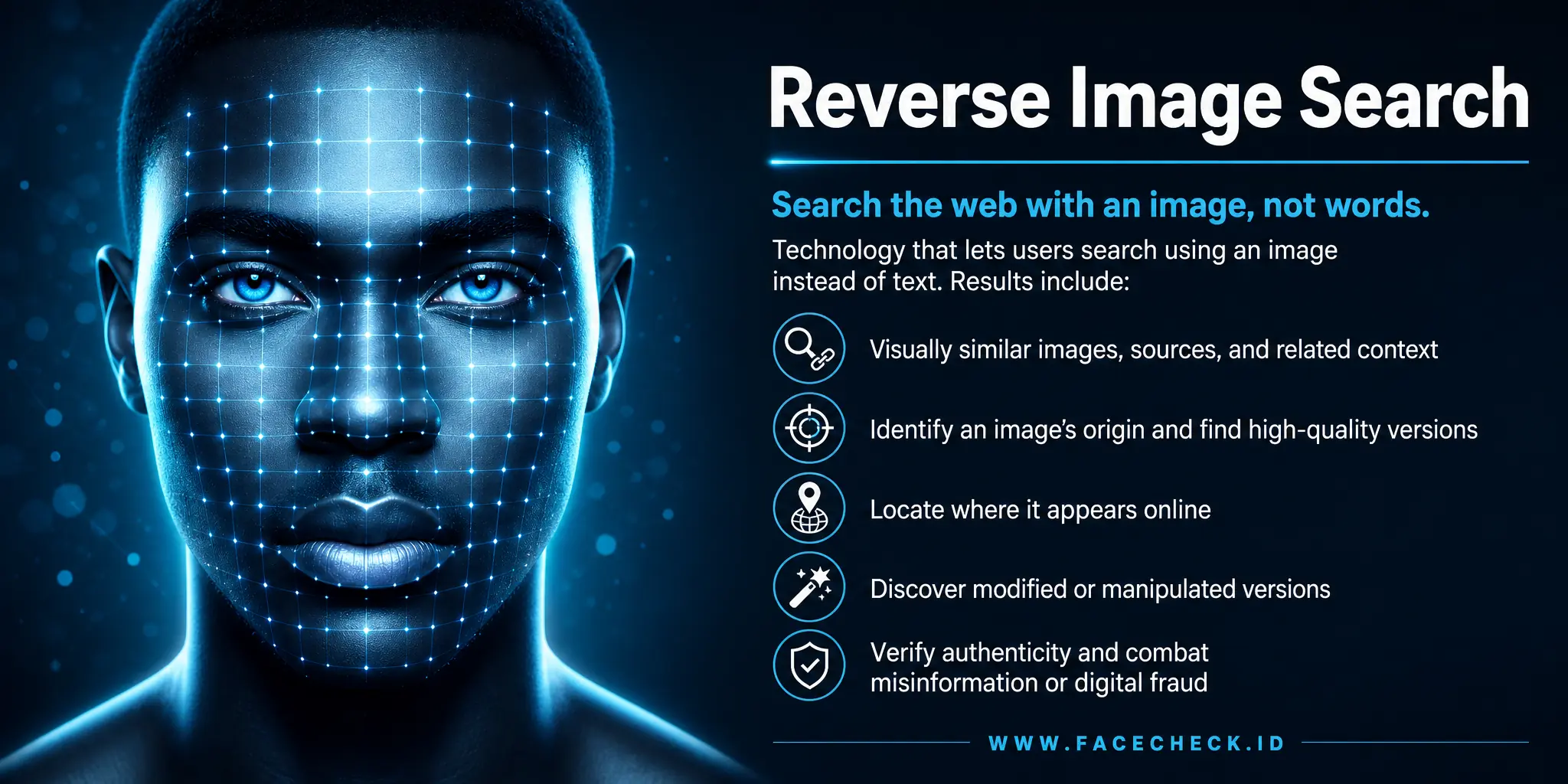
Reverse Image Search
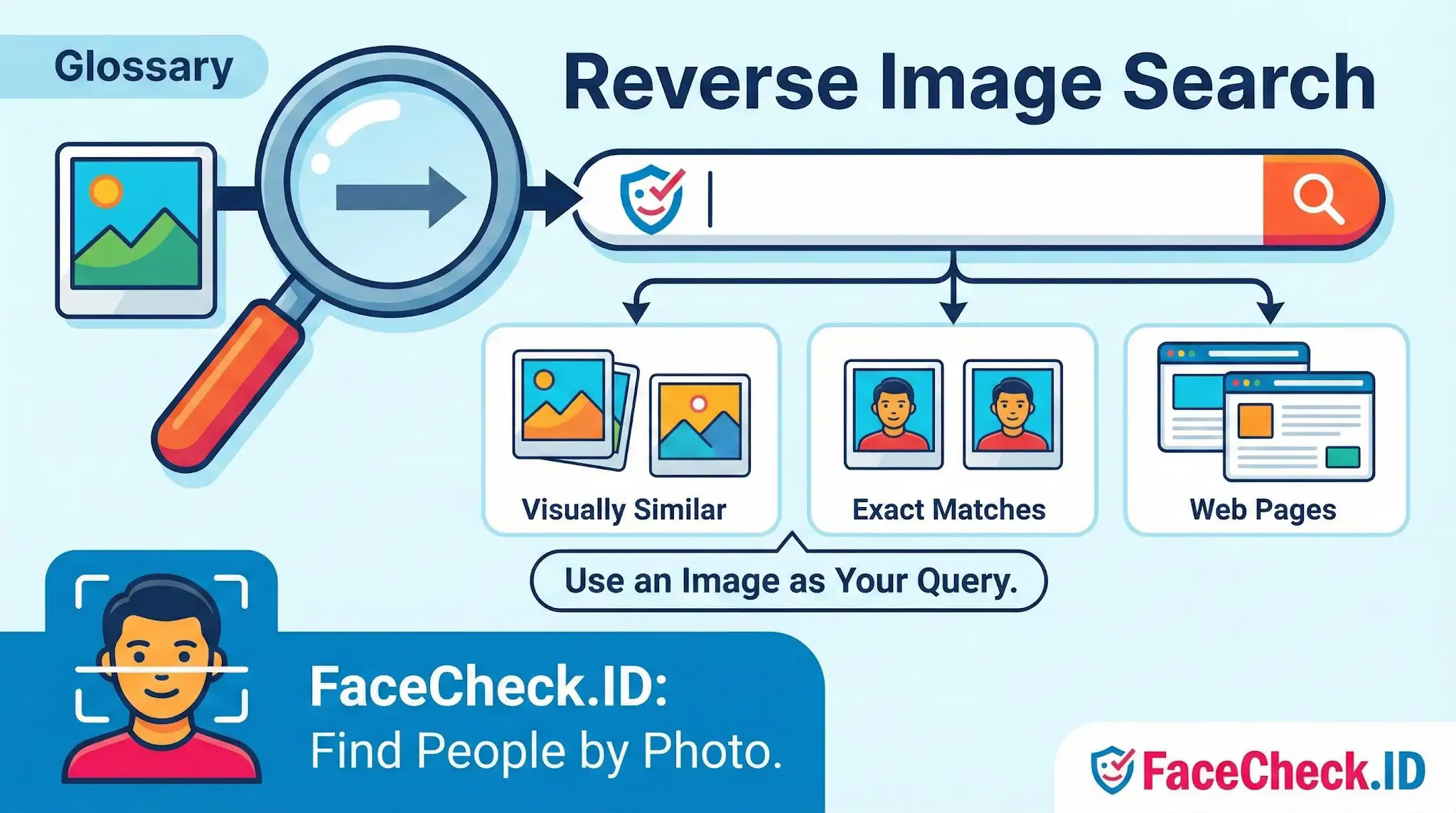
Reverse image search is the foundation of how tools like FaceCheck.ID work: instead of guessing names or typing search terms, you hand the engine a picture and ask it to find that picture — or the person in it — somewhere on the public web. The query is visual, the index is visual, and the matches come back as URLs where the same image, a similar image, or in the case of face search, the same person has been seen before.
How reverse image search differs from face search
A traditional reverse image search engine like Google Lens, Bing Visual Search, or TinEye is trying to match an image. It looks at pixel arrangements, color histograms, edges, embedded objects, and sometimes text inside the image. If you upload a photo of a couch, it tries to find that couch — or one that looks like it — in product listings, blogs, and stock libraries. If the same JPEG has been republished, it usually finds every copy.
Face search is a narrower, harder problem. The engine has to ignore the couch, the lighting, the haircut, the camera angle, and the ten years between two photos, and decide whether two faces belong to the same person. That requires a face embedding — a numerical fingerprint of the geometry and texture of a face — rather than a fingerprint of the whole image. A generic reverse image search will miss a person whose photo has been cropped, color-graded, or re-uploaded; a face-recognition engine will often still match them because the underlying face vector is stable across those edits.
What you can actually find
Run a face through a system that crawls public sources and you generally get back a list of pages where that face appears, along with a confidence score. In practice, that surfaces things like:
- Social profiles on platforms that allow public photos, including secondary or forgotten accounts
- Dating profile screenshots that have been archived, leaked, or reposted on scam-warning sites
- News articles, press releases, and event photography
- Blog posts, podcast guest pages, and conference bios
- Mugshot aggregators and court-record sites
- Forum avatars and comment threads where the same headshot was reused
The most common real-world uses are vetting someone you met online before a date, checking whether a remote job recruiter or "investor" is who they claim to be, identifying the real person behind a stolen profile picture, and locating someone's other accounts when only one is known. Journalists and OSINT researchers use the same workflow to verify that a source's claimed identity matches their public footprint.
Why match quality varies so much
Reverse image search results are only as good as the query image and the index. A sharp, front-facing, well-lit photo of a single person — the kind LinkedIn encourages — produces far stronger matches than a side profile, a sunglasses shot, or a group photo where the face is 80 pixels wide. Heavy filters, AI-generated beautification, masks, and aggressive compression all degrade the embedding. So does age: a photo of someone at 18 is unlikely to match the same person at 55 with high confidence, even though a human would recognize them instantly.
The index matters just as much. If a person has scrubbed their old accounts, set everything to private, or simply never appeared on a publicly crawled page, no reverse image search engine will find them — not because the match algorithm failed, but because there is nothing to match against.
What a reverse image search does not prove
A high-confidence hit shows that the same face appears on a particular URL. It does not prove that the page belongs to the person, that the name attached to that page is real, or that the account is currently active. People get tagged in other people's photos, scammers reuse stolen headshots across hundreds of fake profiles, and stock-photo models show up in unrelated ads worldwide. Treat results as leads to verify, not conclusions. The right move is always to open the matching pages, read the surrounding context, and corroborate with at least one independent signal — a username, a mutual connection, a verifiable employer — before deciding what the match actually means.
FAQ
What is “Reverse Image Search” in the context of face recognition search engines?
Reverse image search typically means searching the web for the same image (or near-duplicate copies) by uploading a picture or pasting its URL. In face-recognition-focused tools, the goal is often different: finding visually similar faces even when the photo is not an exact copy. So “reverse image search” may refer either to duplicate-image matching or to face-similarity search, depending on the service.
When should I use reverse image search instead of a face recognition search engine?
Use reverse image search when you want to track where an exact photo (or lightly modified version) appears online—such as checking if an image was reposted, stolen, or used in an article. Use a face recognition search engine when you want to find other photos of the same person that are not duplicates (different angles, lighting, or occasions), which classic reverse image search often misses.
Why can reverse image search fail to find matches for a person even if they are online?
Reverse image search often relies on near-duplicate image signals, so it can miss results when the face photo is cropped, mirrored, re-encoded, heavily filtered, watermarked, or replaced with a different photo of the same person. It can also fail if the relevant pages are not indexed, are behind logins, blocked by robots.txt, or removed.
How do I get better results from a reverse image search when the image contains a face?
Start with the clearest, highest-resolution version available, avoid screenshots with UI elements, and try a tight crop around the face and another version showing more context (hair, clothing, background). If the image is mirrored or heavily filtered, test an unmirrored or less-edited copy. Running both a traditional reverse image search and a face-focused engine can improve coverage.
Can FaceCheck.ID be used like reverse image search for faces, and what should I keep in mind?
FaceCheck.ID is designed for face-based searching, which can complement traditional reverse image search by finding similar faces even when the exact image isn’t reused. Keep in mind that face-similarity results are not proof of identity; verify with independent contextual clues (source credibility, timestamps, accompanying text, additional photos) and follow applicable laws, consent expectations, and the site’s policies.


Recommended Posts Related to reverse-image-search
-
Should I reverse image search myself?
Yes, reverse image searching a face is not only possible but has become increasingly popular and sophisticated. Privacy Settings: Some websites prevent search engines from indexing their images, making them inaccessible for reverse image searches. For those looking beyond Google for reverse image searching:.
-
Can You Reverse Image Search a Face?
Reverse image searching a face has become more accessible and sophisticated in recent years. FaceCheck.ID, specializing in reverse image searching social media platforms like Instagram, FaceBook, and Twitter, is another key player in the facial recognition field.
-
Can you reverse image search a person?
Are there any free reverse image searches? The Best Tool for Reverse Image Searching a Person.
-
How to Reverse Image Search Mugshots
This article will explore how reverse image searching mugshots can significantly contribute to community safety and foster transparency while ensuring the privacy of individuals.
-
How to Find Someone by Doing Reverse Face Search
Though reverse image searches may seem controversial, the technology is beneficial and can help you find stolen photos, spot fake profiles, and even scam artists.