Search by Photo
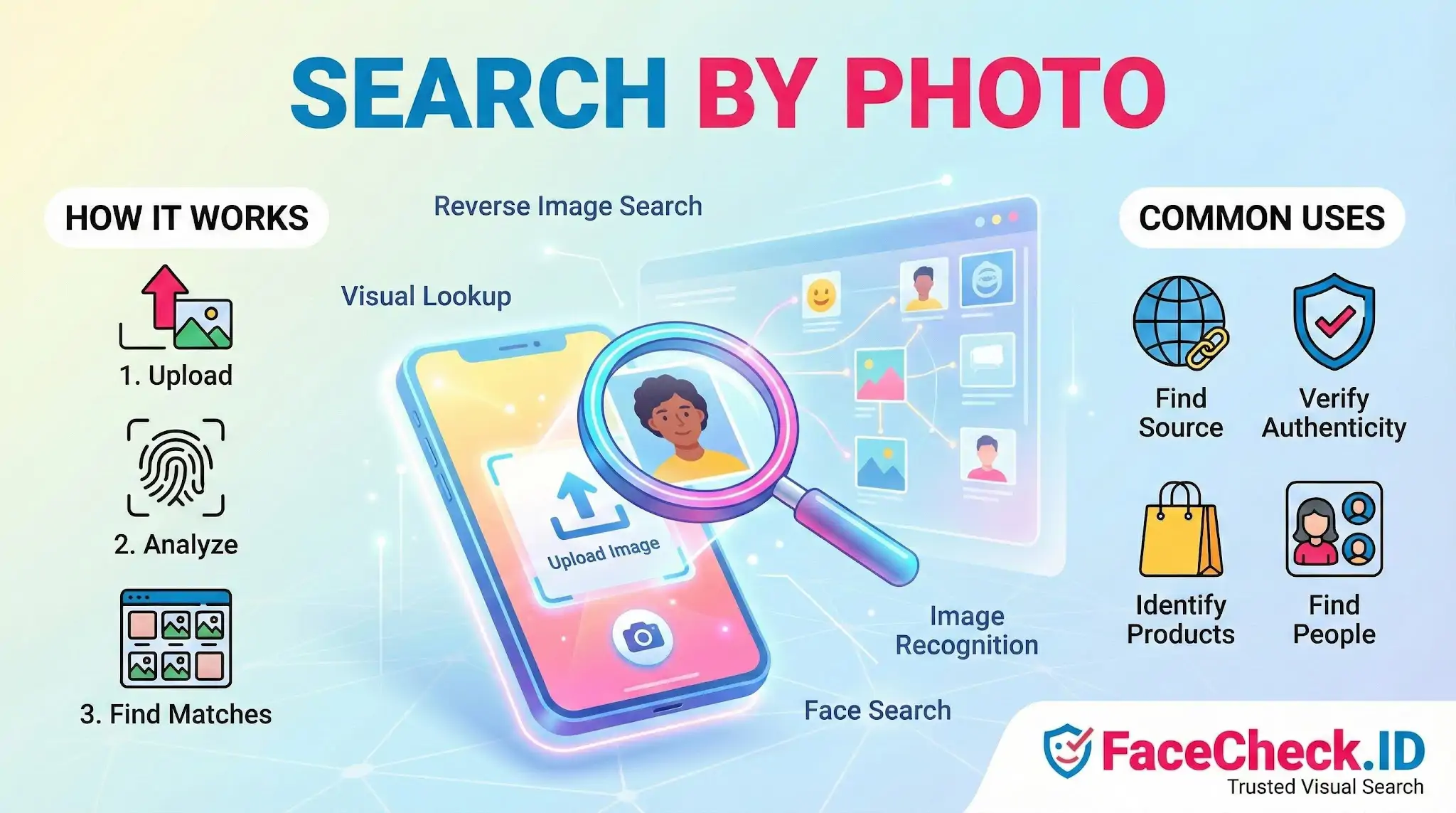
Search by Photo is the starting point for almost every face-search investigation on FaceCheck.ID. Instead of guessing a username or typing a name, you hand the system a photograph and ask it to find pages across the public web where the same face appears.
How Search by Photo works on a face-search engine
A general reverse image search looks for visually similar pictures: the same product shot, the same landmark, the same meme. A face-focused Search by Photo works differently. The system isolates the face in your uploaded image, builds a numerical representation of its features, and compares that representation against faces extracted from indexed pages.
The practical flow looks like this:
- You upload a photo, paste a link, or drop in a screenshot.
- The detector finds the face and crops it.
- A face embedding is generated from that crop.
- The embedding is matched against faces previously extracted from public pages, profiles, news articles, blogs, and other indexed sources.
- You get ranked results with a confidence score and a link back to the page where each match was found.
The match score matters more than people expect. A high score with multiple independent sources is a strong signal. A single mid-range hit is a lead, not a conclusion.
What you can actually find
Search by Photo on a face-search engine is most useful when you are trying to connect a single image to a real online presence. Common scenarios:
- Checking whether a dating profile photo also appears on someone else's social accounts under a different name
- Finding the original LinkedIn or company bio a stolen profile picture was lifted from
- Tracing a suspicious crypto or romance scam contact back to the real person whose photos were taken
- Identifying a public figure, journalist, or witness from a still frame
- Locating older or archived posts where a face appears under a previous identity
LinkedIn headshots, press photos, podcast guest pages, and conference speaker bios tend to produce the cleanest matches because the images are front-facing, well lit, and reused across multiple sites. Casual snapshots with sunglasses, side angles, or heavy filters return weaker results.
Image quality and what makes a good search photo
The same face can return very different results depending on the photo you submit. The system has to find a face first and then compare it, so anything that interferes with detection or feature extraction reduces match quality.
Better source images usually share these traits:
- The face takes up a meaningful portion of the frame, not a distant figure in a crowd
- Eyes, nose, and mouth are visible and roughly forward-facing
- Lighting is even, without strong shadows cutting across the face
- The image is reasonably sharp and not heavily compressed
- Sunglasses, masks, hats pulled low, and aggressive beauty filters are absent
If your only photo is a low-resolution group shot, crop tightly to the face before uploading. A clean crop usually beats a higher-resolution image where the system has to choose between several faces.
Search by Photo vs general reverse image search
A normal reverse image search looks at the whole picture, including background, clothing, and composition. That helps for finding the original posting of an exact image but fails when someone is wearing different clothes, photographed in a different setting, or aged by several years. Face-focused Search by Photo ignores most of the scene and focuses on the face itself, which is why it can match a wedding photo to a corporate headshot taken five years earlier.
Limits and where interpretation goes wrong
Search by Photo surfaces visual matches. It does not prove identity on its own. Lookalikes exist, twins exist, and a confident match to a stock photo or reused profile picture only tells you the image has been seen before, not who is using it now. False positives are most common with low-quality uploads, partial faces, and people who happen to share strong feature similarities.
A result is a lead. Confirming that the person in front of you is the person on the matched page still requires corroboration: consistent details across multiple unrelated sources, matching context, and human judgment about whether the timeline makes sense. Treat the search as the start of an investigation, not the end of one.
FAQ
What does “Search by Photo” mean in a face recognition search engine?
“Search by Photo” means you upload (or provide) an image containing a face, and the system analyzes facial features to find visually similar faces in its indexed sources. Unlike keyword search, it doesn’t need a person’s name—results are based on facial similarity and then linked to pages where similar-looking images appear.
Is “Search by Photo” the same as reverse image search?
Not necessarily. Traditional reverse image search often prioritizes exact or near-duplicate copies of the same picture (including resized/cropped versions). “Search by Photo” in a face recognition engine typically focuses on matching the person’s face across different photos, angles, lighting, and contexts—even when the exact image is not duplicated online.
Should I crop the photo before using “Search by Photo” for face matching?
Usually yes: cropping to the clearest face (and removing extra background or other people) can reduce confusion and improve match quality. Keep key facial regions (eyes, nose, mouth, jawline) visible, avoid extreme filters, and prefer a front-facing image with good lighting.
Can I use “Search by Photo” with screenshots or video frames?
Often yes, but results may be weaker if the frame is blurry, compressed, or motion-smeared. Choose the sharpest frame where the face is large, well-lit, and not heavily angled; if possible, try multiple frames. Some tools (including FaceCheck.ID) may work better when the face occupies a larger portion of the image and is not obscured.
What are the main privacy steps to take before using “Search by Photo” on a face search engine?
Use only photos you have the right to use, avoid uploading sensitive images (minors, private situations, documents in the background), and prefer a crop that excludes bystanders. Read the tool’s retention/usage and removal policies, and treat matches as leads—don’t publish or act on a result as “proof” of identity without independent verification.


Recommended Posts Related to search-by-photo
-
How to Search Facebook by Photo
Some search engines, such as Google Images, have a massive database of images, while others, such as FaceCheck.ID, focus specifically on social media profiles including FaceBook and Instagram search by photo.
-
How to Use Reverse Image Search to Find LinkedIn Profiles by a Photo
Does LinkedIn itself let you search by photo?
-
Fansly Search: How to Find Someone on Fansly by Username, Link or Photo
Fansly search by photo with FaceCheck.ID.