Bing Visual Search
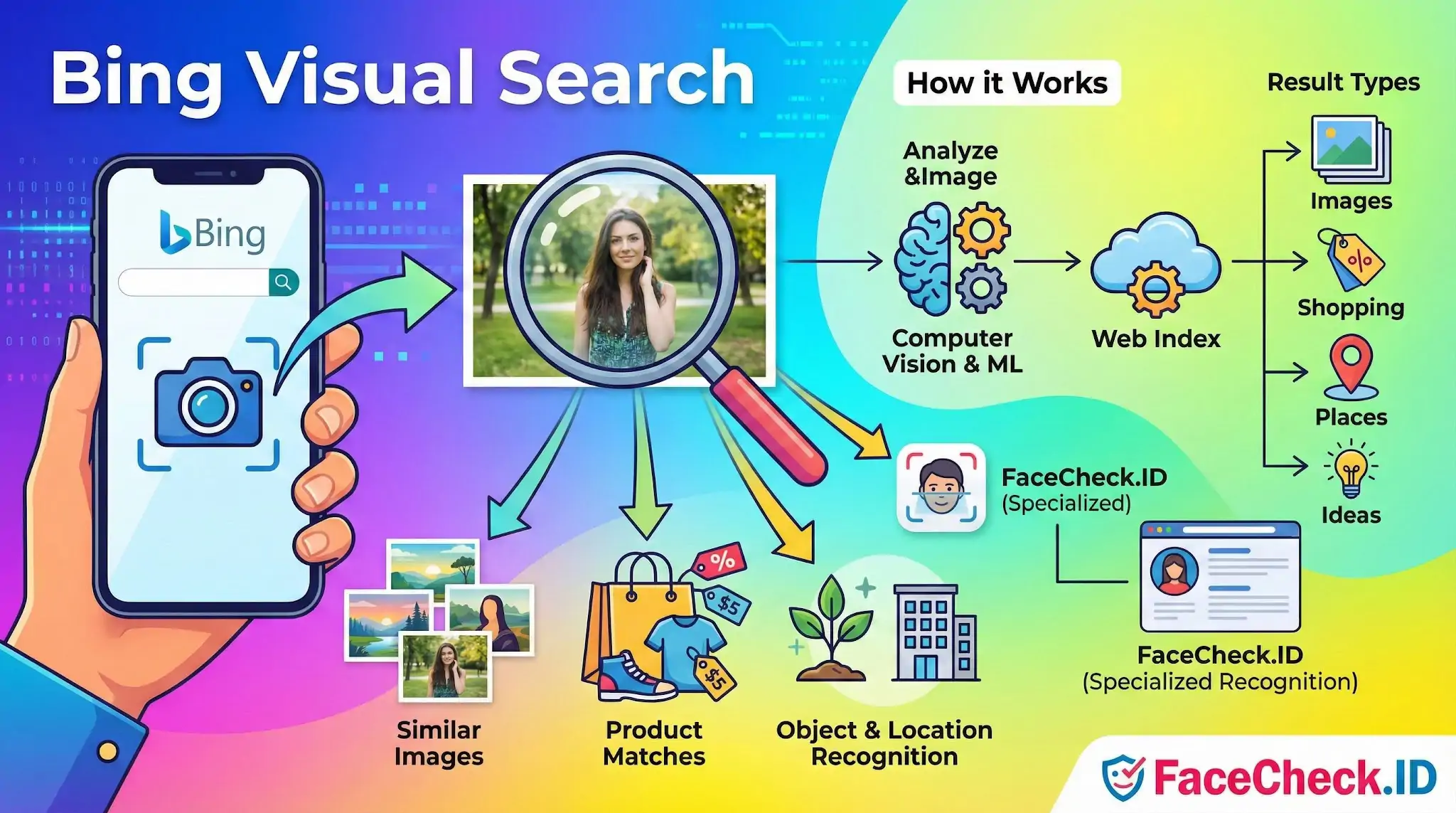
Bing Visual Search is Microsoft's image-based search tool, and it sits in the same category of investigative tools that people reach for when they want to know where a photo came from or who appears in it. For anyone tracing a profile picture, checking a suspicious dating-app photo, or trying to find other places an image has been published, Bing Visual Search is one of the standard reverse-image options alongside Google Lens, Yandex Images, and dedicated face-search engines like FaceCheck.ID.
How Bing Visual Search differs from face search
Bing Visual Search is a general visual matcher. It looks at colors, shapes, objects, and overall composition, then returns images that look similar or pages where the same image has been indexed. It is not a face-recognition engine. If two different people are photographed in similar lighting and clothing against a similar background, Bing may treat those images as visually related even though the faces belong to strangers.
Face-search engines work the opposite way. They isolate facial features such as eye spacing, jawline geometry, and other landmarks, then look for the same face across crawled pages regardless of the background, outfit, or photo style. That difference matters in practice:
- Bing is strong at finding the exact same image file or near-duplicates that have been reposted.
- Bing is weak at finding the same person in a different photo, because clothing, pose, and lighting dominate its similarity score.
- Face-search tools are built to ignore those surface details and focus on the face itself.
In an investigation, the two approaches answer different questions. Bing answers "where else has this picture been posted?" Face search answers "where else does this person appear?"
Useful roles in an image investigation
Even though Bing Visual Search is not a face matcher, it has a place in identity work. It often surfaces:
- Stock photo pages, which immediately flag a catfishing or scam profile using a recycled model image.
- News articles, blog posts, or forums where a specific photo was originally published.
- Higher-resolution versions of a cropped or compressed image, which can then be fed into a face-search tool for cleaner results.
- Watermarks, logos, or brand pages that hint at the photo's origin.
A common workflow is to run a suspicious profile picture through Bing first to check for stock-image hits or obvious reposts, then run the same image through FaceCheck.ID to see whether the actual face appears under other names or on unrelated profiles.
Where Bing Visual Search falls short for identity questions
Bing's index is broad but biased toward commercial, editorial, and high-traffic content. Personal social profiles, smaller forums, dating sites, and many image hosts are either not indexed or only partially indexed. A face that appears on ten Instagram accounts and a few dating apps may produce no useful Bing matches at all, while the same face can surface clearly on a face-search engine that crawls those areas.
Image quality also affects Bing more than people expect. A tightly cropped face, a low-light photo, or a screenshot taken from a video call often returns generic results, like other low-light portraits, rather than anything tied to the actual person.
What Bing results do and do not prove
A Bing match showing the same image on a stock site is strong evidence that a profile is fake. A Bing match showing the same image on a news article is strong evidence of where it was first published. Beyond that, caution is warranted. Visual similarity is not identity. Two people can wear the same uniform, two products can share packaging, and two photos can share a backdrop without sharing a subject.
For questions about who someone is, whether a profile is genuine, or whether a photo has been reused under another identity, Bing Visual Search is a useful first pass but not a conclusion. Pair it with a face-recognition search and human review of the surrounding context, such as account age, posting history, and metadata, before treating any match as confirmation.
FAQ
What is Bing Visual Search, and is it a true face recognition search engine?
Bing Visual Search is Microsoft’s tool for searching the web using an image (or a region within an image) to find visually related results. It can surface the same image, close variants, or visually similar content, but it is not typically positioned as a dedicated open-web face-recognition engine that reliably finds the same person across many different photos. For identity-sensitive face lookups, specialized tools (e.g., FaceCheck.ID) may be more purpose-built, but results should still be treated as leads—not proof.
How do I use Bing Visual Search to look up a face photo without uploading unnecessary personal data?
Use a tightly cropped image focused on the face (avoid including bystanders, addresses, license plates, or other sensitive background details). If you only have a screenshot, crop out UI elements and usernames. Prefer using a neutral, front-facing image with good lighting. When possible, search with the minimum-resolution image that still shows key facial features, and avoid re-uploading multiple private photos unless it’s necessary for verification.
Why might Bing Visual Search miss the same person even if their photos are online?
Bing Visual Search often performs best at matching the same image or visually similar images, and it may struggle when the same person appears in different poses, ages, lighting conditions, edits/filters, or across unrelated photos that aren’t visually similar. It can also miss content that isn’t indexed, is blocked from crawling, is behind logins/paywalls, or has been removed/changed since indexing.
What should I check in Bing Visual Search results before assuming a face match is the same person?
Validate using non-face clues across multiple independent sources: consistent biographical details, consistent usernames/handles, cross-linked profiles, matching timestamps/locations, and multiple distinct photos that align (not just one look-alike image). Be cautious with single-source hits, repost sites, or low-quality thumbnails. If the query relates to safety, fraud, or accusations, treat results as preliminary leads and seek corroboration.
When is it better to use a dedicated face search tool like FaceCheck.ID instead of Bing Visual Search?
If your goal is to find the same person across different photos (not just the same image), a dedicated face-search tool (such as FaceCheck.ID) may be more effective because it is designed around facial similarity rather than whole-image similarity. Even then, you should use it carefully: expect false positives, verify matches using multiple independent signals, and avoid using results to harass, doxx, or make high-stakes decisions without additional confirmation.


Recommended Posts Related to bing-visual-search
-
Top 6 Reverse Image Search Mobile Sites to Find People, Products, and Places
Bing Visual Search:. How to Use: Open Bing Visual Search in your mobile browser, tap the camera icon, upload, wait. For products, landmarks, or "what is this thing," Google Images and Bing Visual Search win — Bing especially, since it links directly to shopping results.
-
Reverse Image Search FAQ: The Ultimate Guide for 2025
Bing Visual Search: Free with standard usage. Bing Visual Search (good for products). General-purpose (Google Images, [Bing Visual Search](https://www.bing.com/images/discover), [Yandex](https://yandex.com/images/)).
-
How to Use Reverse Image Search to Find LinkedIn Profiles by a Photo
If FaceCheck.ID comes up empty, it's worth running the same image through Google Images, Bing Visual Search, or TinEye on the off chance the exact photo is sitting on a public page somewhere. Cross-referencing with a second engine (Bing Visual Search or PimEyes) also helps confirm.
-
How to Reverse Image Search a Screenshot with FaceCheck.ID
Try Bing Visual Search, TinEye, or Yandex.Images for additional results.
-
Best Reverse Image Search Engines Ranked (2026)
Bing Visual Search — Similar to Google, Similarly Bad at Faces.