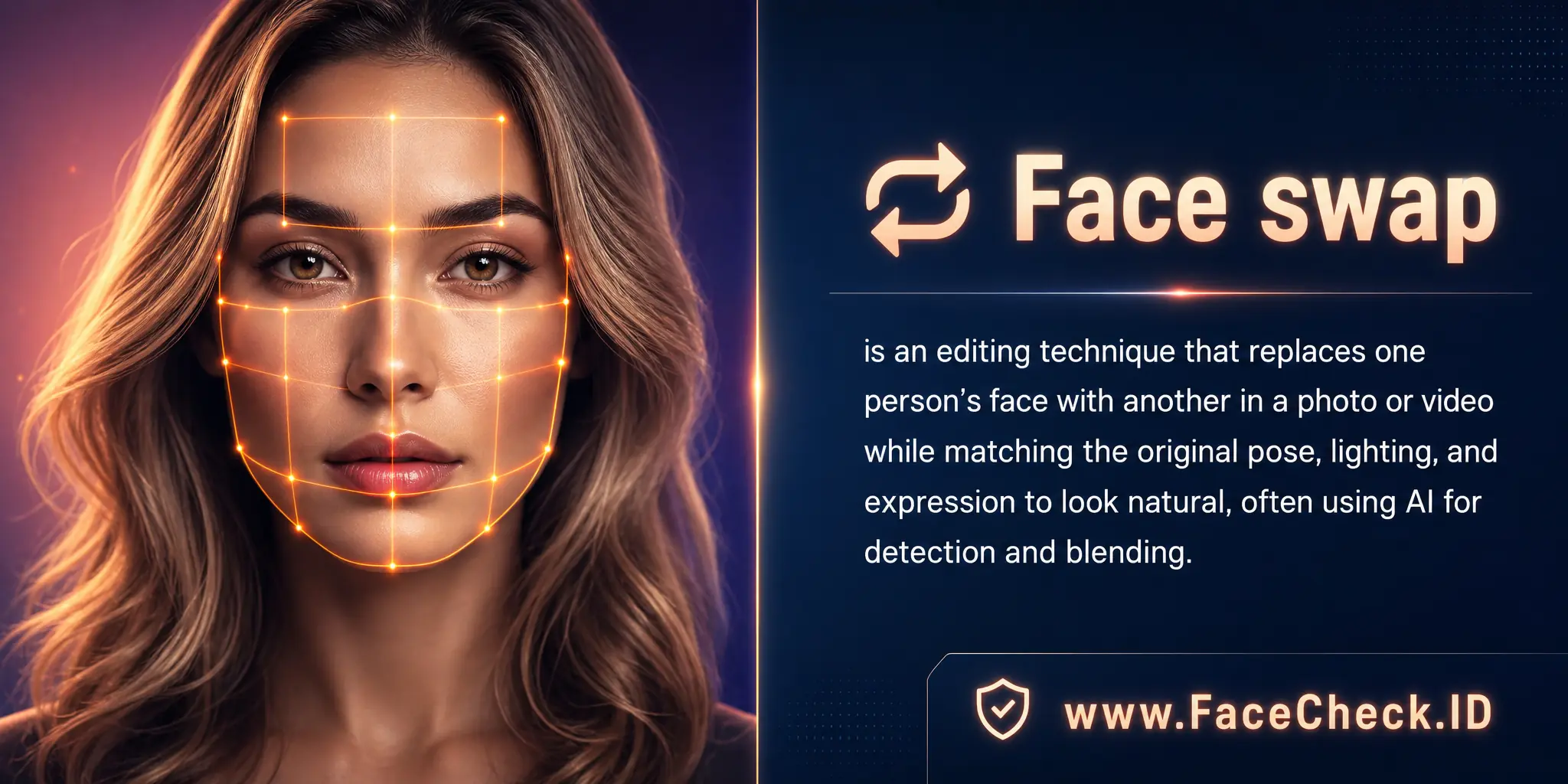
Face Swap: Reading Reverse Search Hits

Face swap is one of the most common ways a real person's face ends up on a profile, video, or post that has nothing to do with them. For anyone running a reverse face search on FaceCheck.ID, understanding how swaps work and where they show up is part of reading results correctly, especially when investigating catfishing, impersonation, or stolen identity content.
How face swap interacts with reverse image search
A face-search engine indexes faces from public web pages and matches them based on facial geometry: distances between eyes, nose width, jawline shape, and other landmarks. When someone runs a face swap, the underlying geometry of the original target image stays partly intact, but the surface features get pulled toward the source face. The result is a hybrid that can match either person depending on how aggressive the swap is.
In practice this produces a few patterns:
- Light swaps using simple landmark mapping often still match the original target's face, because head shape and proportions dominate the result.
- Heavier AI-driven swaps tend to match the source face more strongly, and the target's identity becomes harder to recover.
- Low-resolution or short video swaps frequently produce hits on both individuals at lower confidence scores, which is a useful signal that something has been edited.
If a face search returns matches that point to two clearly different people across separate clusters of pages, a swap or other manipulation should be on the list of explanations.
Why face swap matters for catfishing and scam detection
Romance scammers, fake recruiters, and impersonation accounts increasingly use swapped images instead of plain stolen photos. A scammer can take a real person's selfie and swap in a different face, creating a profile picture that will not match the original person on a reverse search but still looks human and consistent across multiple posts. This is a step beyond the older method of stealing someone's photos wholesale, which face search tools catch quickly.
Signs that a profile photo may involve a swap:
- Slight blurring or smoothing along the jawline, hairline, or ears
- Lighting on the face that does not match the lighting on the neck or shoulders
- Skin tone shifts where the face meets the rest of the head
- Eyes or teeth that look slightly off-axis in otherwise sharp images
- A face that looks subtly different across photos that claim to be the same person
When FaceCheck returns weak or partial matches across unrelated pages, treat those as a prompt to look at the image more carefully rather than as proof of identity in either direction.
Reading FaceCheck results when a swap is suspected
Confidence scores matter more than usual with swapped media. A clean, high-confidence match on a sharp front-facing photo is hard to fake. A medium-confidence match with mismatched context, for example a face appearing on both a verified LinkedIn page and an unrelated dating profile in another country, is a stronger sign of misuse than of coincidence. Cross-reference image metadata where available, look at where else the image appears, and check whether the surrounding photos in a profile share consistent lighting and angles.
It also helps to search multiple frames if the source is a video. Swaps are usually weaker on extreme angles, fast movement, or partial occlusion, so a side-profile frame may match the original target person more clearly than a straight-on shot.
What a face swap match does not prove
A reverse-image hit on a swapped photo does not by itself prove who created the edit, who appears in the original, or what the intent was. Several things can produce similar match patterns: lookalikes, family resemblance, heavy filters, or beauty-mode smoothing that distorts landmarks. A clean swap can also evade detection entirely on a single image, which means the absence of a match is not proof that an image is genuine.
Face search narrows possibilities and surfaces leads. Confirming a swap usually requires looking at the image directly, comparing it to known authentic photos of the suspected target, and weighing the context of where it appeared. Consent and legality matter on the other side of this too: legitimate uses of face swap exist in film, privacy redaction, and creative work, and not every altered image is a scam.
FAQ
What does “Face Swap” mean in the context of face recognition search engines?
In face-recognition search, “Face Swap” refers to an edited image where one person’s face has been digitally replaced with another person’s face (often using AI). This can confuse face-search results because the image may visually resemble the swapped-in person while other cues (scene, body, original source context) belong to someone else.
How can a face swap affect face recognition search results and similarity scores?
A face swap can cause the search engine to return results for the swapped-in identity (because the face region looks like them), or mixed results that alternate between the swapped-in and the original person. Similarity scores may look “high” even when the page context clearly indicates the image is manipulated or reposted.
What practical checks can help me detect a face-swapped image when reviewing face-search matches?
Check for visual inconsistencies (lighting direction, skin texture, edges around hairline/ears, mismatched blur/noise, incorrect shadows), and compare multiple photos from the same source page. Also verify context signals (captions, usernames, timestamps, other photos on the same profile) and see whether the same face appears naturally across different, independent sources rather than only in one suspicious edit.
If I suspect a face swap, what is the safest way to run a face recognition search without misidentifying someone?
Use multiple clean reference images (ideally original, unfiltered photos), crop to a clear, front-facing face, and run searches on more than one frame/photo. Treat results as leads: cross-check each hit with independent evidence (other images, consistent biographical details, consistent accounts) before concluding it’s the same person, and avoid sharing accusations based only on a single match.
How can FaceCheck.ID be used when a face swap is suspected, and what should users keep in mind?
FaceCheck.ID (like other face-search tools) can help you find where a similar face appears online, which may reveal the likely source face used in a swap or show that the image is circulating in manipulated contexts. Users should still validate results carefully: a strong-looking match does not prove identity, and face-swapped or heavily edited content can produce convincing but misleading matches.


Recommended Posts Related to face-swap
-
The New Face of Digital Deception: FraudGPT, Romance Scams, and Protecting Yourself in 2026
Live face-swap tech has gotten good, but it still breaks in predictable places: ask the person to turn fully sideways (profiles trip up most models), wave a hand slowly in front of their face (the swap lags), or hold up a specific number of fingers against their cheek.
-
How to Find Someone on TikTok by Photo (2026)
Heavy beauty filters, face-swap effects and AI-generated faces also defeat it, because the face in your screenshot does not exist on any real page.
-
How to Detect Fake Remote IT Workers with Facial Recognition (2026 Guide)
Face-swap indicators.
-
Unmasking Romance Scams: Expert Tips to Identify and Avoid Falling Victim
AI face-swap tools and deepfake apps now let scammers run live video calls using a stolen identity in real time, so "I saw their face on FaceTime" is no longer proof.
-
How to Spot a Catfish Online in Under 60 Seconds with FaceCheck.ID
FaceCheck.ID's detection is highly effective against 2025's commonly used image generators and face-swap tools.