Find Social Media by Photo
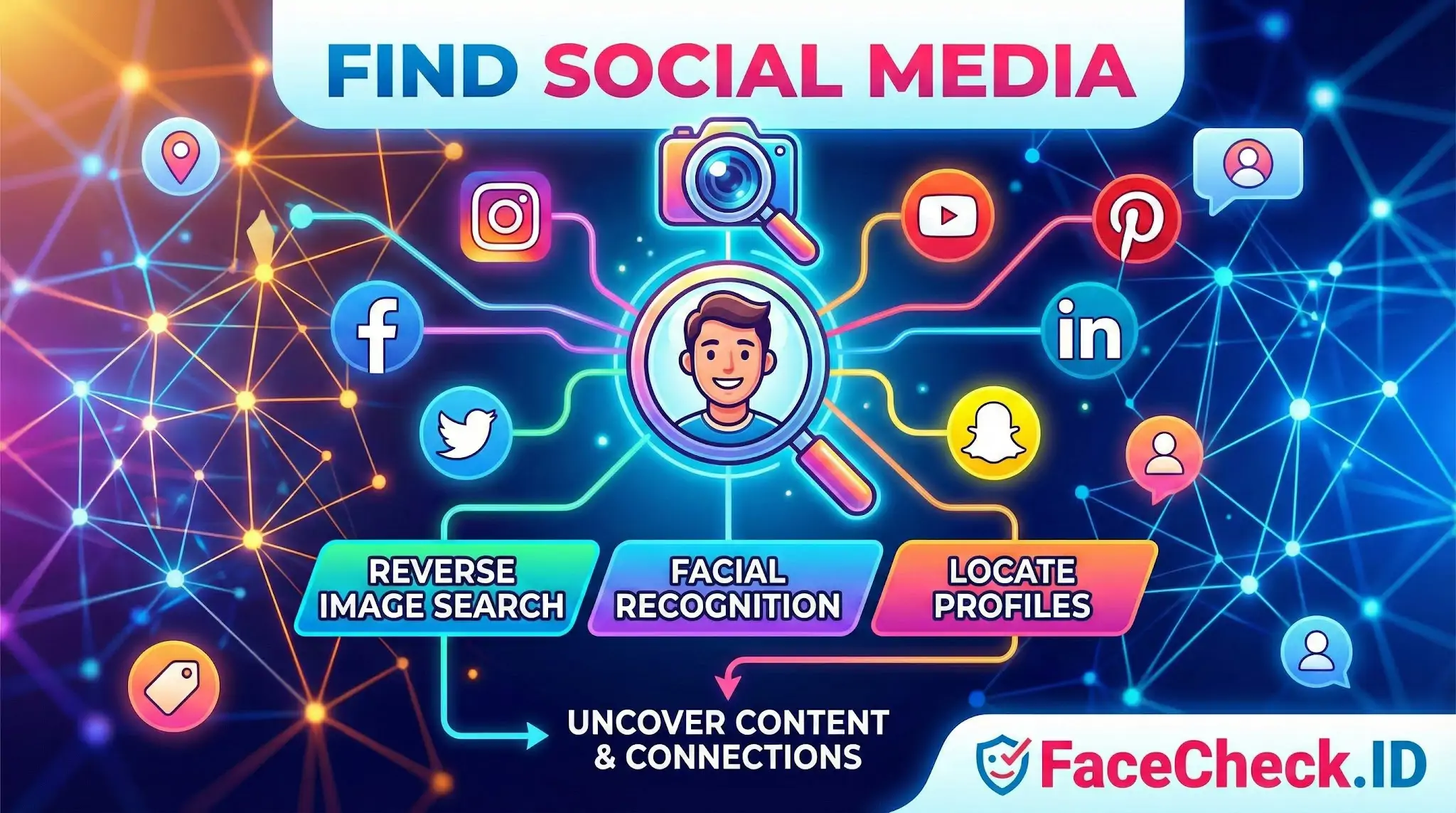
Finding someone's social media from a single photo is one of the most common reasons people run a face search. Instead of guessing usernames or scraping name lists, a face-based lookup compares the face in your image against publicly indexed profile photos and post images across the web, returning the pages where that same face appears.
How face search locates social profiles
A reverse image search matches pixels. A face search matches a face. The difference matters when you are trying to find social accounts, because the same person uses different photos across Instagram, LinkedIn, TikTok, X, VK, dating sites, and forum avatars. A pixel match only catches direct copies. A face match can connect a LinkedIn headshot to a heavily filtered Instagram selfie or a cropped Tinder photo, as long as enough facial geometry survives in both images.
In practice, FaceCheck.ID works by extracting a numeric representation of the face in your query image and comparing it to faces it has already indexed from public pages. When the system finds high-similarity faces, it returns the URLs where those faces appeared. Those URLs are often profile pages, post pages, news articles, or cached snapshots, which is what makes face search useful for identifying social accounts in the first place.
What kinds of profiles surface and which do not
Some platforms produce far better results than others. The factors that affect whether a profile shows up include:
- Whether the account is public or private. Locked Instagram accounts and friends-only Facebook profiles are largely invisible to any external indexer.
- Whether the profile photo is a clear, front-facing shot. Group photos, distant shots, and heavy sunglasses reduce the chance of a confident match.
- How long the photo has been online. Recently uploaded images may not yet be indexed.
- Platform structure. LinkedIn, About.me pages, news bylines, conference speaker pages, and YouTube channel art are heavily indexed. Closed platforms like Snapchat and most messaging apps are not.
Dating profiles are a special case. Sites like Tinder, Bumble, and Hinge typically do not allow public indexing, but copies of those photos often appear on scammer-watch sites, Reddit threads, and reposts, which is how face search frequently exposes catfishing.
Reading the results without overreaching
A face match suggesting a social profile is a lead, not proof. Two common failure modes:
- Lookalikes. Identical twins are the obvious case, but unrelated people can score high similarity, especially under similar lighting and pose. Always confirm with secondary signals such as name consistency, mutual locations, age range, or distinguishing marks.
- Reused photos. Scammers steal real people's photos. If a face search returns a legitimate Instagram profile and a suspicious dating profile under a different name, the dating profile is likely the impostor, not the Instagram user. Treating the match as identity confirmation in that situation can defame the wrong person.
It also helps to look at multiple returned matches together. A single hit on an obscure forum is weak evidence. Five hits across LinkedIn, a company team page, a news article, and two old social profiles tell a coherent story.
Legitimate uses and where it crosses lines
People use face-based social media discovery for verifying online dates before meeting, checking whether a recruiter or counterparty is real, finding the source of a photo someone sent them, identifying scammers reusing stolen images, reconnecting with people they have lost contact with, and journalism or fraud investigation work.
What it cannot do is confirm a real legal identity, prove that an account belongs to the person pictured rather than someone using their photos, or surface accounts behind privacy walls. It also cannot tell you intent. Two people may appear in linked photos for innocent reasons. Treat face-search results as a starting point for verification, not a verdict, and respect the difference between confirming a public identity and exposing private information about a real person.
FAQ
What does “Find Social Media” mean in a face recognition search engine?
“Find Social Media” typically refers to using a face recognition search engine to locate webpages that appear to be connected to social platforms (e.g., profile images, reposts, screenshots, or public posts) that contain a visually similar face. It generally means “find public web pages related to social media,” not guaranteed direct access to any specific platform’s private data.
Does “Find Social Media” mean a face search engine can access private or locked social media accounts?
No. “Find Social Media” usually does not imply access to private, locked, or friends-only content. Face recognition search engines typically rely on what they can index or discover from publicly accessible pages, reposts, caches, or third-party sites; privacy settings and paywalls can prevent content from being searchable.
Why might “Find Social Media” results show reposts, fan pages, or screenshots instead of the original profile?
Because reposts and screenshots are often more publicly accessible and easier to index than the original source. A face recognition search engine may find a widely shared copy (meme, compilation, quote-post screenshot, blog embed) before it finds the original profile photo, or it may only have access to the copy if the original post/profile is private or removed.
What are safe steps to verify a “Find Social Media” match before assuming it’s the same person?
Treat the result as a lead, not proof. Open the source page, compare multiple photos (not just one), check timestamps and context, look for consistent biographical details (username history, linked accounts, location cues), and watch for signs of re-uploads (watermarks, cropping, repost captions). If only one low-quality image matches, assume it could be a look-alike or a misattribution.
How can FaceCheck.ID add value to “Find Social Media” searches, and what should users avoid doing with the results?
Tools like FaceCheck.ID can help surface public pages where the same or a similar face appears, including social-media-related links, which can be useful for spotting impersonation, reused photos, or broader online presence. Users should avoid doxxing, harassment, or making identity claims based solely on a face match; use results for verification workflows and corroborate with independent evidence before taking action.


Recommended Posts Related to find-social-media
-
Search by Face to Find Social Media Profiles
The website that specialize in searching by face to find social media profiles is FaceCheck.ID. FaceCheck.ID aka Search by Face: was designed especially for the purpose of searching by a photo of face and finding social media profiles. Find social media profiles FAST with this OSINT tool!
-
How to Find People on Social Media by Photo
Find Social Media Profile using Photo. Finding social media influencers: You've seen a photo of a person who seems to be an influencer, and you want to follow them on social media.
-
Search Instagram by Photo with Reverse Image Instagram Search Engine
This technique is particularly useful for finding social media profiles, including Instagram accounts. For example, TinEye can search for modified or cropped versions of an image, while Social Catfish specializes in finding social media profiles.
-
Best Reverse Image Search Engines Ranked (2026)
I tested every major reverse image search engine using the same set of photos across multiple scenarios: finding social media profiles, detecting stolen photos, and verifying real people.
-
How to Find Someone Using a Screenshot
How to reverse image search to find social media. FaceCheck is powered by the latest face recognition technology and is made specifically to find social media profiles by a picture of their face.