Find Someone Online
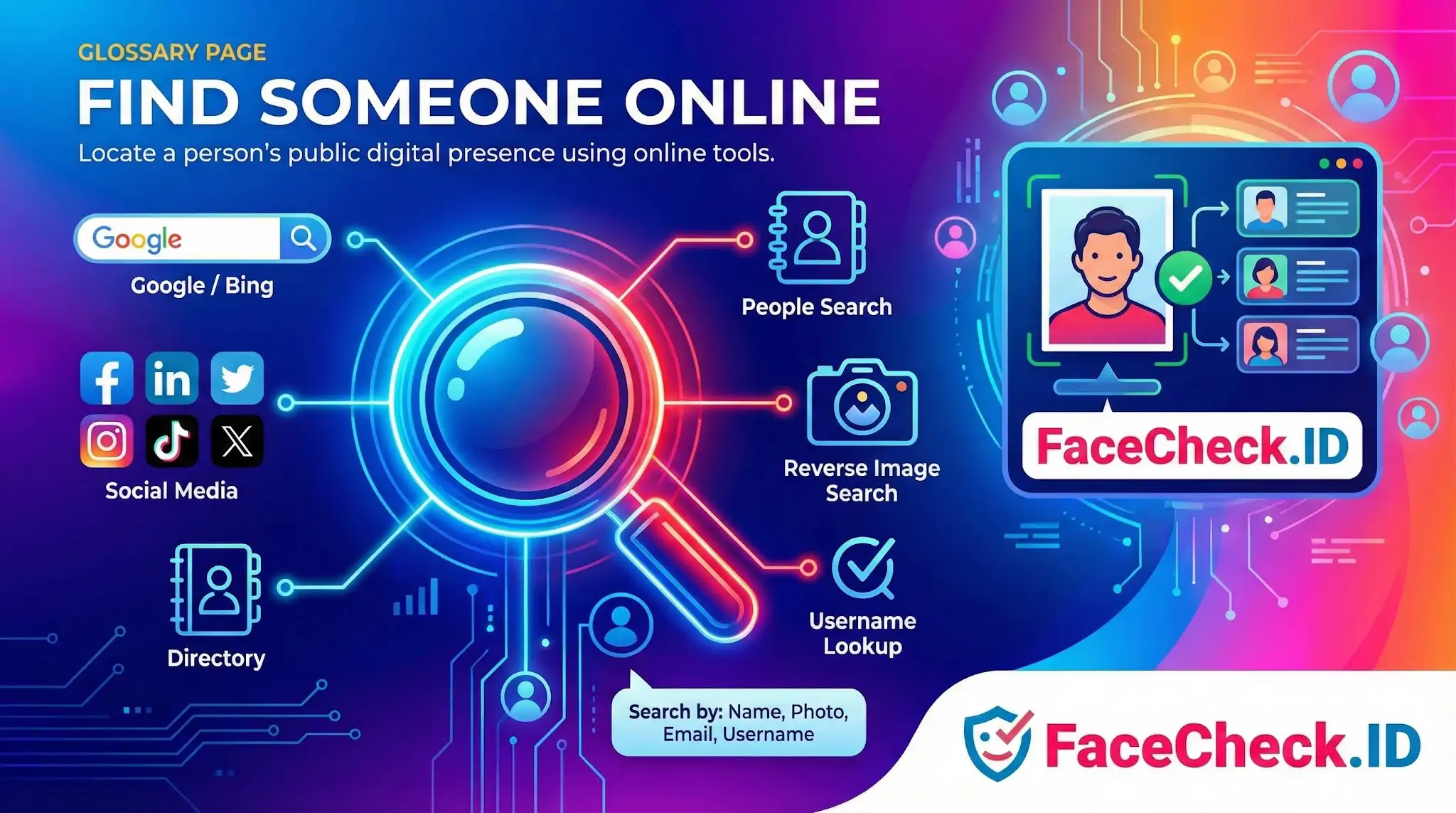
Finding someone online used to start with a name and a search box. Today it more often starts with a face: a profile picture from a dating app, a screenshot from a video call, or a photo someone sent before vanishing. Face search has shifted the problem from "what do I know about this person?" to "where else does this face appear on the public web?"
How face search changes the starting point
Traditional people-search relies on text inputs: a name, a phone number, an email, a username. Each of those can be faked, recycled, or shared by dozens of unrelated people. A photo of a face is harder to fake on the spot. If someone sends you a selfie, that selfie either matches images already indexed elsewhere or it does not.
This is why a reverse face search is often the first useful step when you have almost nothing to go on. A romance-scam victim usually knows a first name, a job title, and little else, none of which lead anywhere. A clear front-facing photo, run through face recognition across indexed pages, can surface a LinkedIn profile under a different name, an Instagram account in a different country, or a news article identifying the real person in the photo.
Inputs that actually produce useful matches
The quality of what you find depends heavily on what you put in. For face search specifically:
- Front-facing photos with both eyes visible match far better than profile shots or angled selfies.
- Even lighting matters more than resolution. A sharp photo with harsh shadows across the face often performs worse than a softer, well-lit image.
- Single-person crops outperform group photos. Cropping tightly around one face removes ambiguity about which person you are searching for.
- Recent photos find recent accounts. A 15-year-old photo may only match archived pages or old profiles the person has abandoned.
- Unedited originals beat heavily filtered images. Beauty filters, AR effects, and aggressive smoothing distort the facial geometry that recognition systems rely on.
For text-based searches that complement a face match, combining a name with a city, employer, or school still narrows results dramatically. Quoted full names, alternate spellings, and maiden names often surface accounts that a plain search misses.
Reading the results without overreaching
Finding someone online is rarely a single confirmation. It is a stack of weak signals that either align or contradict each other. A face match on a LinkedIn profile under one name and a Tinder profile under another, both showing the same workplace background, is meaningful. A single low-confidence match to a stock-photo site or a years-old forum avatar is not.
Common interpretation mistakes include:
- Treating a high similarity score as proof of identity when the underlying photo could be a lookalike, a sibling, or a reused stock image.
- Assuming an account is active because the photo appears on it. Many scam profiles reuse photos stolen from real people who have no connection to the account.
- Confusing presence with current location. A geotagged photo from 2019 says nothing about where someone lives now.
What finding someone online does not prove
A reverse image hit shows that a face appears on a page. It does not confirm that the person on that page controls the account, that the name attached is real, or that the page is current. Catfish accounts often steal photos from people who have never heard of the platform involved. Conversely, the absence of matches does not mean someone is hiding. It usually means their photos are not publicly indexed, which is true for most private users.
The honest goal of finding someone online is to reduce uncertainty, not to deliver a verdict. Use face search and text search together, weigh the matches against context, and treat strong results as a reason to ask better questions rather than as a final answer.
FAQ
What does “Find Someone Online” mean in the context of face recognition search engines?
“Find Someone Online” typically means using a face recognition search engine to locate web pages where the same (or very similar) face appears—such as social profiles, news articles, reposts, or image-hosting sites. It usually returns links and images, not a verified name, and it should be treated as lead generation rather than proof of identity.
Can “Find Someone Online” face searches identify a person’s real name or identity with certainty?
No. Even strong visual matches can be misattributed (look-alikes, old photos, reposts, mislabeled pages, or synthetic/edited images). A face-search result can suggest where the face appears online, but confirming a real-world identity requires independent verification from reliable, corroborating sources.
What are the safest steps to take after you get matches when trying to “Find Someone Online”?
Use results as hypotheses: open each source page, check the page context (date, location, caption), look for multiple independent sources that agree, and confirm with non-face signals (username continuity, linked accounts, consistent biographical details). Avoid contacting, accusing, or reporting someone based on a single match or a single website.
How can I improve “Find Someone Online” results without increasing misidentification risk?
Start with a clear, front-facing photo (good lighting, minimal filters), crop to include the full face, and avoid heavy edits or extreme angles. If you have multiple photos, try a few that show different conditions (neutral expression vs. smile, glasses vs. no glasses) and compare overlap in results; consistency across different inputs is a stronger signal than any single search.
How can FaceCheck.ID add value to a “Find Someone Online” workflow, and what should I watch out for?
FaceCheck.ID can be used as a face-search tool to surface possible online occurrences of a face and help you pivot to source pages for further validation. Watch out for reposts, fan pages, scraped directories, and look-alike matches; treat similarity indicators as guidance, not confirmation, and always verify with multiple independent sources before drawing conclusions.


Recommended Posts Related to find-someone-online
-
How to Find Someone Online
The ability to find someone online is a helpful tool for a variety of reasons. Find Someone Online. In addition to these two, many others available on the web will help you find anyone online.
-
Search by Face to Find Social Media Profiles
If you're trying to find someone online, one of the first places you'll look is their social media profile. What is the best way to find someone online by their photo? When you're trying to find someone online by their photo, the first step is to generate a list of possible candidates.
-
How to Find Anyone Online: A Guide to Internet Sleuthing
Search by Face and Find Anyone Online Using a Photo. Find Anyone Online by Photo. In-Depth Manual on How to Find Someone Online.
-
Reverse Image Search FAQ: The Ultimate Guide for 2025
Find Anyone Online by Photo. Find Anyone Online by Photo. Find Anyone Online by Photo.
-
Is There a FREE Facial Recognition Site?
How Do I Use Facial Recognition to Find Someone Online? To find someone online using facial recognition, upload the image of the person you're trying to locate to FaceCheck.ID. How to Use Facial Recognition to Find Someone Online: Finding someone online using facial recognition is made easy with FaceCheck.ID.