Image Search App
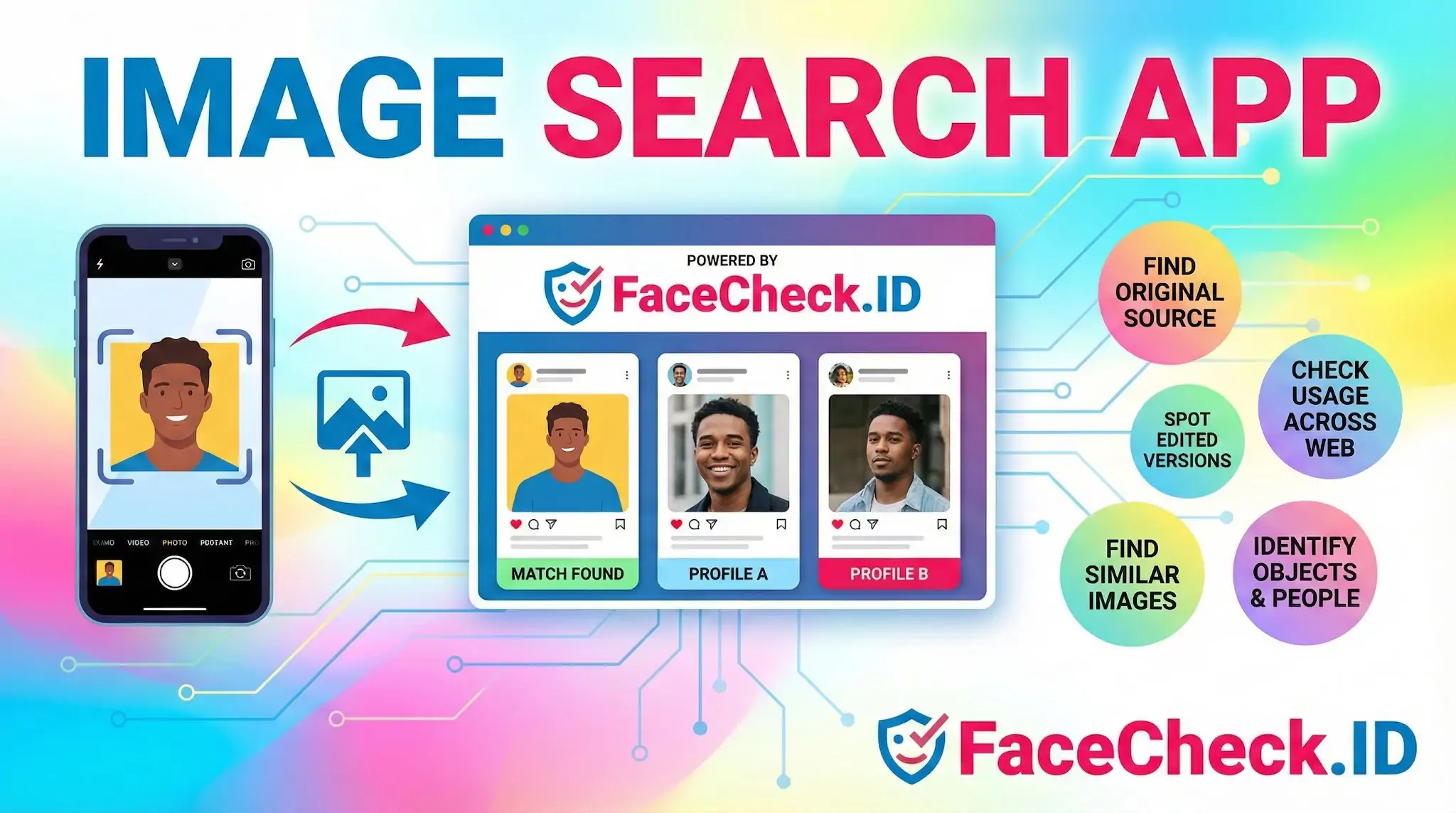
An image search app turns a picture into a query. On FaceCheck.ID, that picture is a face, and the goal is to find where that person appears across the public web: social profiles, news mentions, dating sites, scam reports, forum posts, and other indexed pages where the same face has been published.
How a face-focused image search app differs from generic visual search
Most general image search apps look at shapes, colors, and dominant visual features so they can match products, landmarks, or memes. A face search app like FaceCheck.ID is narrower and more demanding. It detects faces inside an image, builds a numerical representation of each face based on the geometry between facial landmarks, and compares that representation against faces extracted from billions of indexed pages.
That difference matters in practice. A generic image search will often return the exact same photo reposted elsewhere because it matches pixel patterns. A face search ignores the background, clothing, and crop, and tries to match the person regardless of which photo they appear in. Two completely different pictures of the same individual, taken years apart, can still produce a strong match if the facial geometry lines up.
What people actually use a face image search app for
The reasons someone runs a face through an image search app tend to cluster around identity questions, not curiosity about objects. Common uses include:
- Checking whether a dating profile photo appears on other accounts under different names, a common signal of catfishing
- Verifying that a recruiter, investor, or remote contact is a real person and not a stolen headshot
- Investigating romance scams, sextortion, and fake support agents who recycle the same set of photos
- Finding old social profiles, archived blog posts, or news coverage tied to a person
- Locating the original source of a photo that has been cropped, reposted, or watermarked over
Each of these involves judgment about online identity, not just visual similarity, which is why a generic reverse image search often misses what a face search catches.
What makes results stronger or weaker
Image quality drives almost everything in a face search app. A sharp, front-facing photo with even lighting and an unobstructed face produces the cleanest embeddings and the highest-confidence matches. LinkedIn headshots, passport-style photos, and well-lit selfies tend to perform best. Group shots, side profiles, heavy filters, sunglasses, masks, low resolution, and motion blur all degrade match quality.
A few practical habits help:
- Crop to a single face before searching, so the system is not guessing which person you mean
- Try more than one photo of the same person if available, since different angles surface different matches
- Avoid heavily edited or beautified images, which can shift facial geometry enough to weaken results
- Pay attention to the confidence score, not just whether a result appears
What an image search app cannot tell you
A face search app returns visual evidence, not verified identity. A high-confidence match shows that the face in your photo and the face on a given page are very likely the same person, based on geometry. It does not confirm the name on that page is real, that the account is currently active, or that the person controls the page where the photo appears. People get tagged by others, photos get scraped onto unrelated sites, and stolen images end up on scammer profiles all the time.
Lookalikes are also a real limit. Identical twins, close relatives, and unrelated people with similar facial structure can produce moderate-confidence matches that are not the same individual. Treat lower-confidence results as leads to verify, not conclusions.
The honest framing is that an image search app narrows a search from the entire internet to a short list of pages worth reading. The interpretation, the cross-checking, and the final judgment about who someone is still belong to the person doing the search.
FAQ
What is an “Image Search App” for face recognition, and what can it realistically do?
In the face-recognition context, an Image Search App is typically a mobile or desktop interface that submits a face photo (or a cropped face) to a face-search service and returns webpages or image sources where similar faces appear. Realistically, it can surface leads (possible matching appearances online), but it usually cannot reliably confirm a person’s real-world identity without independent verification.
Should I crop the photo to the face before using an Image Search App?
Usually yes: cropping to a clear, front-facing face (and excluding bystanders) reduces noise and helps the app focus on the intended subject. Avoid heavy filters, extreme angles, strong motion blur, and tiny faces; use the highest-resolution frame you can.
Can an Image Search App run face recognition fully on-device, or is it usually cloud-based?
Many “face search” Image Search Apps are cloud-based because matching a face against a large online index requires significant computing and an up-to-date database of crawled images. Some apps may do on-device face detection or face cropping, but the broad “search the web for similar faces” function is typically done on remote servers.
What permissions and privacy settings should I check before using an Image Search App?
Check whether the app requests camera/photo library access, whether it uploads images to a third-party service, and whether it claims to retain uploads or derived biometric data. Prefer apps that let you review/crop before uploading, explain retention/deletion clearly, and provide a removal/opt-out process if your face appears in results.
How should I use results from an Image Search App (including FaceCheck.ID) without jumping to conclusions?
Treat results as investigative leads, not proof. Validate a suspected match by checking multiple photos across independent sources, looking for consistent context (names, timestamps, locations), and verifying that the source page is authentic (not a repost/scrape). If you use FaceCheck.ID or similar tools, cross-check the top matches, open the source pages, and avoid making accusations or decisions based on a single hit.


Recommended Posts Related to image-search-app
-
How to Reverse Image Search on Yandex (and How It Differs from Google)
There is no separate Yandex reverse image search app to install. Is there a Yandex reverse image search app for Android or iPhone?
-
How to Find Someone Using a Screenshot
The Reverse Image Search app can help you find more clothes similar to your original photo.
-
How to Reverse Image Search from Your iPhone
If a "free reverse image search" app is asking for your contacts and camera roll, close the tab.
-
How to Find Images on the Web
The Reverse Image Search App is much like Google Images.
-
Reverse Image Search FAQ: The Ultimate Guide for 2025
Reverse Image Search App. Reverse Image Search App: Simple interface with good results.