Image Search Tool for Face Matching
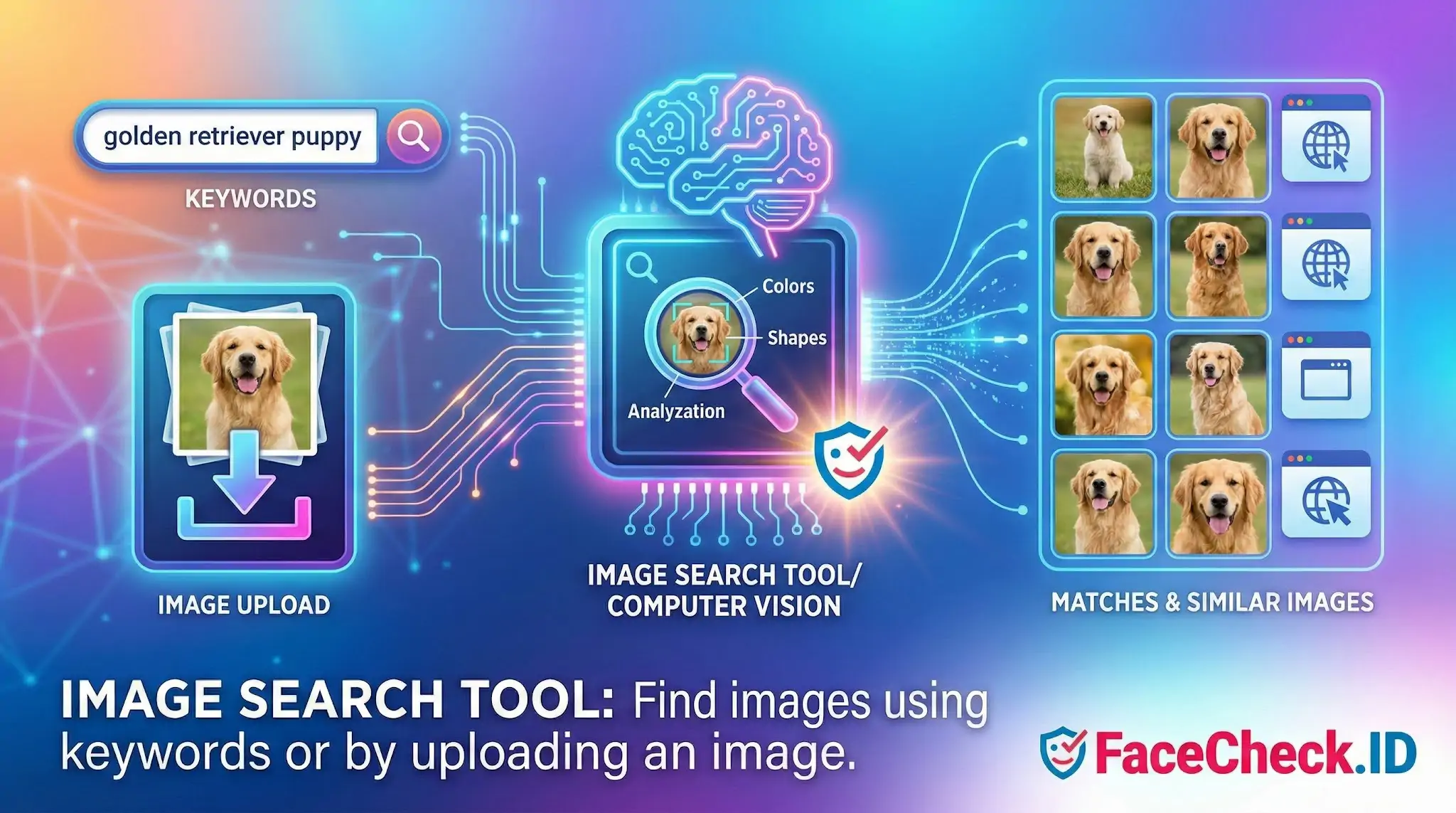
An image search tool is what turns a single photo into an investigation. On FaceCheck.ID, that tool is built specifically around faces: you submit a portrait and the engine searches indexed pages across the public web for other appearances of that same person, returning links, source pages, and a confidence score for each potential match.
How a face-focused image search tool differs from generic visual search
Generic image search engines look at an entire scene. They weigh colors, shapes, objects, and surrounding text, which is why uploading a photo of someone in a red jacket on a beach often returns more red jackets and beaches than the actual person. A face-focused tool ignores most of that. It detects the face region, generates a numerical embedding from facial geometry, and compares that embedding against embeddings extracted from images already crawled and indexed.
The practical difference shows up in results. A reverse image search on Google may surface the exact photo if it has been republished, but it usually fails when the same person appears in a different photo on a different site. A face search engine can connect a LinkedIn headshot to a years-old conference photo, an old dating profile, or a news article, even when the lighting, angle, hairstyle, and clothing all differ.
What a face image search tool can actually find
The quality of results depends heavily on what is publicly indexed and how recognizable the input face is. Useful queries typically surface:
- Social profiles where the same face appears, including reused photos across Instagram, Facebook, VK, X, and TikTok
- News articles, press releases, and obituaries
- Mugshot aggregators and court records that publish booking photos
- Dating profile screenshots posted to scam-warning sites
- Forum avatars, blog author photos, and event photography
- Cached or archived versions of pages that are no longer live
Inputs that work well share predictable traits: the face is roughly front-facing, eyes are visible, the image is sharp, and the face occupies a reasonable share of the frame. Group shots, heavy sunglasses, motion blur, extreme side angles, and low-resolution thumbnails all degrade the embedding and push real matches down the result list.
Reading results without overreaching
A confidence score is a similarity measurement, not an identity verdict. High scores across multiple independent sources are stronger evidence than a single high-scoring hit, because one match could be a lookalike, a sibling, or a reused stock photo. Investigators using face image search tools usually cross-check with other signals: usernames, biographical details on the linked page, posting dates, and whether the same name appears across results.
False positives cluster in a few predictable places. Identical twins and close family members can produce near-perfect scores. Heavily filtered or AI-altered photos sometimes match unrelated faces because filters flatten distinctive geometry. Stock photography is a recurring trap, since scammers often reuse the same modeling photo across dozens of fake profiles, and a search will correctly find all of them without telling you which, if any, is the real person.
Common investigation scenarios
People reach for a face image search tool when text-based searching has hit a wall. Typical situations include verifying that a dating match is the person they claim to be, checking whether a recruiter or investor exists outside a single suspicious profile, identifying the source of a photo used in a romance scam, locating older online traces of someone using a new alias, and confirming whether an image presented as a candid is actually lifted from someone else's public account.
Limits worth taking seriously
A face image search tool only sees what has been crawled. People with minimal public presence, strict privacy settings, or photos hosted behind logins will produce sparse or empty results, and that absence is not proof of anything. The tool also cannot confirm intent: finding the same face on two profiles with different names suggests reuse, but does not establish who created which account or why. Treat results as leads that need corroboration, not conclusions. The value of the tool is in narrowing the search space, not in deciding the case.
FAQ
What does “Image Search Tool” mean in the context of face recognition search engines?
In this context, an “Image Search Tool” is a service that lets you upload (or provide) a photo containing a face and then searches an indexed set of online images for visually similar faces, returning possible matches and the pages where those images appear. Tools such as FaceCheck.ID are commonly described this way because they focus on face-based matching rather than finding exact duplicate images.
Can a face-based Image Search Tool find someone’s private social media photos or locked accounts?
Typically, no. A face-based Image Search Tool usually finds faces only in images it can access and index (commonly from publicly available pages). If a profile or photo is private/locked, the tool generally cannot “see” it unless the image is publicly accessible elsewhere (for example, reposted or cached on a public site).
Can an Image Search Tool be used for real-time tracking or locating a person’s current whereabouts?
Not reliably. Most face recognition image search engines are designed to search a pre-built index of images found on the web, not live camera feeds or real-time location data. Results may point to older posts or reposted images, so they should not be treated as evidence of where someone is “right now.”
What should I avoid uploading to an Image Search Tool when the photo contains a face?
Avoid uploading images that contain sensitive personal data beyond what’s needed for the search (for example: full IDs, addresses, phone numbers visible in the frame, medical documents, or images of minors unless you have a clear lawful basis and consent). If possible, crop to the face area and remove background details that could expose unrelated people or private information.
How can I use results from an Image Search Tool as evidence responsibly (for example, when checking impersonation)?
Treat results as leads, not proof. Save the source page URLs, note the date/time you accessed them, and compare multiple independent signals (same username, consistent bio details, repeated use of the same photos across accounts, and corroborating links). If you used a tool like FaceCheck.ID, document the result set and verify by visiting the original sources, because reposts, look-alikes, and contextless images can make a match appear more certain than it is.


Recommended Posts Related to image-search-tool
-
How to Find Someone on Fansly by Photo in 4 Easy Steps
One workaround is to use a facial recognition or reverse image search tool. Reverse image search tools generally do not notify the person in the image. Most reverse image search tools work on mobile.
-
How to Find Images on the Web
Google Lens is an excellent example of a simple reverse image search tool. Another benefit of using a free reverse image search tool is the ability to import an image from your computer or social media. If you're in the market for a new product or want to learn more about an existing one, an Easy Reverse Image Search tool can help you find it.
-
Free Reverse Image Search Tools That Actually Work (2026)
I've tested over a dozen free reverse image search tools, uploading the same set of test photos across all of them. All reverse image search tools work better with clear, high-resolution photos. Are free reverse image search tools safe to use?
-
How to Reverse Image Search Mugshots
One such development is the reverse image search tool, which has become an essential resource in various fields.
-
Reverse Image Search - Social Catfish vs FaceCheck.ID
Two Leading Reverse Image Search Tools Compared. That's where reverse image search tools earn their keep.