Screenshot
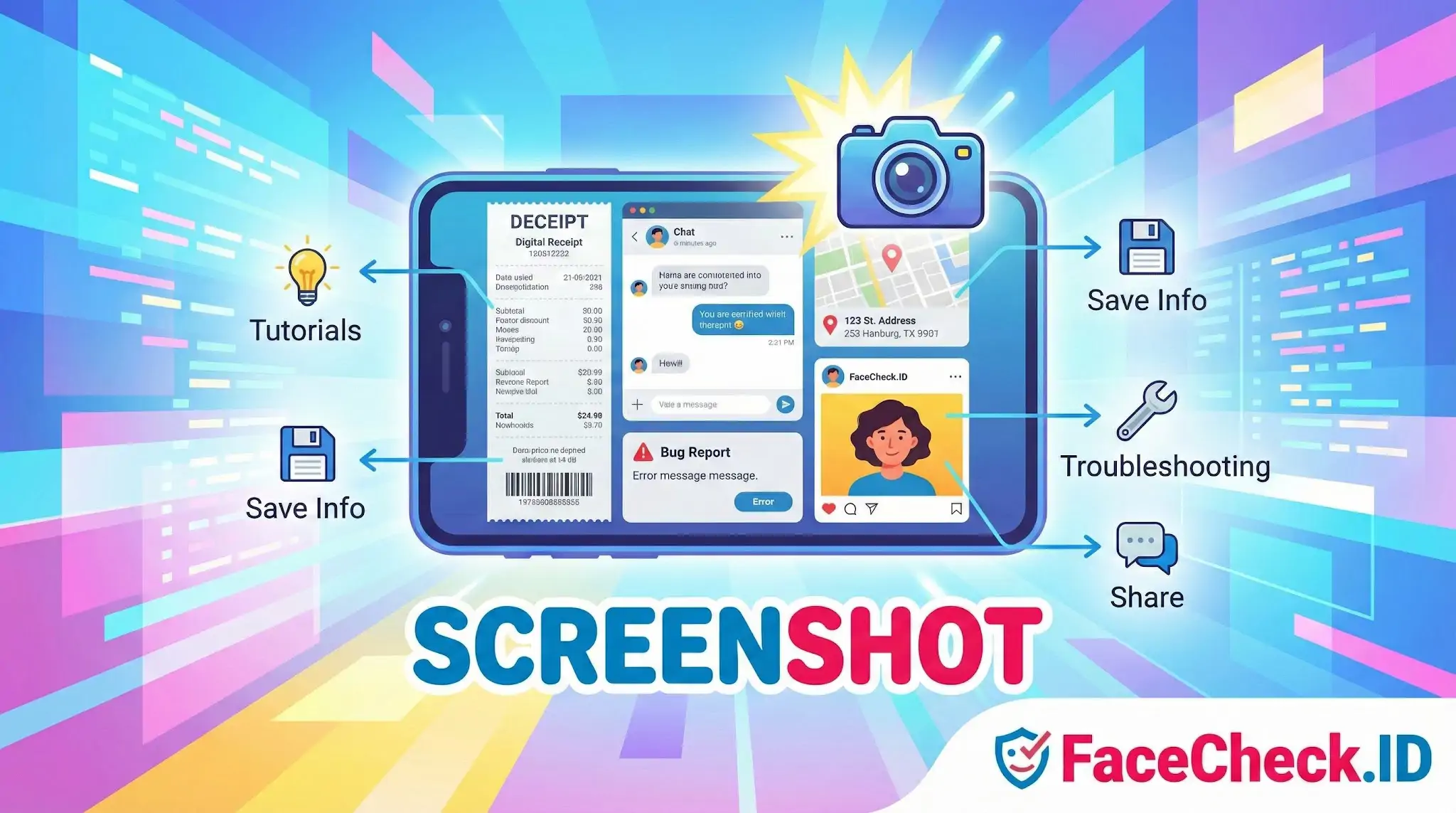
A screenshot is often the starting point of a face search. When someone spots a suspicious dating profile, a stranger in a group photo, or a face in a video call, the fastest way to preserve that image for reverse image search is to capture the screen.
Why screenshots matter for face search
Most images people want to investigate are not downloadable files. They appear inside apps, video chats, Instagram stories, TikTok clips, dating profiles, or LinkedIn previews where the original photo is locked behind the interface. A screenshot pulls that face out of its container so it can be uploaded to a face-recognition tool like FaceCheck.ID and matched against publicly indexed pages.
Common situations where a screenshot becomes the search input:
- A match on a dating app whose photos cannot be saved directly
- A frame paused from a Zoom, FaceTime, or Skype call with someone you have never met in person
- A face visible in a TikTok, Reel, or YouTube video
- A profile picture from a private or restricted social account
- A suspicious sender in WhatsApp, Telegram, or Signal
In each of these cases, the screenshot is not just a record. It is the working file the face-search engine actually processes.
How screenshot quality affects match results
Face recognition depends on the pixels available to the model. A screenshot captured on a high-resolution phone of a full-frame portrait will give the algorithm enough detail to extract a usable face embedding. A screenshot of a thumbnail, a blurry video pause, or a heavily compressed chat avatar often will not.
Things that hurt match accuracy:
- Cropping too tightly around the face, which removes context the model uses for alignment
- Capturing through a video call where the feed is already low resolution and compressed
- Including UI elements like chat bubbles, watermarks, or overlay text on top of the face
- Screenshots of screenshots, where compression artifacts stack with each pass
- Extreme angles or partial faces, common when grabbing a frame from a moving video
A clean, front-facing capture at native resolution gives the search engine the best chance of finding the same face on indexed pages. PNG is preferable to JPG when possible because it avoids the lossy compression that smears fine facial detail.
Using screenshots in scam and catfish investigations
Screenshots are evidence as well as search input. When investigating a suspected romance scam, fake recruiter, or impostor account, capturing the profile before it disappears matters. Scammers frequently delete accounts once they sense suspicion, and the original images may be gone within hours.
A practical workflow:
- Screenshot the full profile, not just the face, so usernames, bios, and timestamps are preserved
- Take a separate, tighter screenshot focused on the clearest face photo for upload to FaceCheck.ID
- Save any additional photos the account uses, since scammers often reuse stolen image sets across multiple platforms
- Note the date and source app, which matters if the same face shows up later under a different name
If the face appears on unrelated profiles, modeling sites, or stock photo pages, that pattern is much more meaningful than any single match.
What a screenshot cannot prove
A screenshot captures what was on a screen at one moment. It does not prove the image was real, unedited, or belonged to the person sending it. Deepfake video calls, AI-generated profile pictures, and recycled photos from other people's social accounts all show up as clean screenshots. A face match found from a screenshot suggests where else that image lives online, but it does not confirm the identity of the person you were communicating with.
Two screenshots of the same face can also produce different search results depending on resolution, compression, and crop. A weak match from a low-quality capture is not evidence that the person is unknown. It usually means the input did not give the model enough to work with. Retaking the screenshot from a higher-quality source, or trying a different photo of the same person, often changes the outcome.
FAQ
What does “Screenshot” mean in the context of face recognition search engines?
A “screenshot” is an image captured from a screen (for example, a dating profile photo, a video frame, or a social media post). In face recognition search engines, a screenshot is often used as the query image to search for visually similar faces across indexed web pages—even if the original photo file isn’t available.
Can I use a screenshot as the input for a face search (including tools like FaceCheck.ID)?
Yes. Most face recognition search engines can accept screenshots (uploaded as an image file) as search input. FaceCheck.ID and similar tools may work best when the screenshot clearly shows a single, forward-facing face with good lighting and minimal obstructions.
How should I prepare a screenshot to improve face recognition search results?
Use the highest-resolution screenshot you can, then crop tightly around the face (include forehead, eyes, nose, mouth, and chin). Avoid heavy UI overlays, stickers, captions, and other faces in the frame. If possible, submit multiple screenshots from different angles/lighting to compare results and reduce false matches.
Why might a screenshot produce worse matches than an original photo?
Screenshots often contain compression, resizing, motion blur (from video), harsh sharpening, or on-screen text and icons. They may also capture filters or beauty edits applied by apps. These artifacts can distort facial features and reduce match quality, increasing the chance of weak matches or look-alike results.
What privacy and safety risks should I consider before uploading a screenshot to a face recognition search engine?
A screenshot may include sensitive context (usernames, messages, locations, or other people) that you didn’t intend to share. Before uploading, crop or redact non-face details and avoid including minors or bystanders. Treat results as leads rather than proof of identity, and avoid using matches to harass, doxx, or make high-stakes accusations.


Recommended Posts Related to screenshot
-
How to Reverse Image Search a Screenshot with FaceCheck.ID
In this guide, we'll show you how to reverse image search a screenshot, introduce you to an innovative tool called FaceCheck.ID for looking up faces, and explain why Google Lens is the best choice for objects and products. We'll also guide you through taking a screenshot on both Mac and Windows devices. Reverse Image Search a Screenshot.
-
How to Find Someone Using a Screenshot
If you want to find someone by taking a screenshot from a video or website, the most effective reverse image search engine to find someone by a screenshot image is FaceCheck.id. FaceCheck uses cutting-edge facial recognition technology and is made especially to find people by a screenshot image of their face. Step-by-Step Instructions to Find Someone Using a Screenshot.
-
Facebook Image Search: What Works When Facebook Won't Search by Photo
Save the photo, or screenshot it and crop to the face. The original Facebook image linkThe post it came fromPhoto ID in the URLPublic posts only; screenshots and re-saved files carry no ID. In the Facebook app, open the photo, tap the three-dot menu and save it, or take a screenshot and crop tightly to the face.
-
How to Find Someone on TikTok by Photo (2026)
You have a photo or a screenshot. Method 2: Face Search From a Screenshot. Take a screenshot.
-
Catfish Pictures Search: Check a Profile Photo in 3 Steps
To run a catfish pictures search, save or screenshot the profile photo, upload it to a face search engine such as FaceCheck.ID, and compare the matches. Screenshot the clearest photo on the profile and crop it to the face. On a phone, screenshot the profile picture at full size (tap it first so the app opens the large version).