Twitter Face Search Signals
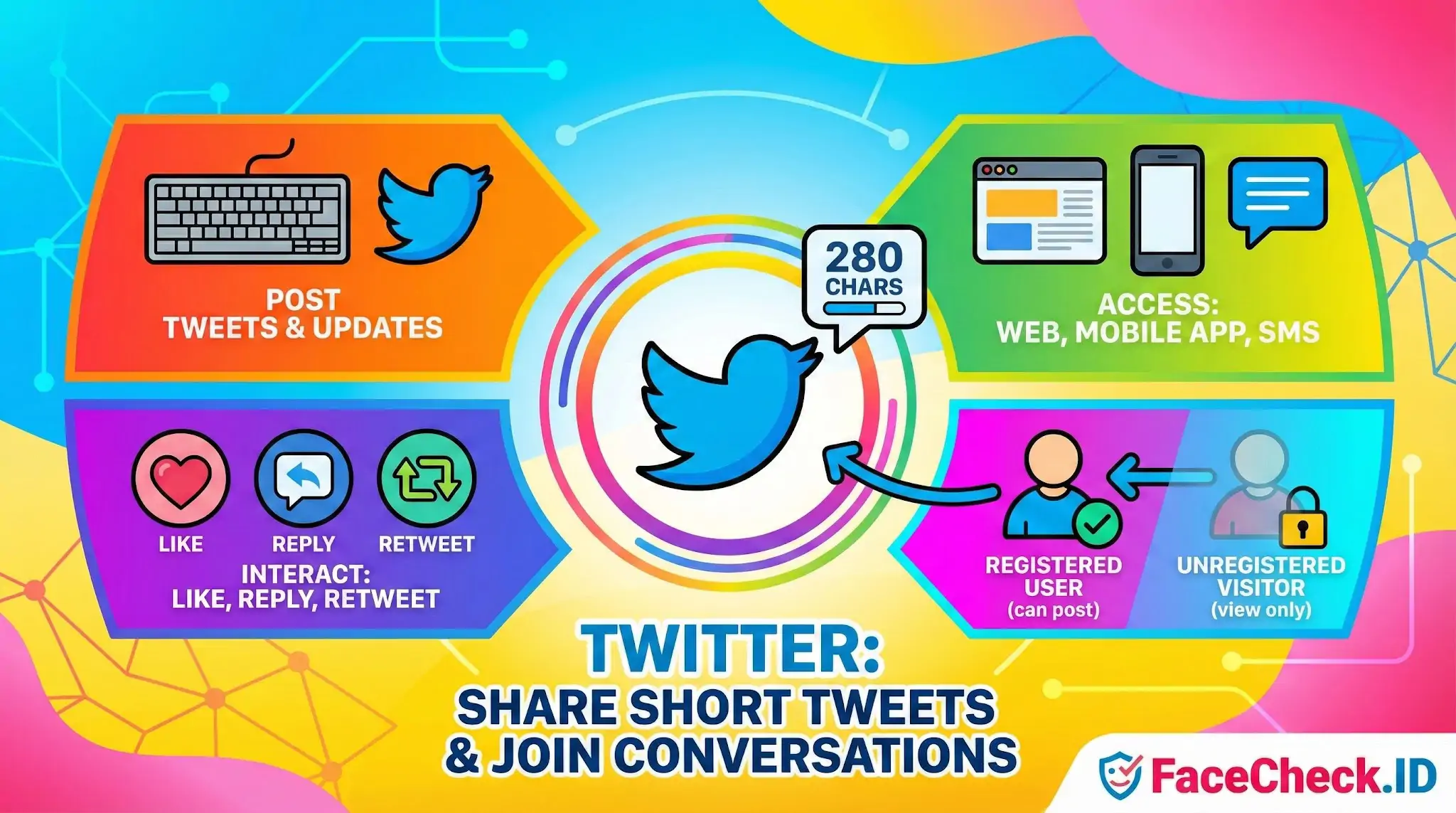
For anyone running a face search, Twitter (now rebranded as X) is one of the more useful surfaces on the public web. Profile photos, header images, and tweet attachments are typically indexed and crawlable, which means the same face can show up across years of activity — often revealing a real name, location clues, employer, or social circle that the person never intended to tie to a single image.
Why Twitter matters in reverse face search
Unlike platforms that hide content behind logins or aggressive bot protection, Twitter has historically kept profile pages and media tabs accessible to crawlers and archive services. That makes it a productive target for face-recognition engines. A single match against a Twitter avatar can chain into a decade of context: pinned tweets, follower lists, geotagged photos, replies to public figures, and screenshots that ended up in news articles.
The catch is that Twitter avatars are usually small, heavily compressed, and cropped tightly around the face. That hurts feature extraction. A face-search hit on a 400×400 avatar will generally produce a lower confidence score than a hit on a 1200×1200 LinkedIn headshot, even when both depict the same person. To compensate, useful matches often come from media tab images — selfies, group photos, event coverage — where the face appears at higher resolution within a larger scene.
Common identity patterns on Twitter
Twitter behavior creates a few recurring patterns worth understanding when interpreting a face match:
- Pseudonymous accounts with real faces. Many users post under handles unrelated to their legal name but still use a recognizable photo of themselves as the avatar. A face match is often what links the pseudonym back to a real identity.
- Stolen avatars on impersonation accounts. Scam, romance-fraud, and crypto-pump accounts routinely lift profile photos from models, influencers, or random LinkedIn pages. A reverse face search frequently reveals the same face across dozens of unrelated handles, which is a strong signal of impersonation rather than coincidence.
- Old account images that outlived the account. Even after a user deletes a tweet or changes their avatar, cached copies persist in the Wayback Machine, third-party scrapers, and embedded news articles. Face-search indexes often surface these long after the original is gone.
- Reply photos and quote-tweet screenshots. Sometimes the strongest match for a person is not their own profile but a screenshot another user posted of them.
Reading Twitter matches with appropriate skepticism
A confident match between a query face and a Twitter avatar tells you the same face appears on that account. It does not tell you the account belongs to the person in the photo. Twitter has effectively no identity verification for ordinary users, and the paid blue check now confirms only payment, not identity. Treat any Twitter hit as a lead, not a conclusion.
The platform is particularly prone to three failure modes worth flagging. First, parody and fan accounts often use a celebrity or public figure's face legitimately, and a face search will surface them as if they were the person. Second, deepfake and AI-generated avatars have proliferated since 2023; a "match" against a synthetic face is meaningless for identifying a real human. Third, Twitter's API restrictions and intermittent login walls mean some indexes are stale — a current avatar may not appear in search results, and a result that does appear may reference an avatar the user changed years ago.
What a Twitter match does not prove
A face hit on Twitter does not establish that the account is authentic, currently active, or operated by the person depicted. It does not prove the photo was taken recently, taken with consent, or taken at all — generated images are now common enough that authenticity must be assessed separately. For investigations involving suspected catfishing, romance fraud, or harassment, a Twitter match is best used as one corroborating data point alongside matches on other platforms, metadata analysis, and behavioral signals from the account itself.
FAQ
What does “Twitter” mean in the context of face recognition search engines?
In face recognition search, “Twitter” typically refers to publicly accessible profile photos, header images, and images embedded in public posts that may be indexed and returned as potential matches. Results are usually treated as leads to public webpages, not as proof of identity.
Can a face recognition search engine find my face from Twitter (X) images?
It can, but only when the image is publicly visible and reachable for indexing (for example, a public profile avatar or a public post image). If your account is protected or the content is not publicly accessible, it is less likely to appear in face-search results.
Why do Twitter (X) profile pictures show up so often in face search results?
Twitter profile images are commonly high-contrast face crops, used consistently across reposts and embeds, and frequently mirrored on other sites. Those factors make them easier to detect and match than casual photos, increasing the chance they appear in results.
If FaceCheck.ID (or a similar tool) returns a Twitter link, does that confirm the person’s identity?
No. A Twitter link indicates a visual similarity between the searched face and a face visible on a Twitter/X page. Confirm identity only with additional corroboration (multiple independent sources, consistent usernames, cross-platform links, timestamps, and non-face details), and assume look-alike or reused-photo scenarios are possible.
What practical steps can I take to reduce the chance my Twitter (X) photos are found via face recognition search?
Use a non-face avatar or a stylized image, limit or protect who can view your posts, avoid using the same headshot across platforms, and remove or replace older public images when possible. If a face-search tool provides a removal/opt-out process for indexed pages, follow its procedure and also request removal from the source page when applicable.


Recommended Posts Related to twitter
-
Find Twitter Profiles by Photo using Search by Face Engine
One way to maximize its potential is by using image search to find Twitter profiles by photo. Can you use the Twitter app to find people by photo? No, the Twitter app does not have a function to find people by photo.
-
How to Find Pictures of Yourself on the Internet
A huge chunk of your photo trail lives on Facebook, Instagram, and Twitter/X, and each one needs a slightly different approach. On Twitter/X, search your name filter:images and don't forget to include @-mentions.
-
Yilong Ma: Elon Musk's Doppelgänger or a Deepfake Masterpiece?
Several local social media channels in China, including Weibo (China's equivalent of Twitter) and Douyin (the Chinese version of TikTok), have banned Ma, leading many to question the legitimacy of his identity.
-
Social Media Lookup: Find Anyone's Profiles by Photo
FaceCheck.id searches across Instagram, Facebook, Twitter/X, LinkedIn, TikTok, YouTube, mugshot databases, news sites, and more. You'll typically see results from Instagram, Facebook, LinkedIn, Twitter/X, and other platforms where the person has a public-facing photo. High coverage: Instagram (public profiles), Facebook (public profiles), Twitter/X, LinkedIn, YouTube, VK, dating sites with public photos, news and blog sites.
-
Search by Face to Find Social Media Profiles
Try searching for their name on other sites like Twitter or LinkedIn. Social media: Another option is to check social media sites like Facebook, Twitter, or Instagram. Social Media: If you have a social media account, such as LinkedIn, Facebook or Twitter, you can try searching for the person's name there.