Social Media Lookup: Find Anyone's Profiles by Photo
You have a photo. Maybe it's from a dating app, a screenshot from a suspicious message, or a picture someone sent you that doesn't quite feel right. You want to know who this person actually is, and the fastest way to find out is to check their social media. The problem? You don't have a name, a username, or anything to search with. Just a face.
Traditional people-search tools need a name, email, or phone number. That's useless when all you've got is a picture. What you need is a social media lookup tool that can match a face across platforms. Here's how that actually works, and which tools are worth your time.
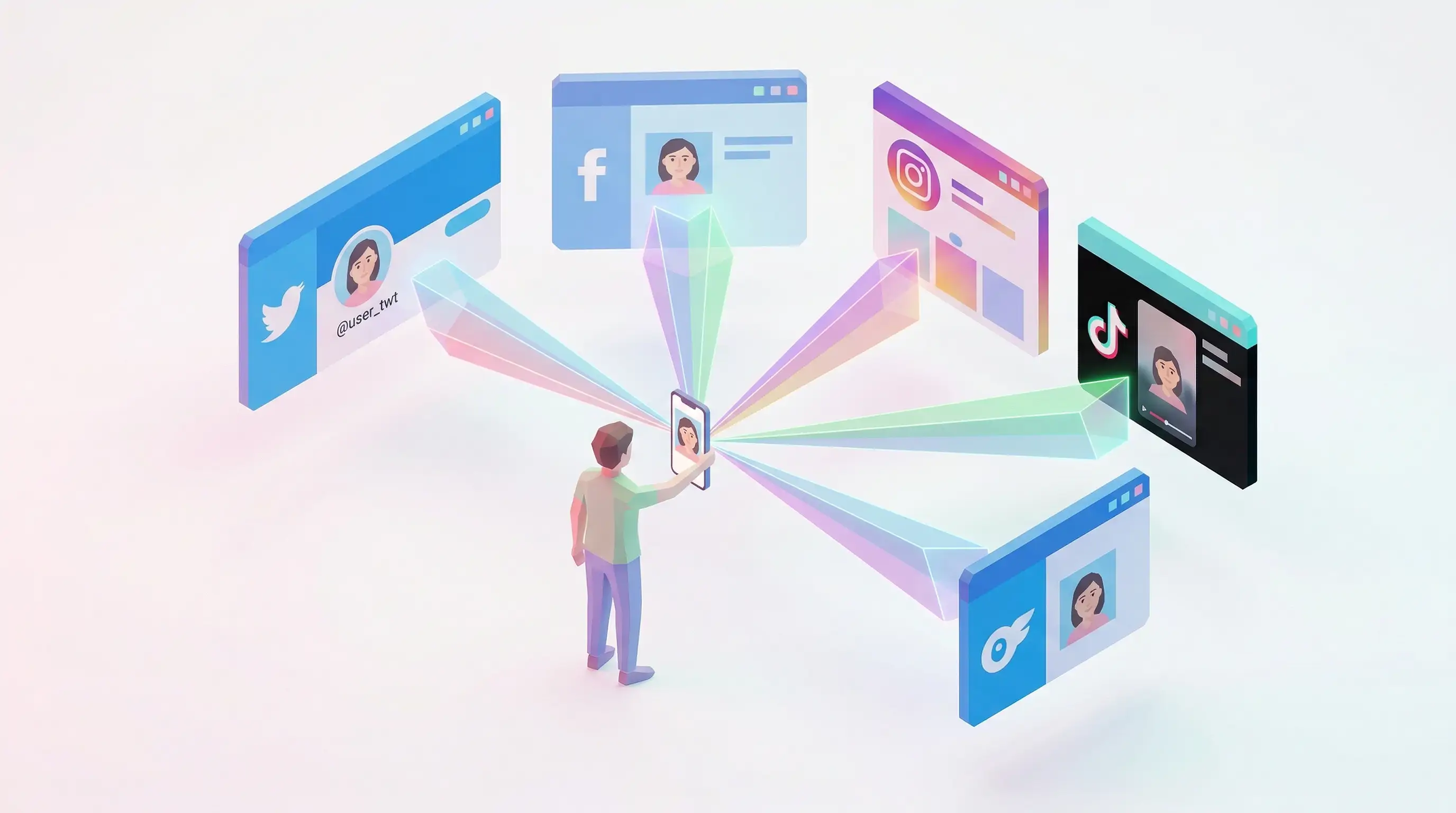
In this article, we're going to discuss
- Why Can't You Just Google a Face?
- What Actually Works for Social Media Lookup by Photo
- How to Find Someone's Social Media with FaceCheck.id
- Common Reasons People Search Social Media by Photo
- What Social Media Platforms Can Face Search Find?
- When a Social Media Lookup Doesn't Find Results
- Privacy and Ethics: What You Should Know
Why Can't You Just Google a Face?
Google Reverse Image Search matches images, not faces. Upload a photo of someone, and Google will find that exact image (or visually similar ones) if it exists elsewhere online. But it won't find a different photo of the same person on their Instagram profile. It doesn't understand faces.
Google Lens is slightly better. It can sometimes connect a face to public figures, celebrities, or people with a large online footprint. But for everyday people? It usually returns "Results for people are limited" and redirects you to stock photos of people who vaguely look similar.
The same applies to TinEye. Great for tracking where a specific image has been reposted. Useless for finding the person in the photo across social media platforms.
What Actually Works for Social Media Lookup by Photo
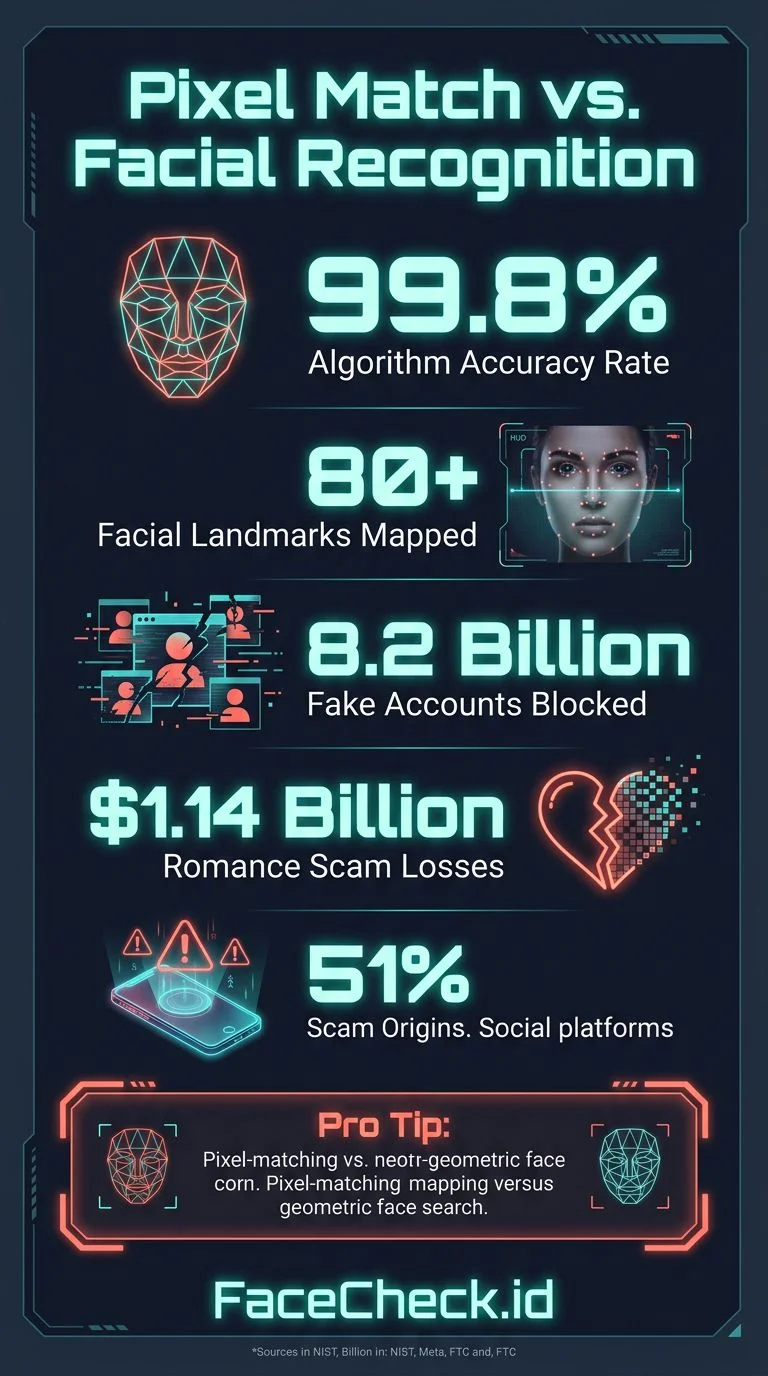
Face search engines are built differently from regular reverse image search tools. Instead of matching pixels, they map the geometry of a face: the distance between eyes, the shape of the jawline, the proportions of the nose. Then they compare that map against millions of indexed profile photos from social media platforms, news sites, blogs, and public databases.
The result? You upload one photo, and the tool finds other photos of the same person, even if they were taken years apart, at different angles, or with different hairstyles.
Three tools that actually do this in 2026:
FaceCheck.id searches across Instagram, Facebook, Twitter/X, LinkedIn, TikTok, YouTube, mugshot databases, news sites, and more. It works with cropped photos, low-resolution screenshots, and even photos taken at an angle. No account required to search.
PimEyes indexes publicly available photos but focuses more on web pages and news sites rather than social media profiles directly. It requires a paid subscription for useful results, and its interface can feel clinical.
Social Catfish combines image search with people-search databases but is primarily a paid service aimed at romance scam verification. The face matching component is less accurate than dedicated face search tools.
For pure social media lookup by photo, FaceCheck.id covers the most platforms and returns the most actionable results.
How to Find Someone's Social Media with FaceCheck.id
- Go to FaceCheck.id
- Upload the photo you want to search. It can be a screenshot, a cropped image, or even a photo of a photo. The clearer the face, the better the results, but it handles imperfect images well.
- Click "Search Internet by Face"
- Wait about 10-15 seconds. FaceCheck scans its index of public profile photos and returns matches ranked by confidence.
- Review the results. Each match shows a thumbnail, the platform it was found on, and a link to the profile. You'll typically see results from Instagram, Facebook, LinkedIn, Twitter/X, and other platforms where the person has a public-facing photo.
That's it. No name needed, no username, no email. Just the face.
Tips for better results:
- Use photos where the face is clearly visible and well-lit
- Front-facing photos work best, but FaceCheck handles angles reasonably well
- If your first photo doesn't return strong matches, try a different photo of the same person
- Crop the image to focus on the face if there are multiple people in the photo
Common Reasons People Search Social Media by Photo
Verifying a dating match. Someone you matched with on Tinder or Hinge seems too good to be true. A quick face search can tell you if their photos show up on a real person's social media, or if they were stolen from someone else entirely.
Checking up on a new contact. A business partner, a freelancer, a new friend. You want to see their digital footprint before you trust them with your time or money.
Finding someone you lost contact with. You have an old photo but no current contact info. A face search can surface their current social profiles.
Investigating suspicious accounts. A profile messaged you on Instagram or Facebook with a story that doesn't add up. Searching their profile picture can reveal if that photo belongs to someone else.
Tracking stolen photos. If you're a creator, model, or public figure, you can search your own face to find accounts using your photos without permission.
What Social Media Platforms Can Face Search Find?
Not all platforms are equally searchable. Here's a realistic breakdown:
High coverage: Instagram (public profiles), Facebook (public profiles), Twitter/X, LinkedIn, YouTube, VK, dating sites with public photos, news and blog sites.
Moderate coverage: TikTok (profile photos), Reddit (where users post photos), OnlyFans (public profile images), personal websites and portfolios.
Low or no coverage: Private accounts on any platform, Snapchat (ephemeral by design), WhatsApp profile photos, encrypted messaging platforms.
Face search tools can only find photos that are publicly accessible. If someone's Instagram is set to private, their photos won't appear in results. This is a feature, not a limitation: it respects privacy settings.
When a Social Media Lookup Doesn't Find Results
No face search tool finds everyone. If you're getting zero results, it could mean:
- The person has very few public photos online
- Their accounts are set to private
- They use photos that are too different from what you uploaded (heavy filters, sunglasses, masks)
- They genuinely have minimal social media presence
This doesn't mean the person is fake or hiding something. Some people just aren't very online. If a face search turns up empty, consider combining it with other search methods: try searching any username, email, or phone number you have through a traditional people-search tool.
Privacy and Ethics: What You Should Know
Face search technology is powerful, and that comes with responsibility. A few ground rules:
It's legal to search public information. Social media lookup tools index publicly available photos. You're not accessing anything the person hasn't already put out there.
Don't use it to stalk or harass. Finding someone's profiles is one thing. Using that information to show up uninvited, send unwanted messages, or intimidate someone is another. Don't do it.
Be careful with what you assume. A face match isn't proof of anything. It tells you that two photos look like the same person. Context matters. People have look-alikes. Old profiles get abandoned. Don't jump to conclusions without verifying.
You can opt out. If you don't want your face to be searchable, FaceCheck.id offers an opt-out process. You can request removal of your photos from their index.
FAQ
Can I search someone's social media with just a photo?
Yes. Face search tools like FaceCheck.id let you upload a photo and find matching profiles across Instagram, Facebook, LinkedIn, Twitter/X, and other platforms. You don't need a name or any other information.
Is social media lookup by photo free?
FaceCheck.id offers free searches with limited results. For full results with direct links to profiles, a paid search gives you complete access. PimEyes requires a subscription for any useful results.
How accurate is face-based social media search?
Modern face search engines are highly accurate for clear, well-lit photos. FaceCheck.id uses AI-powered facial mapping that works across different angles, lighting conditions, and even aging. Results are ranked by confidence score, so you can judge match quality yourself.
Can someone tell if I searched for them?
No. Face search tools don't notify the person being searched. The search is done against indexed public photos, not through the social media platform itself.
Does this work for finding fake accounts?
Absolutely. One of the most common uses is checking whether a profile photo belongs to someone else. If you search a suspicious profile's photo and it matches a completely different person's social media, you've found a fake account.
Ready to find out who's behind that photo? Upload it at FaceCheck.id and see what comes back.

Read More on Search by Photo
Examining the State-of-the-Art in Facial Recognition Algorithms for Unconstrained Environments
Not all facial recognition algorithms perform equally—accuracy can range from 97% to over 99% depending on lighting, pose, and expression. Find out which algorithms from Google, Facebook, and others actually deliver in real-world conditions.
Popular Topics
Social Media Image Search How To Facebook Instagram Social Media Profiles Twitter TinEye Image Search Tool Find Someone LinkedIn Catfishing Romance Scam PimEyes OnlyFans Mugshots YouTube Fake Accounts Reddit How to Find Someone Social Media Search Find Photos Screenshot Google Lens Photo Lookup Face Search Face Match VkExpert Analysis: PimEyes vs FaceCheck for Facial Recognition 2026