How to Find Someone on Facebook: Quick Methods
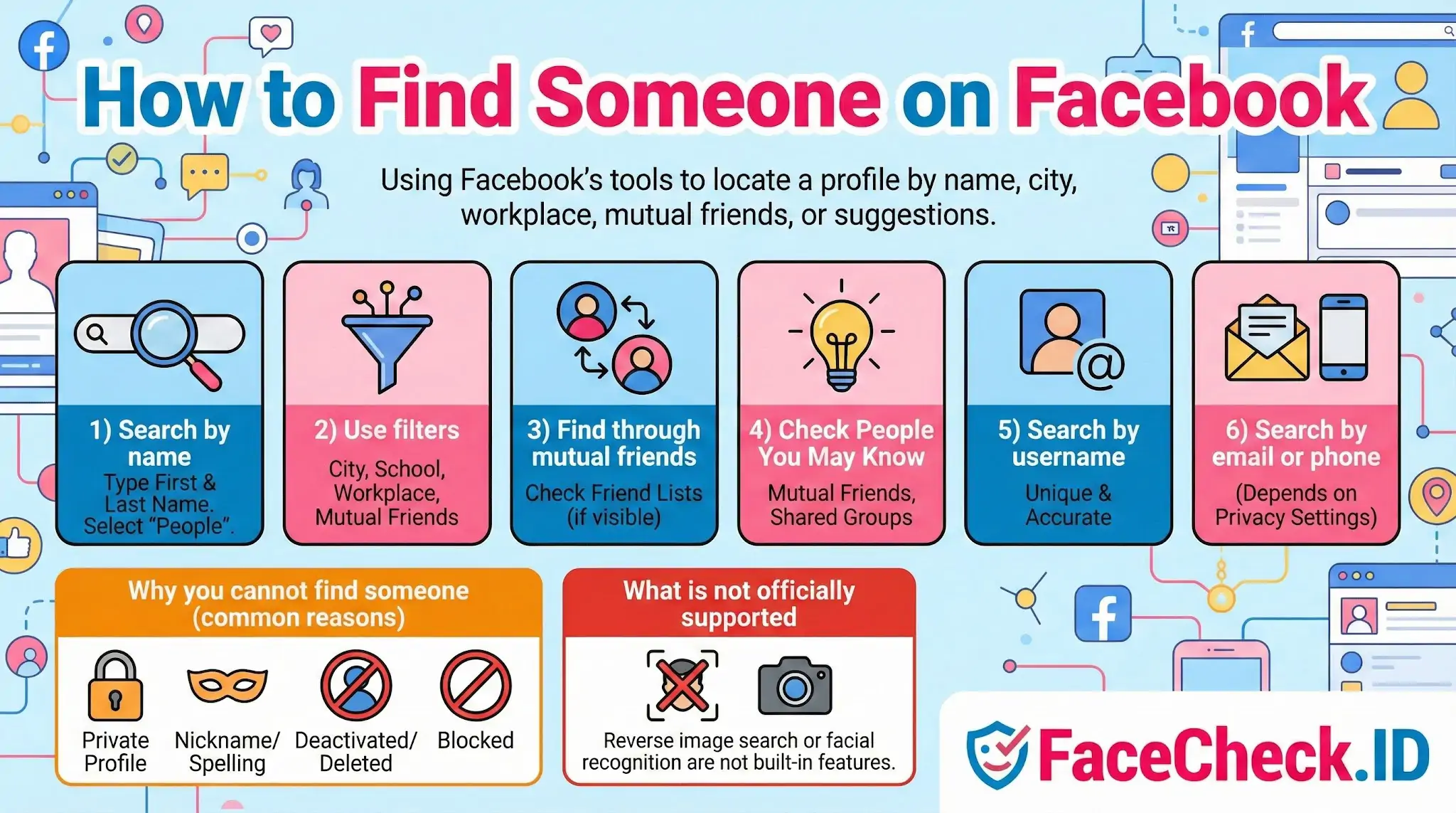
How to Find Someone on Facebook means using Facebook’s built in tools to locate a specific person’s profile. This usually involves searching by name, using filters like city or workplace, checking mutual friends, or following suggestions from Facebook.
Quick ways to find a person on Facebook
1) Search by name
- Open Facebook (app or website).
- Tap or click the Search bar.
- Type the person’s first and last name.
- Select People to narrow results.
Tip: If the name is common, add extra details like a city, school, or job in your search.
2) Use filters to narrow results
After searching, use available filters such as:
- Current city or hometown
- School or university
- Workplace
- Mutual friends
These filters help you find the right profile faster, especially when many people share the same name.
3) Find them through mutual friends
If you share friends:
- Open a mutual friend’s profile
- View their Friends list (if visible)
- Search within that list for the person’s name
Some friend lists are private, so this may not always work.
4) Check People You May Know
Facebook may suggest the person if you have:
- Mutual friends
- Shared groups
- Similar locations, schools, or workplaces
- Contacts synced (if enabled)
Go to Friends then Suggestions (wording may vary by device).
5) Search by username (best if you have it)
If you know their Facebook username, you can often find them by searching it on Facebook. Usernames are unique, so this method is more accurate than searching by name.
6) Search by email or phone number (may or may not work)
If you have their email or phone number, you can try searching it. Results depend on the person’s privacy settings and whether that information is connected to their account.
Why you cannot find someone (common reasons)
- Their profile is set to private or has limited search visibility
- They use a nickname or different spelling
- Their account is deactivated or deleted
- You are blocked
- You are searching from a new account with limited visibility
What is not officially supported
Facebook does not officially support finding people using reverse image search or facial recognition search as a built in feature.
FAQ
What should I try on Facebook first before using a face recognition search engine to find someone?
Start with Facebook’s built-in options: search the person’s name (including alternate spellings), search by username if you have it, check mutual friends’ friend lists, look through tagged photos and comments where you originally saw them, and search Groups/Events they might belong to. Only consider face recognition search if you still can’t find them and you have a legitimate reason, because it can increase privacy risk and false-identification risk.
How can I use a face recognition match to locate the correct Facebook profile without misidentifying someone?
Treat face-search results as leads, not proof. Cross-check multiple non-sensitive signals on Facebook (consistent photos across time, mutual connections, location/schools/employers if publicly listed, and matching context like the same event or group). Avoid contacting or accusing anyone based on a single match; if the stakes are high, seek independent verification or use official channels.
Why might a face recognition search engine not show any Facebook results even if the person has a profile photo?
Common reasons include: the profile and photos are not publicly accessible, Facebook blocks or limits automated indexing, the photo hasn’t been reposted on public pages, the person uses different photos on Facebook than the one you searched, or the image quality/angle prevents reliable matching. A tool like FaceCheck.ID (or similar) can only return what it can access/index from public web sources, so “no results” doesn’t mean the person isn’t on Facebook.
What should I do if face search returns several Facebook profiles that look like the same person?
Assume ambiguity. Compare each profile for timeline consistency (age progression, recurring friends, long-term posting history), repeated unique photos, and consistent biographical details. Consider that some may be fan pages, repost accounts, or look-alikes. Don’t merge identities or take action until you have strong corroboration from multiple independent cues.
If a face recognition search points to a Facebook profile that seems like an impersonation, what are the safest next steps?
Do not engage directly with the suspected impersonator. Collect minimal evidence (URLs, screenshots of public-facing content), alert the real person if you can do so safely, and report the account through Facebook’s impersonation reporting flow. If fraud, threats, or extortion are involved, preserve evidence and consider contacting the relevant platform support and/or local authorities.


Recommended Posts Related to how to find someone on facebook
-
How to Search Facebook by Photo
How to Find Someone on Facebook by Photo in 4 Steps.
-
Facebook Face Search: Find People by Photo (2026)
How to Find Someone on Facebook by Photo Using FaceCheck.id.