Verify Profiles Explained: Spot Fake Accounts

Definition
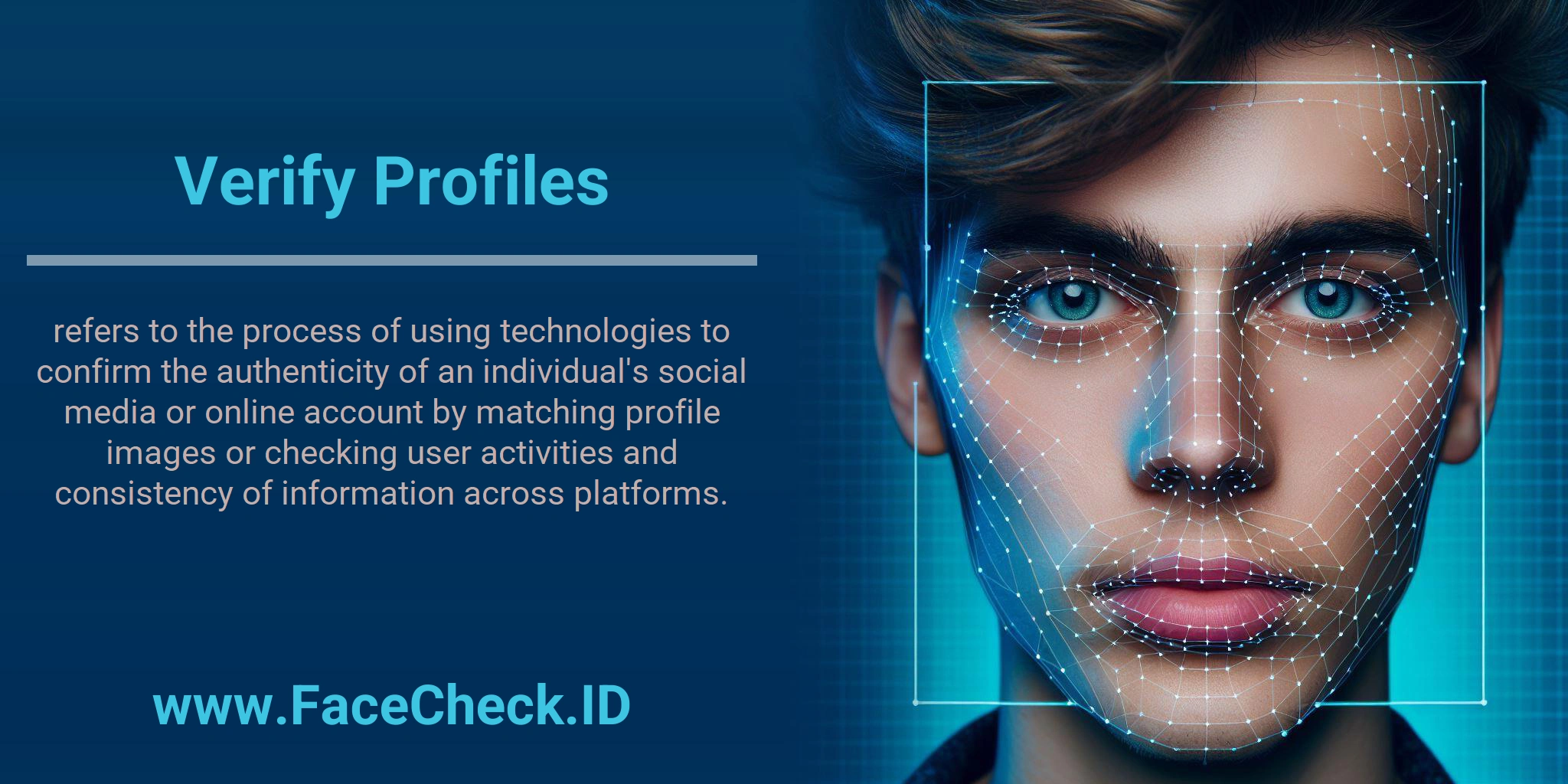
Verify Profiles is the process of confirming that a social media account or online profile belongs to a real person or legitimate organization. The goal is to detect fake accounts, impersonation, or fabricated identities and improve trust in online interactions.
Why verifying profiles matters
Verifying profiles helps you:
- Reduce fraud, scams, and catfishing risks
- Confirm who you are communicating with
- Protect your brand, team, or community from impersonators
- Improve confidence in customer, partner, or creator outreach
How profile verification works
Profile verification typically combines image checks and behavioral consistency checks:
Image and identity signals
Common methods include:
- Reverse image search to see where a profile photo appears online and whether it is reused across unrelated accounts
- Facial recognition search to look for matching faces across public sources (where legally allowed and applicable)
- Metadata and image quality review to spot AI generated, stolen, or heavily edited profile photos
Account and activity signals
Verification can also include:
- Reviewing posting patterns for realistic behavior and timelines
- Checking engagement quality, such as repeated spam comments or bot like activity
- Evaluating follower and connection networks for suspicious clusters
- Confirming that name, location, job history, and bio details are consistent across platforms
Cross platform consistency
A profile is more credible when key details match across multiple channels, such as:
- Similar usernames or handles
- Consistent photos and branding
- Links to official websites or verified domains
- Public mentions from credible sources
What “verified” can mean
Verification can mean different things depending on context:
- Platform verification (for example a badge from the social network)
- Manual verification by a reviewer using checks like images, posts, and connections
- Automated verification using tools that score trust signals and detect anomalies
Common red flags during verification
Watch for:
- Profile photos that appear on many unrelated accounts
- Recently created accounts with unusually high activity
- Bio details that conflict across platforms
- Low quality networks made of new or inactive accounts
- Vague job history, copied bios, or stock photo style images
Related use cases
Verify Profiles is commonly used for:
- Influencer and creator vetting
- Sales and outreach validation
- Marketplace buyer and seller trust checks
- Dating and social connection safety
- Hiring and background screening support
FAQ
What does “Verify Profiles” mean in the context of face recognition search engines?
“Verify Profiles” generally refers to a workflow where you use face-search results as leads to help check whether an online profile (dating, social media, marketplace, etc.) is likely connected to the same real person across multiple sources. It is not a guarantee of identity; it is a way to compare consistency across images, accounts, and contextual clues.
How do I use a face recognition search engine to verify whether two profiles are likely the same person?
A practical “Verify Profiles” workflow is: (1) search with a clear face photo from Profile A, (2) check whether Profile B (or its photos) appears among results with strong similarity, (3) open the source pages and compare multiple photos (not just one), and (4) cross-check non-face signals like username history, location, posting timeline, and linked platforms. Treat matches as investigative pointers, not proof.
What are the most reliable signals that help confirm a profile is genuine after a face-match result?
Stronger confirmation usually comes from consistency across multiple independent sources: several different photos of the same person (different angles/lighting/ages), long-term posting history, consistent biographical details, and links between accounts (e.g., the same person appearing on a personal site plus established social profiles). A single matching headshot, repost, or screenshot is a weak signal because stolen images and fan/repost pages are common.
What are common reasons “Verify Profiles” can go wrong (false verification)?
False verification can happen when the matched image is a repost rather than the original account, when multiple people look similar (look-alikes), when the photo is heavily filtered/edited, when results point to aggregated pages that mix identities, or when you rely on one photo instead of a set. Always validate using the original source page and multiple corroborating details.
How can FaceCheck.ID add value to a “Verify Profiles” check, and what precautions should I take?
Tools like FaceCheck.ID can add value by quickly surfacing places where a face (or very similar faces) appears online, which may help spot reused photos, impersonation, or inconsistencies across profiles. Precautions: avoid concluding identity from one match, open and evaluate the source context, be cautious with sensitive categories (e.g., alleged criminal or adult-content pages), and use results responsibly to reduce harm from misidentification.


Recommended Posts Related to verify profiles
-
How to Spot a Catfish in 2025: Red Flags in Fake Dating Profiles
Use FaceCheck.ID to verify profile photos. Verified profiles get blockchain badges that are tamper-proof.
-
How Do You Reverse Image Search on Dating Sites?
A reverse image search empowers you to verify profile pictures instantly.
-
Can you reverse image search a person?
All-in-One Tool: Verify profiles, reconnect, and ensure image authenticity.
-
Facial Recognition and Reverse Search on Facebook: A Deep Dive into FaceCheck
Follow our extended, friendly guide to find friends, verify profiles, and uncover a variety of use cases.
-
Reverse Image Search FAQ: The Ultimate Guide for 2025
Verifying profile pictures on dating sites.