Google Lens vs Face Search for Identity Checks
Google Lens is often the first tool people try when they want to identify something in a photo, but it is built for general visual search rather than face identification. Understanding what Lens does and does not do is useful context for anyone comparing it to a dedicated face-search engine like FaceCheck.ID.
What Google Lens actually matches
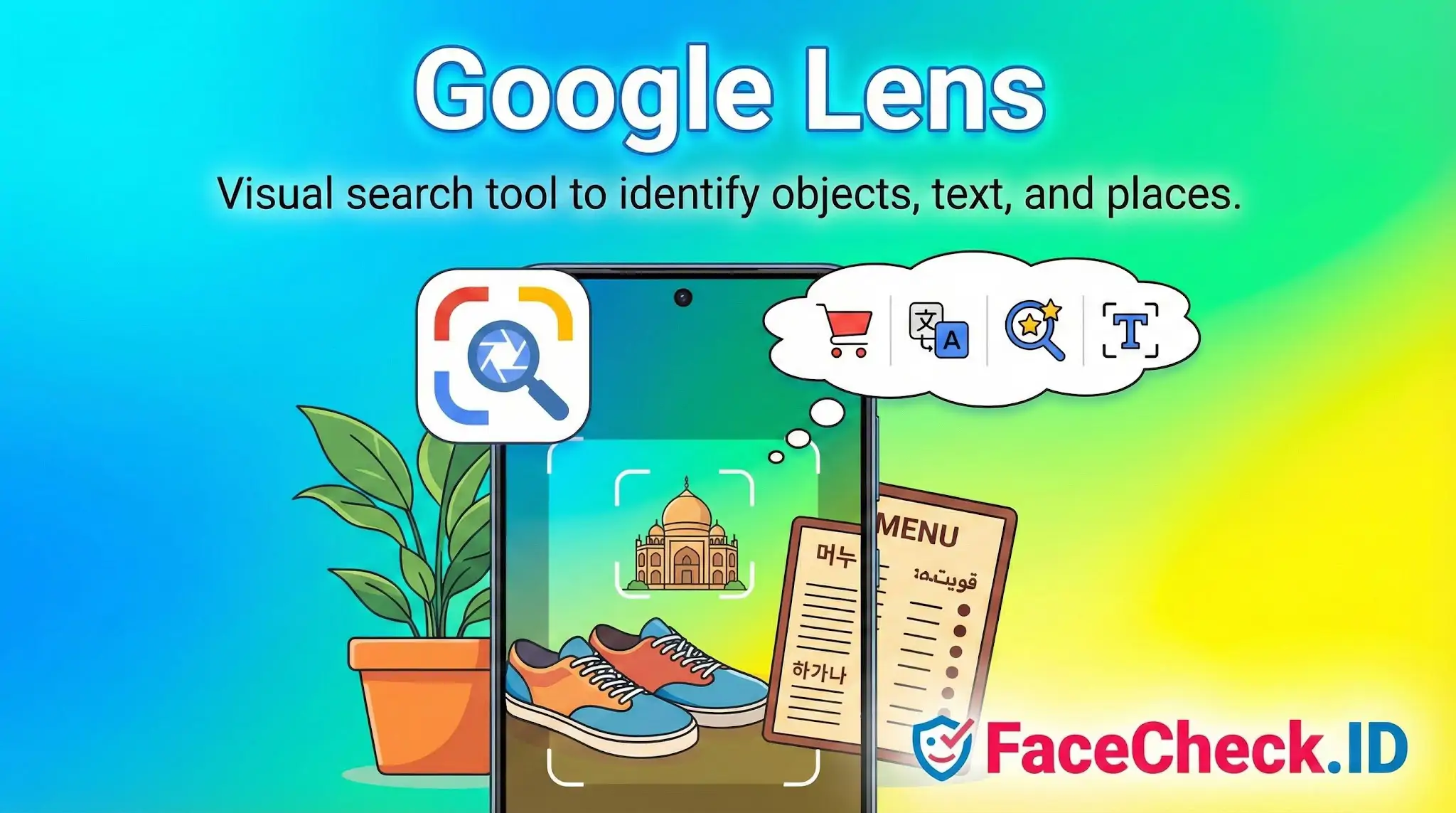
Google Lens uses computer vision to recognize objects, scenes, text, plants, products, and landmarks. Point it at a sneaker and it returns shopping links. Point it at a sign in a foreign language and it translates the text. Point it at a photo of a person, however, and the results shift toward visually similar images: same shirt color, same background, same pose, same hairstyle. It does not return identity matches.
This is a deliberate product choice. Google removed person-matching from Lens and earlier visual search tools because tying a face to a name through a consumer search box raises clear privacy and abuse risks. Lens will sometimes surface the original page where a photo was published if the image has been indexed under that exact crop, but that is image lookup, not face recognition.
How it differs from a face-search engine
The two systems answer different questions. Lens answers, "what is in this picture and where else does this picture appear?" A face-search engine answers, "where else does this person appear, even in different photos?"
The practical differences:
- Lens treats a face as one element among many in the frame. It weights backgrounds, clothing, and composition heavily.
- Lens generally needs the same or near-duplicate image to return useful results. Crop the photo, change the lighting, or use a different shot of the same person, and matches usually break.
- A face-search engine builds a vector representation of the face itself, so it can match the same person across different photos, angles, ages, and outfits.
- Lens does not score match confidence on identity. It scores visual similarity, which is a different signal.
Someone investigating a possible catfish, a suspicious dating profile, or a recycled scammer headshot will often hit the wall with Lens quickly. It is good at telling you whether a profile picture was lifted from a stock photo site or a known article. It is poor at telling you whether two different selfies show the same person.
Where Lens still helps in identity work
Lens is not useless for online investigation. It complements face search rather than replacing it.
- Checking whether a profile photo is a stolen image reused from a public source like a model portfolio, blog, or news article.
- Identifying logos, uniforms, badges, or location clues in the background of a photo, which can confirm or contradict someone's claimed location or job.
- Reading text from screenshots, business cards, or documents that appear in photos sent during a suspected scam.
- Recognizing landmarks that place a subject in a specific city, useful for verifying claims in romance scams or fake travel stories.
Run a suspicious photo through Lens first to see if it is a known reused image. If it returns no obvious source, that does not mean the person is real. It often means the image is not indexed under that exact crop, which is exactly the gap a face-search engine is designed to fill.
What Lens results do not prove
A clean Lens result, meaning no obvious source page, is not evidence that a photo is original or that the person is who they claim to be. Many scammers crop, mirror, or lightly edit stolen photos specifically to break exact-match indexing. At the same time, a hit from Lens showing the photo on a stock site or someone else's social profile is strong evidence of misuse, but it still requires human review. The same image can legitimately appear on multiple sites if the subject is a public figure, a contributor, or someone whose photo was syndicated.
Treat Lens as a fast filter for image provenance, not as an identity tool. For questions about who a person is across the wider public web, a face-matching system is the appropriate instrument.
FAQ
Is Google Lens a true face recognition search engine for finding the same person across different photos?
Google Lens is primarily a visual search tool that excels at finding visually similar images, objects, places, products, and near-duplicate photos. It may surface pages where the same image (or a close crop/resize) appears, but it is not designed as a dedicated open-web face recognition engine that reliably matches the same person across different photos (different lighting, age, pose, etc.). For person-focused face search, dedicated tools (e.g., FaceCheck.ID) are often built specifically for face matching rather than general visual similarity.
What are the best steps to use Google Lens when you want to check if a face photo is reused online?
Use a clean, high-resolution frame with a clear face; crop tightly to the face and also try an uncropped version; run multiple queries (different crops and angles) because results can vary; and open matched pages to confirm context (reposts, memes, screenshots). Treat Lens hits as leads: verify that the page actually contains the same photo (or the same person) before drawing conclusions.
Why might Google Lens show many look-alike faces or irrelevant people when searching a face photo?
Because Lens optimizes for overall visual similarity, it can overweight cues like hairstyle, glasses, makeup style, lighting, and background aesthetics. If the input is low-quality (blur, heavy filters, side profile) or the face is small in the image, Lens may return “similar-looking” people rather than the same person. Trying different crops (face-only vs. including clothing/background) can change what features the system prioritizes.
Can Google Lens find faces from private or locked social media accounts?
No tool can reliably search what it cannot access. Google Lens generally returns results from content that is publicly available and indexable (or otherwise accessible to Google). Private, locked, or non-indexed social media content is typically not searchable via Lens unless the image has been reposted publicly elsewhere or exposed through another public page.
When does it make sense to use FaceCheck.ID instead of Google Lens for a face lookup?
Use Google Lens first when you suspect the exact same photo (or a close crop) has been reposted and you want fast, broad web matches. Consider a dedicated face-search tool like FaceCheck.ID when you need person-centric matching across different photos of the same individual (different angles, ages, hair/makeup), or when Lens returns mostly look-alikes. In either case, don’t treat a match as proof of identity—confirm with multiple independent signals (same usernames, consistent biographical details, multiple photos from the same source, and corroborating links).


Recommended Posts Related to google-lens
-
How to Reverse Image Search a Screenshot with FaceCheck.ID
In this guide, we'll show you how to reverse image search a screenshot, introduce you to an innovative tool called FaceCheck.ID for looking up faces, and explain why Google Lens is the best choice for objects and products. Introducing Google Lens for object and product recognition. Download the Google Lens app on your smartphone.
-
How to Reverse Image Search from Android in 4 Steps
Google Lens: Android’s In-Built Genius for Things and Places. 🔍 Quick Guide to Decoding Things and Places with Google Lens on Android:. Access Google Lens.
-
Free Reverse Image Search Tools That Actually Work (2026)
Google Lens is what most people try first. "What is this object/place/product?" Use Google Lens. Google Lens works through the Google app on both iPhone and Android.
-
How to Find Someone on Instagram by Photo (2026)
Google Lens is decent at finding products and landmarks, but it actively avoids matching faces. Google indexes some Instagram content, but Google Lens deliberately avoids face matching.
-
Face Recognition Online: What Actually Works in 2026
Google Lens. Google Lens doesn't do faces.