Photo Search
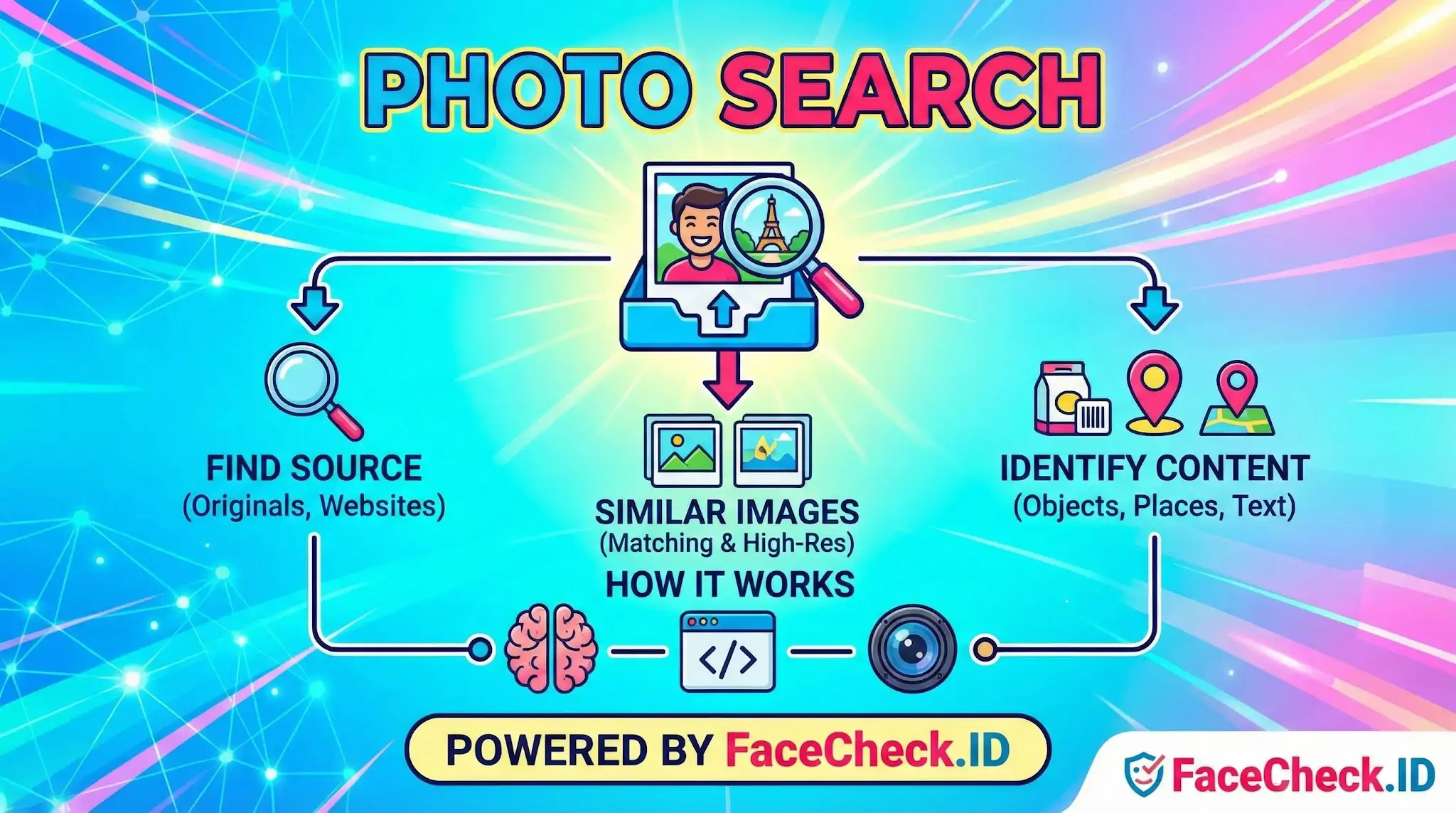
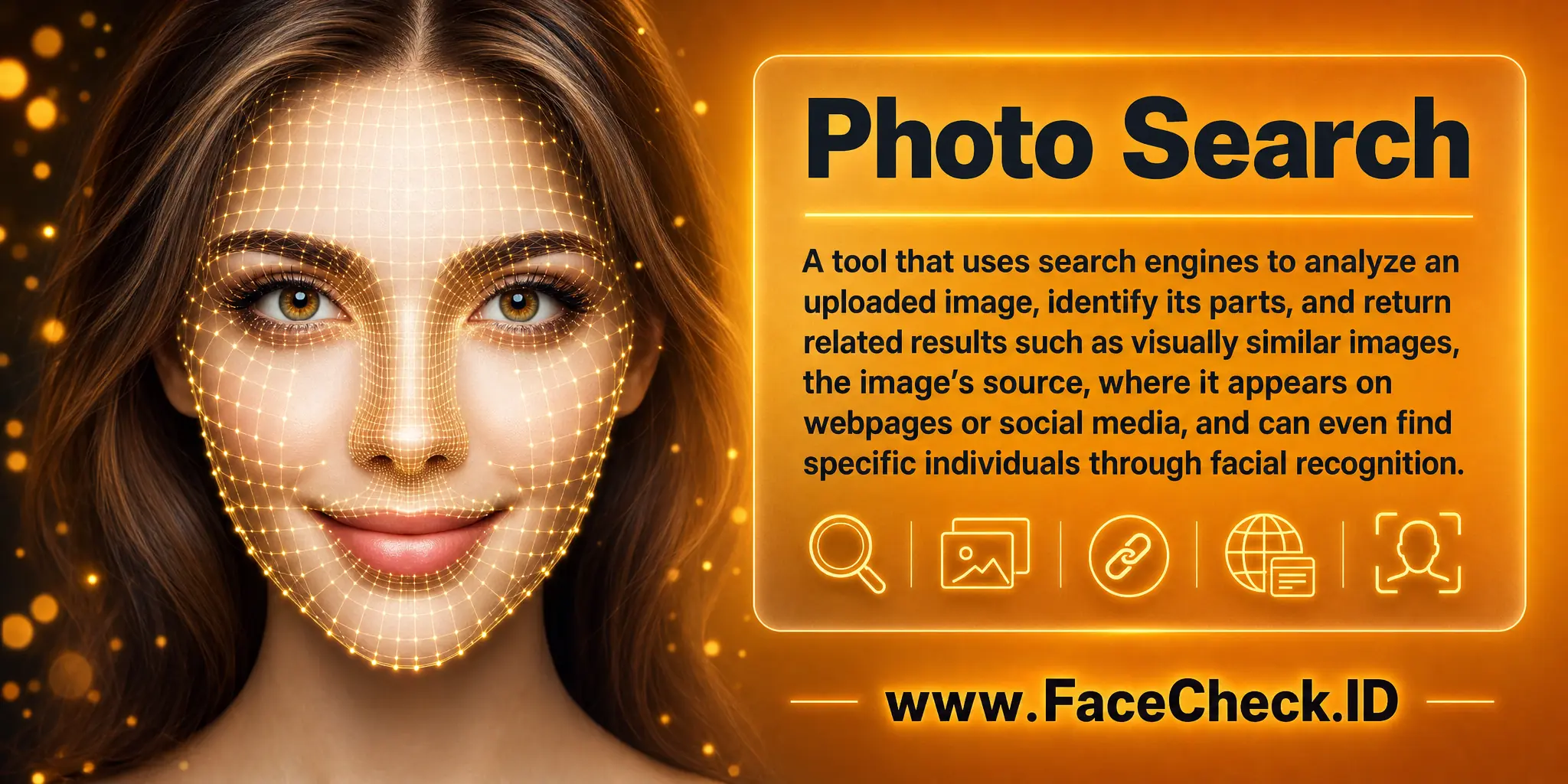
Photo search is what happens when an image becomes the query instead of words. On FaceCheck.ID, that query is a face, and the goal is to find every public page where that face appears, from dating profiles and news articles to scam reports and archived social posts.
How photo search works on a face-recognition engine
A general photo search tool compares colors, shapes, and patterns to find visually similar pictures. A face-focused photo search does something narrower and more demanding. It detects the face in your uploaded image, generates a numerical representation of that face (an embedding or face vector), and compares it against embeddings extracted from images already crawled and indexed across the public web.
That distinction matters. A standard reverse image search will mostly return copies and crops of the exact photo you uploaded. A face-recognition photo search returns the same person in different photos, taken on different days, in different lighting, with different hair, clothes, or expressions. The match is built around facial geometry rather than pixel similarity.
Quality of input has a direct effect on results:
- Front-facing, well-lit photos produce the strongest matches
- Heavy filters, sunglasses, masks, or low resolution reduce confidence
- Group photos require the engine to isolate the correct face
- Old photos may match poorly against current images of the same person
- Side profiles and extreme angles often miss faces that frontal shots would catch
Practical uses of face-based photo search
People run face photo searches for reasons that go beyond curiosity. The common patterns:
- Checking a dating match. Pulling a profile picture and searching it can reveal whether the person appears under a different name elsewhere, a typical sign of catfishing or romance fraud.
- Verifying a recruiter or business contact. A real professional usually has a consistent photo trail across LinkedIn, conference pages, company sites, or news mentions. A scammer often has a thin or contradictory one.
- Investigating a suspicious account. Researchers and journalists use face search to link anonymous social profiles to known identities or to flag stolen photos lifted from a real person's account.
- Finding old or forgotten images of yourself. Searching your own face shows where your photos have been reposted, scraped, or used without permission.
- Locating missing persons or unidentified subjects. Investigators use face search as one input among many when working from a single available image.
Reading the results without overreading them
A face match is a probability, not a verdict. The engine returns a confidence score and a set of pages where a similar face appears. Higher scores mean the facial geometry aligns closely. They do not guarantee the same person.
Several issues regularly trip up users:
- Lookalikes. Unrelated people can score surprisingly high, especially with limited image data or unusual angles.
- Twins and family members. Close relatives often confuse face engines.
- Reused stock photos. A face that appears on dozens of unrelated sites may be a stock model, not a real account holder.
- Stolen photos. A genuine match to a profile does not mean that profile belongs to the person in the picture. Scammers reuse real people's photos constantly.
- Stale indexes. Deleted accounts, old usernames, and removed pages may still appear in cached results.
The right approach is to treat each match as a lead. Cross-check the username, follower history, posting style, and metadata of any page returned. A single high-confidence match that fits a pattern across multiple sites is meaningful. A single match in isolation is not.
What photo search cannot tell you
Face-based photo search cannot confirm someone's legal identity, verify intent, or prove that the person on a page is actually the one operating the account. It does not see private profiles, closed groups, or platforms that block crawlers, which means absence of results is not evidence of a clean record. It also cannot distinguish a person from a high-quality deepfake or AI-generated face designed to mimic them.
Used carefully, photo search is a strong starting point for verifying online identity. Used carelessly, it produces confident-looking answers to questions it was never built to settle.
FAQ
What does “Photo Search” mean in face recognition search engines?
In face recognition search engines, “Photo Search” usually means uploading (or submitting) a photo so the system can analyze the face in it and search for visually similar faces across its indexed sources. Unlike name-based search, it relies on facial features extracted from the image rather than text identifiers.
Is “Photo Search” the same as reverse image search?
Not necessarily. Reverse image search often finds exact or near-duplicate copies of the same image (including crops/resizes), while face-focused “Photo Search” can match the same person across different photos (different angles, lighting, or contexts) by comparing facial similarity.
Can I run a “Photo Search” using a URL instead of uploading an image file?
Some face search tools support searching from an image URL, while others require an upload. If URL search is offered, the tool typically downloads the image, detects the face, and then runs the same face-matching process as with an uploaded file. Always check the tool’s documentation and privacy terms before submitting a URL.
What are the biggest privacy and safety considerations when doing a face-based Photo Search?
Key considerations include whether your uploaded photo is stored, whether it is converted into a reusable biometric template, how long it is retained, and whether it can be used to improve models or indexes. To reduce risk, use the minimum necessary image, avoid including bystanders (especially minors), remove sensitive background details, and review opt-out/removal options. For example, if you use FaceCheck.ID or similar tools, read their data handling and removal/opt-out policies before uploading.
How can I improve results when my Photo Search is getting poor or inconsistent matches?
Use a clear, front-facing photo with good lighting, sharp focus, and minimal filters; avoid heavy makeup/AR effects and extreme angles; crop so the face is prominent (but keep the full face, not just eyes); and try a second image from a different moment. If the tool supports it (including some workflows on FaceCheck.ID), compare multiple results and corroborate with non-face clues (timestamps, usernames, locations, and cross-site consistency) before concluding it’s the same person.


Recommended Posts Related to photo-search
-
How to Find People on Social Media by Photo
Well, you can, and leading us on this journey is the superhero of photo searches, FaceCheck.ID! FaceCheck.ID stands out among photo search tools.
-
How to Search Facebook by Photo
First go to FaceCheck.ID Facebook Photo Search Engine.
-
Find Criminals by Face Pic
Find Criminals by Face Photo Search Criminals by Photo.
-
Search for Actors by their Face
Search Actors by Photo. Search Actors Using Image.
-
How to Use Reverse Image Search to Find LinkedIn Profiles by a Photo
LinkedIn also doesn't expose a public photo-search API.