Social Media Account Matches
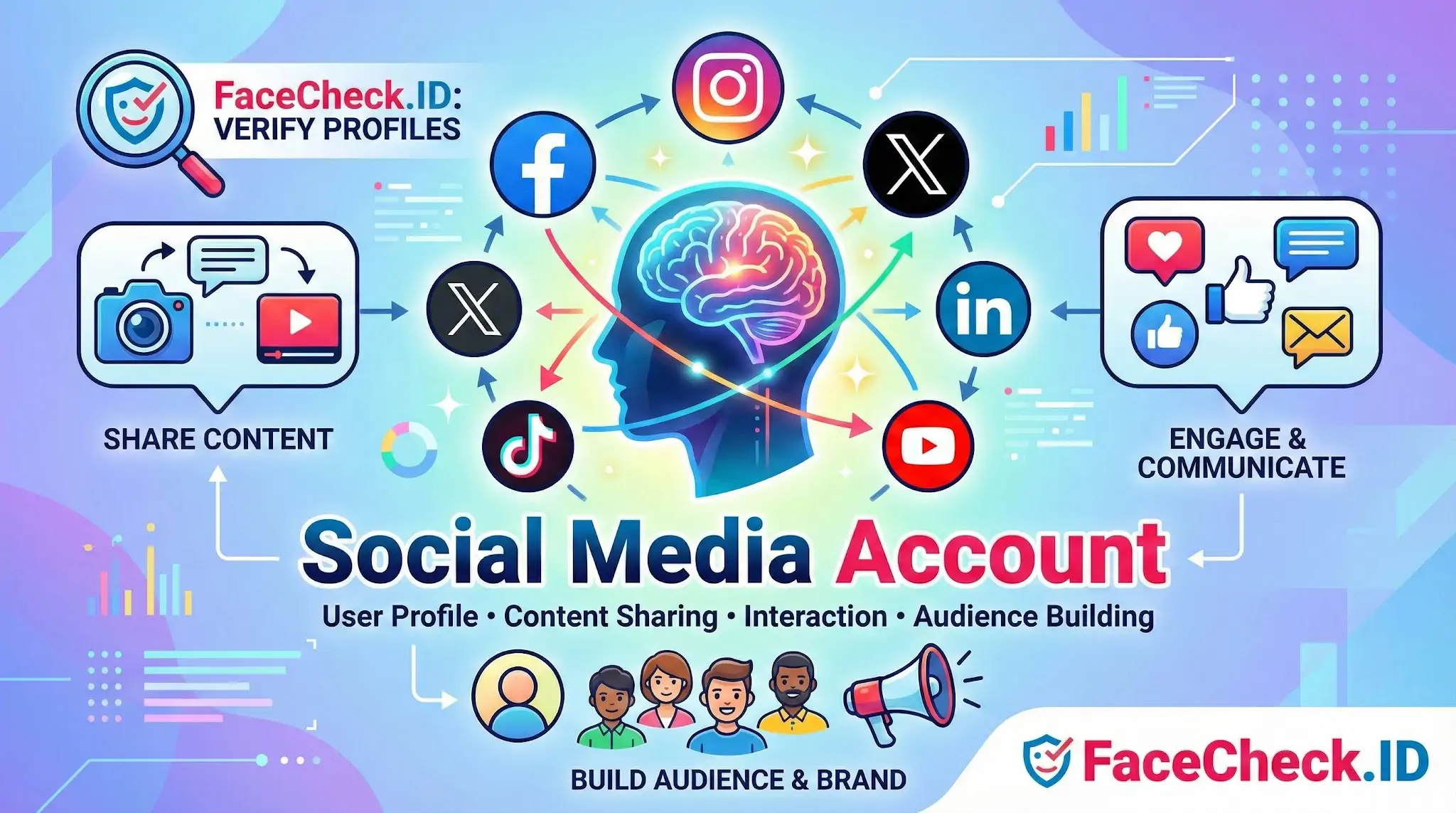
A social media account is often the first thing a face search surfaces, and it is usually the most useful clue for figuring out who someone is, where they live online, and whether the persona behind a photo is genuine. On FaceCheck.ID, a single match to a social profile can confirm a real identity, expose a fake one, or open up a chain of related accounts tied to the same face.
How face search connects a photo to a social media account
Face recognition does not search profiles directly. It searches the public web for indexed pages that contain a given face, then ranks visual similarity. Many of those pages turn out to be social media profiles, because profile photos, cover images, and posted selfies are routinely crawled and cached by search engines.
The signal strength varies by platform. LinkedIn headshots tend to produce confident matches because they are front-facing, well-lit, reused across professional bios, and indexed broadly. Instagram and TikTok are messier: heavy filters, group photos, sunglasses, and quick face angles reduce match confidence. Facebook profile pictures are sometimes indexed publicly, sometimes not, depending on each user's privacy settings. Twitter and X avatars are small and compressed, which can drag down accuracy unless the same face appears at higher resolution elsewhere.
A useful pattern: when face search returns the same person across LinkedIn, Instagram, and a personal blog under one consistent name, that cluster is strong evidence of a real identity. When the same face appears on accounts with three different names across dating apps and crypto-promotion profiles, that cluster is evidence of something else entirely.
Reading the profile, not just the photo
Once a face match leads to a social media account, the page itself carries information that matters more than the visual similarity score. Useful elements to examine:
- Username and handle history. Reused handles across platforms suggest one operator. Handles that look algorithmically generated, such as long alphanumeric strings, often indicate throwaway or scam accounts.
- Account age and post cadence. A profile created last month with one selfie and a hundred followers is a different signal than a ten-year-old account with consistent posting.
- Bio links and contact details. Real people tend to link to other real accounts. Romance scammers often link nowhere or to off-platform messaging apps.
- Photo set diversity. A genuine account typically has photos taken in different settings, lighting, and years. A catfish profile usually reuses a small set of stolen images, sometimes lifted from a real person's Instagram or modeling portfolio.
- Friends, followers, and tagged photos. Tagged content from other accounts is harder to fake than self-uploaded posts.
When a matched account is not what it appears to be
A face match to a social media account does not prove the account belongs to the person in the photo. Several common scenarios break that assumption:
- Stolen photos. Scammers regularly download images from public Instagram, OnlyFans, or modeling sites and rebuild profiles around them on dating apps and Telegram.
- Impersonation accounts. Public figures, models, and military personnel frequently have dozens of impostor profiles using their face.
- Lookalikes. Face recognition produces false positives, especially with low-resolution avatars, identical twins, or people who share strong facial features.
- Shared or sold accounts. Some social media accounts change hands, particularly aged accounts used for marketing or fraud.
The right reading of a face-to-account match is a hypothesis, not a verdict. Two profiles showing the same face under different names is a reason to investigate further, not to publish accusations.
Limits of using social media accounts as identity proof
A social media account confirms that a face has been associated with a public persona somewhere on the indexed web. It does not confirm that the person currently messaging you controls that account, that the account was created by the person pictured, or that the displayed name is real. Privacy settings, deleted profiles, and platforms that block crawlers (large parts of Facebook, private Instagram accounts, gated communities) mean face search sees only a slice of someone's actual online presence. Treat matched accounts as starting points for verification, then corroborate through video calls, mutual contacts, or document checks before treating identity as established.
FAQ
What is a “Social Media Account” in the context of face recognition search engines?
In face recognition search engines, a “Social Media Account” usually means a public profile page (or a page that has been copied/reposted elsewhere) whose images—such as profile photos, tagged photos, or screenshots—are discoverable on the open web and can therefore appear as possible matches in face-search results.
If a face search result points to a social media account, does that prove it’s the same person?
No. A link to a social media account is a lead, not proof of identity. Matches can be wrong due to look-alikes, edited/filtered images, reposts, or someone using stolen photos. Treat the account as a starting point and validate with multiple independent signals before making any claim about identity.
Why might a face recognition search show reposts, fan pages, or screenshot pages instead of the original social media account?
Face search engines often index whatever is publicly accessible on the web. If a profile photo was reposted, embedded, scraped, screenshotted, or mirrored on another site, that copy may be easier to crawl and rank than the original profile page—especially when the original is private, blocked to crawlers, or requires login.
Can face recognition search engines find faces from private or locked social media accounts?
Typically, they cannot reliably access private/locked content directly. However, private content can still surface indirectly if the same photo was shared publicly elsewhere, reposted by another account, captured in a screenshot, or indexed from a cached/archived copy.
If a tool like FaceCheck.ID returns a social media account as a match, what should I check before acting on it?
Verify the match beyond the face: compare multiple photos across time/angles, check whether the page is a repost/screenshot aggregator, look for consistent usernames and cross-links, confirm context (captions, location, friends/followers, posting history), and corroborate with other sources. Avoid contacting, accusing, or reporting someone based on a single face-search hit.


Recommended Posts Related to social-media-account
-
Yandex Image Search: Complete Guide to Finding Faces (2026)
Upload a dating profile photo, and Yandex would often find that same person's VK profile, Instagram, or other social media accounts. You get direct links to the social media accounts and web pages where matching faces appear.
-
How to Find an OnlyFans Profile by Photo Using a Reverse Image Search
How to Find an OnlyFans Creator's Other Social Media Accounts. Sometimes you already have an OnlyFans profile, but you want to find the person's other social media accounts to verify who they really are or ensure they are not a catfish.
-
Search by Face to Find Social Media Profiles
How to search for people on social media accounts? Social Media: If you have a social media account, such as LinkedIn, Facebook or Twitter, you can try searching for the person's name there.
-
8 Warning Signs You're Being Catfished!
They create social media accounts and use the victims images, information and identity to demoralize them or damage their reputation. If you're talking to someone online and they seem to have multiple social media accounts, it could be a red flag sign that you're being catfished.
-
The Rise of Romance Scams: Protect Your Heart and Wallet
This powerful tool allows you to search for a person's face and find any social media accounts that match that image. With the help of FaceCheck.ID, you can quickly search for the face of a potential date and discover any fake social media accounts that they may have created.