Find Social Media: What It Means & How Image Search Works
Definition
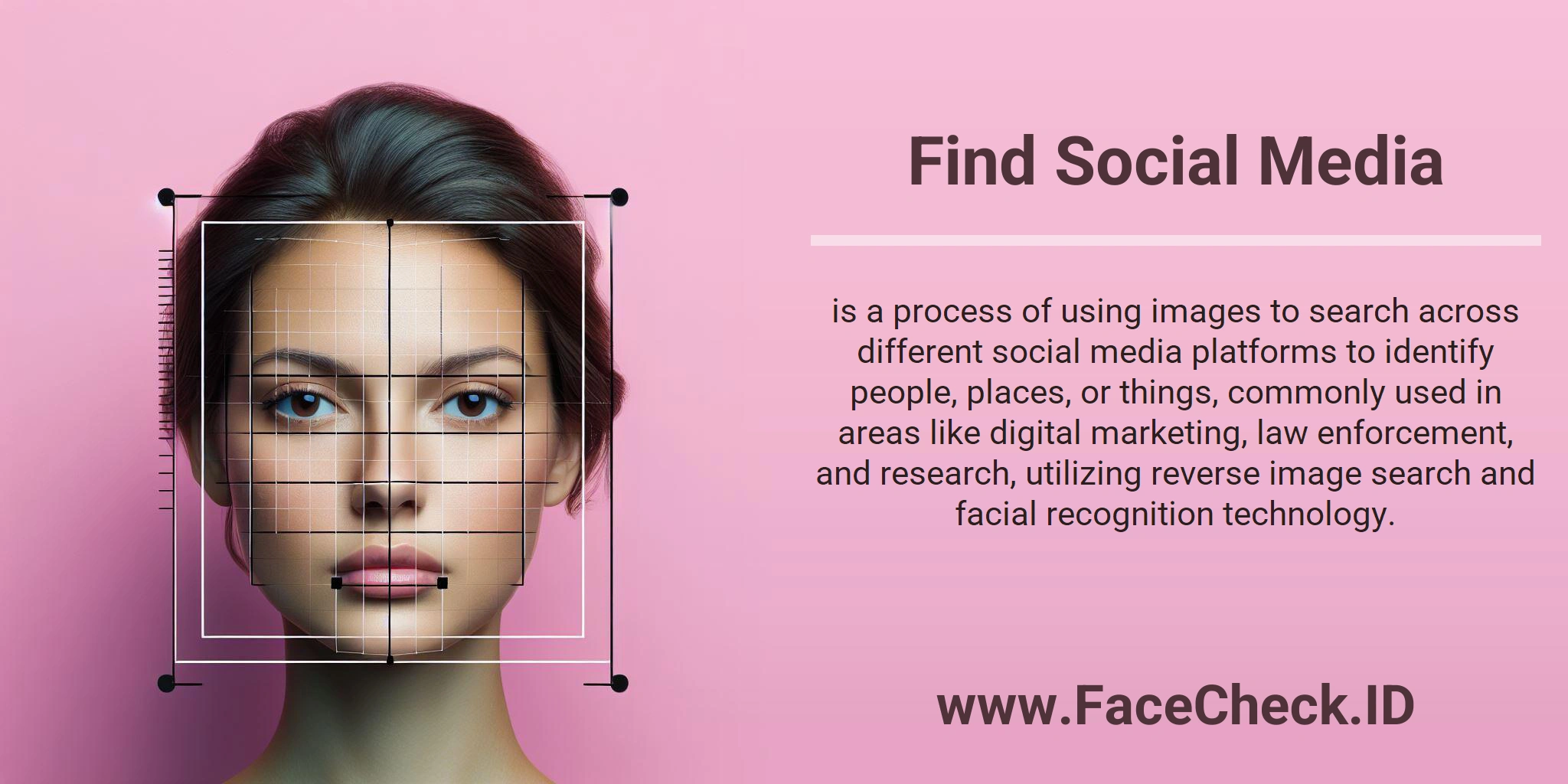
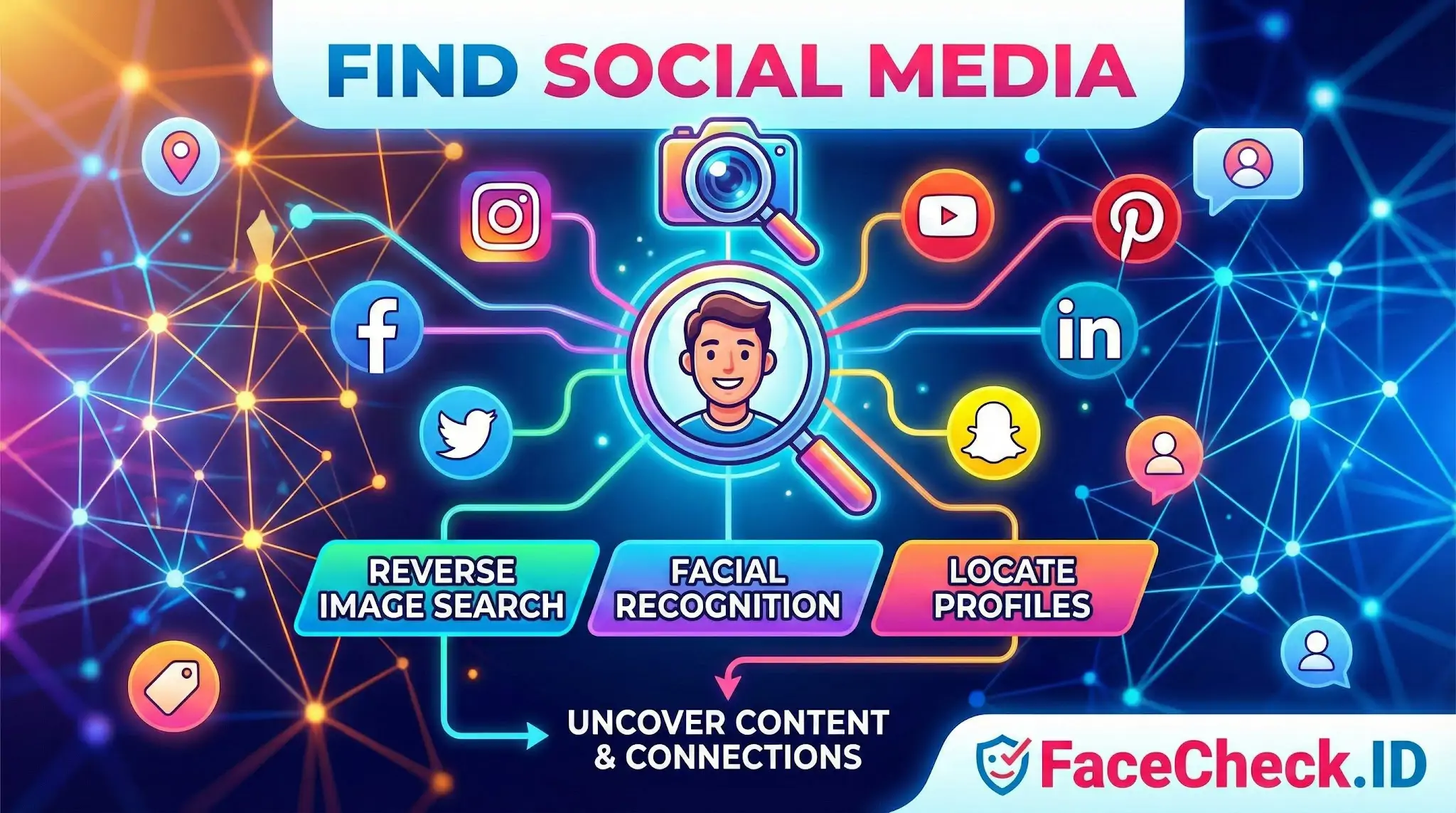
Find Social Media is the process of using an image to search social media platforms and identify people, places, brands, or objects. It commonly uses reverse image search and, in some tools, facial recognition to locate matching or related content and profiles.
What it does
When you run a Find Social Media search, you try to uncover:
- Social media profiles connected to the image
- Posts where the image or similar images appear
- Mentions, tags, usernames, and community connections
- Related locations, events, products, or logos shown in the photo
How it works
Find Social Media methods typically include:
- Reverse image search to match the photo or visually similar images across the web and social platforms
- Metadata checks (when available) to review details like capture time or device data
- Face matching in supported systems to compare facial features and suggest possible identities
- Context matching using background details like landmarks, signage, uniforms, or brand marks
Common use cases
Find Social Media is used across many industries, including:
- Digital marketing and brand research to track where images are shared and by whom
- Recruiting and HR to validate public presence and professional branding
- Research and journalism to verify sources and confirm image context
- Trust and safety and investigations to identify impersonation, scams, or misuse
- Law enforcement to support investigations where legally permitted
Key benefits
- Faster discovery of where an image appears online
- Better verification of identity and authenticity signals
- Improved brand monitoring and reputation management
Limitations and privacy notes
Results vary based on image quality, privacy settings, platform restrictions, and whether the content is indexed or publicly visible. Always follow applicable laws, platform terms, and consent requirements when searching for individuals.
Related terms
FAQ
What does “Find Social Media” mean in a face recognition search engine?
“Find Social Media” typically refers to using a face recognition search engine to locate webpages that appear to be connected to social platforms (e.g., profile images, reposts, screenshots, or public posts) that contain a visually similar face. It generally means “find public web pages related to social media,” not guaranteed direct access to any specific platform’s private data.
Does “Find Social Media” mean a face search engine can access private or locked social media accounts?
No. “Find Social Media” usually does not imply access to private, locked, or friends-only content. Face recognition search engines typically rely on what they can index or discover from publicly accessible pages, reposts, caches, or third-party sites; privacy settings and paywalls can prevent content from being searchable.
Why might “Find Social Media” results show reposts, fan pages, or screenshots instead of the original profile?
Because reposts and screenshots are often more publicly accessible and easier to index than the original source. A face recognition search engine may find a widely shared copy (meme, compilation, quote-post screenshot, blog embed) before it finds the original profile photo, or it may only have access to the copy if the original post/profile is private or removed.
What are safe steps to verify a “Find Social Media” match before assuming it’s the same person?
Treat the result as a lead, not proof. Open the source page, compare multiple photos (not just one), check timestamps and context, look for consistent biographical details (username history, linked accounts, location cues), and watch for signs of re-uploads (watermarks, cropping, repost captions). If only one low-quality image matches, assume it could be a look-alike or a misattribution.
How can FaceCheck.ID add value to “Find Social Media” searches, and what should users avoid doing with the results?
Tools like FaceCheck.ID can help surface public pages where the same or a similar face appears, including social-media-related links, which can be useful for spotting impersonation, reused photos, or broader online presence. Users should avoid doxxing, harassment, or making identity claims based solely on a face match; use results for verification workflows and corroborate with independent evidence before taking action.


Recommended Posts Related to find social media
-
Search by Face to Find Social Media Profiles
The website that specialize in searching by face to find social media profiles is FaceCheck.ID. FaceCheck.ID aka Search by Face: was designed especially for the purpose of searching by a photo of face and finding social media profiles. Find social media profiles FAST with this OSINT tool!
-
How to Find People on Social Media by Photo
Find Social Media Profile using Photo. Finding social media influencers: You've seen a photo of a person who seems to be an influencer, and you want to follow them on social media.
-
Search Instagram by Photo with Reverse Image Instagram Search Engine
This technique is particularly useful for finding social media profiles, including Instagram accounts. For example, TinEye can search for modified or cropped versions of an image, while Social Catfish specializes in finding social media profiles.
-
Best Reverse Image Search Engines Ranked (2026)
I tested every major reverse image search engine using the same set of photos across multiple scenarios: finding social media profiles, detecting stolen photos, and verifying real people.
-
How to Use Reverse Image Search to Find LinkedIn Profiles by a Photo
FaceCheck.ID is a facial recognition search engine that specializes in finding social media profiles. One such powerful tool is FaceCheck.ID, which offers a tailored solution for finding social media profiles such as Facebook, Instagram, and LinkedIn.
-
How to Find Someone Using a Screenshot
How to reverse image search to find social media. FaceCheck is powered by the latest face recognition technology and is made specifically to find social media profiles by a picture of their face.
-
How to Search Facebook by Photo
FaceCheck.ID specializes in finding social media profiles, so FaceCheck.ID is be the best option for finding someone on Facebook. FaceCheck.ID is a facial recognition search engine designed specifically for finding social media profiles using a photo.
-
Facial Recognition and Reverse Search on Facebook: A Deep Dive into FaceCheck
Reverse searching can help you find social media influencers or content creators by analyzing their profile pictures.
-
Leveraging Facial Recognition Technology to Combat Human Trafficking
FaceCheck.ID: A specialized facial recognition search engine for finding social media accounts, escort ads, or mugshots of both perpetrators and victims of human trafficking.
-
Free Reverse Image Search Tools That Actually Work (2026)
Finding social media profiles connected to a face.
-
Yandex Image Search: Complete Guide to Finding Faces (2026)
For the best chance of finding social media profiles from a photo, use FaceCheck.id, which is specifically designed for this purpose.
-
PimEyes Free Alternatives That Actually Work (2026)
For finding social media profiles and finding real people, yes.
-
How to Find Anyone Online: A Comprehensive Guide to Internet Sleuthing
Find Social Media Accounts with Sherlock.
-
Reverse Image Search FAQ: The Ultimate Guide for 2025
FaceCheck.ID: Specifically excels at finding social media profiles matching a face image, crucial for catfish verification. Yandex Images: Often finds social media profiles that Google misses.
-
Are We Dating The Same Guy?
Find Social Media Profiles by Pic.