Image Citation: How to Cite a Picture in APA, MLA and Chicago (Even With No Credit)
By the FaceCheck.ID editorial team · Last updated November 10, 2026
To build an image citation, give the creator, the title (or a short description in square brackets), the date, the site or museum that hosts the image, and the URL of the page it sits on, not a Google Images results page. APA puts the year right after the creator. MLA puts the title in quotation marks and ends with the URL. If you don't know who made the picture, trace it before you cite it.
That last step is where most guides go quiet, and it is the one that trips people up at 1 a.m. the night before a deadline.
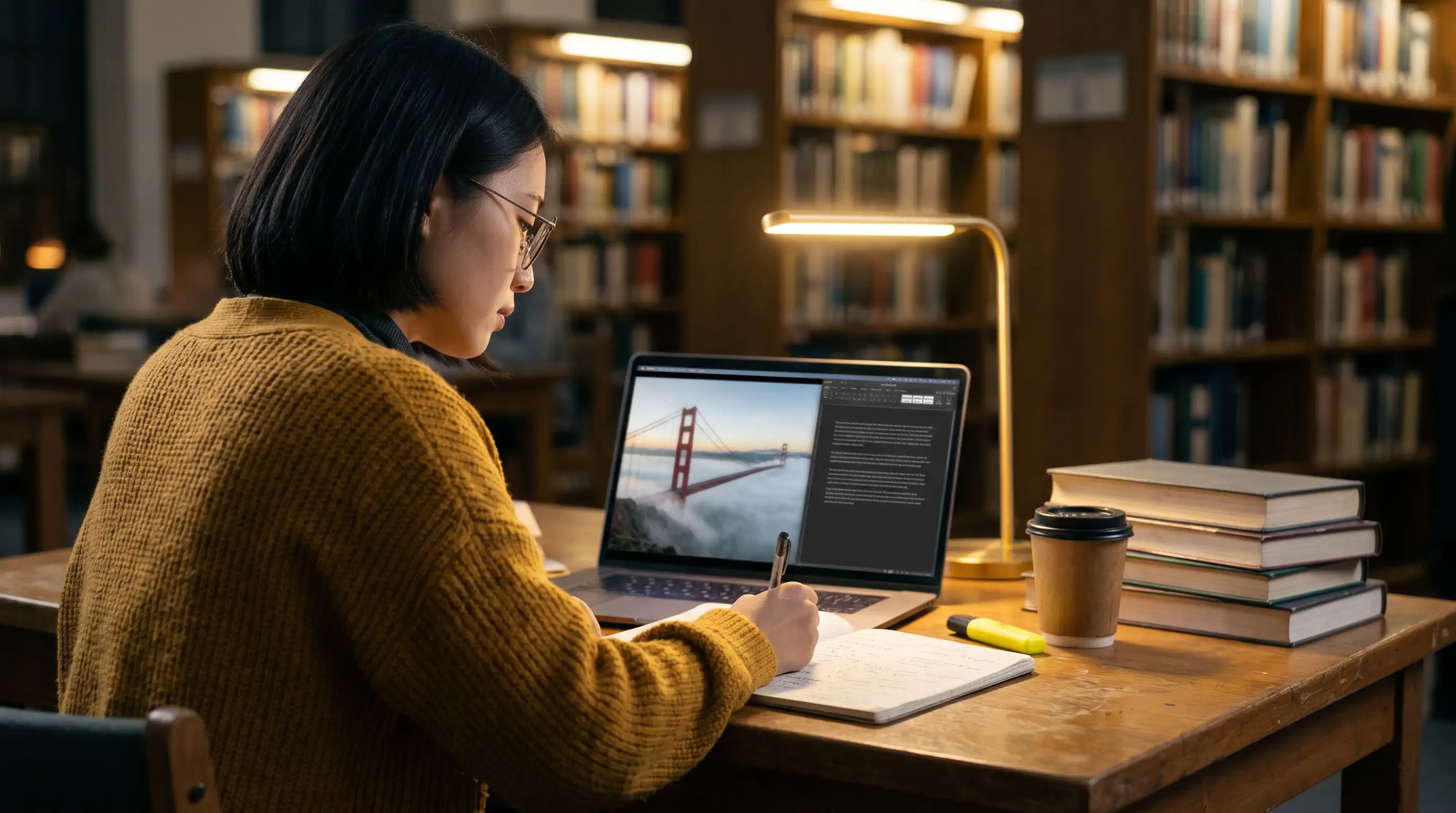
In this article, we're going to discuss
- What every image citation needs
- Image citation examples: one photo in APA 7, MLA 9 and Chicago
- When an image has no credit: trace it before you cite it
- Photos of people: credit the photographer, not the face
- Do you need an image citation at all?
- How we checked this guide
- What to do with your image now
What every image citation needs
Whatever the style, a reader should be able to find the exact picture you used. That takes five pieces of information:
- Creator. The photographer, artist or illustrator. On a platform with usernames, the username counts if no real name is given.
- Title. The image's own title. If it has none, write a short description in square brackets, such as [Photograph of a lighthouse in fog].
- Date. When the image was created or published. With no date anywhere, APA uses "n.d." and MLA simply leaves the date out.
- Source. The website, museum, archive or book where the image lives.
- URL. The address of the page that displays the image.
Cite the page, not the search result
The URL is where most citations go wrong. Google Images, Bing and Pinterest boards are places you found a picture; none of them published it. Neither is the raw file address you get from "Copy image address", which often points to a resized thumbnail on a content server.
| URL in the citation | Why | |
|---|---|---|
| Wrong | https://www.google.com/imgres?imgurl=... | A search results page; it changes and credits nobody |
| Wrong | https://upload.wikimedia.org/.../1280px-Golden_Gate_Bridge...jpg | A thumbnail file with no creator, date or licence on it |
| Right | https://commons.wikimedia.org/wiki/File:Golden_Gate_Bridge_as_seen_from_Battery_East.jpg | The page that names the photographer, date and licence |
Library guides are blunt about this. Cal State San Bernardino's Visual Resource Center tells students, in capital letters, not to cite Google Images or Creative Commons as the source of an image.
Image citation examples: one photo in APA 7, MLA 9 and Chicago
Here is a real photo with complete details, so you can see each style handle the same facts. On its Wikimedia Commons page, Golden Gate Bridge as seen from Battery East was taken by Frank Schulenburg on 24 June 2017, published as his own work, under a CC BY-SA 4.0 licence (Wikimedia Commons).
APA 7th edition
APA's pattern for a photograph outside a museum is photographer, year, title in italics, the format in brackets, source and URL, as laid out in the Purdue OWL APA guide:
Schulenburg, F. (2017). Golden Gate Bridge as seen from Battery East [Photograph]. Wikimedia Commons. https://commons.wikimedia.org/wiki/File:Golden_Gate_Bridge_as_seen_from_Battery_East.jpg
How to cite an image in APA in-text: use the creator and year, either parenthetical (Schulenburg, 2017) or narrative, as in "Schulenburg (2017) shot the bridge from Battery East." If you put the picture itself in your paper, it becomes a figure: a bold figure number, an italic title above the image, and a note below it. When the image carries a Creative Commons licence, the note names the licence instead of a copyright line, following the pattern in the University of Newcastle APA 7 guide:
Note. From Golden Gate Bridge as seen from Battery East, by F. Schulenburg, 2017, Wikimedia Commons (https://commons.wikimedia.org/wiki/File:Golden_Gate_Bridge_as_seen_from_Battery_East.jpg). CC BY-SA 4.0.
Cropped it? Change "From" to "Adapted from" and say what you changed.
MLA 9th edition
MLA lists the creator with the full first name, the title in quotation marks, the website in italics, the date in day-month-year order, and the URL without "https://":
Schulenburg, Frank. "Golden Gate Bridge as Seen from Battery East." Wikimedia Commons, 24 June 2017, commons.wikimedia.org/wiki/File:Golden_Gate_Bridge_as_seen_from_Battery_East.jpg.
The in-text citation is just the surname: (Schulenburg). Under an image you place in the paper, label it "Fig. 1." and follow with the same details in caption order. An image with no title gets a short description of your own, without quotation marks or italics; one with no named creator starts with the title.
Chicago (notes and bibliography)
Chicago's 18th edition handles photographs under section 14.133. RDP Polytechnic's Chicago 18 guide gives the order as artist, italic title, year, medium, location, then the URL. The full footnote:
Frank Schulenburg, Golden Gate Bridge as Seen from Battery East, June 24, 2017, photograph, Wikimedia Commons, https://commons.wikimedia.org/wiki/File:Golden_Gate_Bridge_as_seen_from_Battery_East.jpg.
The bibliography entry flips the name and uses periods:
Schulenburg, Frank. Golden Gate Bridge as Seen from Battery East. June 24, 2017. Photograph. Wikimedia Commons. https://commons.wikimedia.org/wiki/File:Golden_Gate_Bridge_as_seen_from_Battery_East.jpg.
Chicago has no fixed caption format. Start with "Figure 1." under the image and write the rest the way you would write the note.
When the date or title is missing
Say you find the same bridge on a travel blog that names the photographer but gives no title or date. In APA, the description replaces the title and the year becomes n.d.: Schulenburg, F. (n.d.). [Photograph of the Golden Gate Bridge from Battery East]. Then the blog's name and the post URL. In MLA you drop the date and write the description without quotation marks. Better still, trace the photo back to the Commons page, which has both, and cite that.
Image citation in PowerPoint
On a slide, put a short credit directly under the picture (creator, year, source, and the licence if it has one) and the full reference on a References or Works Cited slide at the end. An APA example under a slide image: Photo: F. Schulenburg (2017), Wikimedia Commons, CC BY-SA 4.0. Keep it legible; a credit in 6-point grey on a white slide is technically there in the way a fire exit behind a vending machine is technically there.
Using an image citation generator
Generators save typing, and they reliably make the same few mistakes. Before you paste one in, check that the author is the photographer and not the uploader or the blog owner, that the URL is the image's own page and not a search result, that APA titles are in sentence case and MLA titles in title case, and that "Google" hasn't been entered as the publisher. A generator can only format what you feed it, so it can't fix a citation pointing at a repost.
When an image has no credit: trace it before you cite it
Most pictures on the open web are copies of copies. The account that posted the meme, the Pinterest pin or the blog header usually didn't take the photo. Citing them is like crediting the photocopier. These steps get you to the earliest copy you can find.
- Check the file's metadata. Download the original file if you can (a screenshot throws the metadata away). On Windows, right-click the file, then Properties > Details and look at Authors and Copyright. On a Mac, open it in Preview and choose Tools > Show Inspector. Most social platforms strip this data on upload, so an empty result is normal.
- Run it through Google Lens. At Google Images, click the camera icon and upload the file, or right-click the picture in Chrome and choose Search with Google Lens. Skip past the shopping suggestions to the pages carrying the same picture.
- Run it through TinEye and sort by Oldest. TinEye lists exact and edited copies and lets you sort by best match, biggest image, most changed, newest or oldest. Its dates show when TinEye's crawler first found each copy, not when the image was published ([TinEye Help](https://help.tineye.com/article/246-can-i-sort-my-results)), so the oldest hit is a strong lead rather than proof. Our [TinEye review](/articles/US_tineye.txt) covers what it does and doesn't find.
- Try Yandex for faces and non-English sites. Yandex Images often turns up copies on Russian and Eastern European sites that Google misses.
- Open the oldest candidates. The original usually has the largest resolution, no crop, no added text, and a name attached: a photographer's portfolio, a stock agency, a museum collection, a news agency credit, or a Flickr or Commons page with a licence.
- Cite the original page. If the trail goes cold, cite the page where you found the image and describe it honestly, and tell your instructor or editor you couldn't find the creator.
If you want more tools than these three, our list of free reverse image search tools compares the rest.
Sources that are never the origin
Some pages show up first in the results and should never end up in your citation:
- A stock-photo page where the image carries a watermark. That is the agency's preview; the licence and photographer credit are on the agency's own listing, and a watermarked copy elsewhere is usually unlicensed.
- Meme aggregators, wallpaper sites and "free download" pages that scrape images in bulk and credit nobody.
- Pinterest pins and Tumblr reblogs, which point to wherever the last person found it.
- Dating, social or "brand ambassador" profiles using a model's photo. Catfish and scam accounts routinely borrow pictures; the profile owner is almost never the photographer, and often isn't the person pictured either.
Photos of people: credit the photographer, not the face
A portrait's author is whoever took it. The person in the picture is the subject. A headshot of a conference speaker is cited under the photographer or the outlet that published it, never under the speaker's name, unless it is a selfie.
Portraits are also the hardest images to trace, because people crop, filter and repost them until Google Lens no longer sees the same picture. A face search compares the face rather than the whole image, so it can surface other public pages that carry the same photo or the same person, including the press page or agency profile where a photographer's credit usually sits. That's what FaceCheck.ID is for (full disclosure: it's our product).
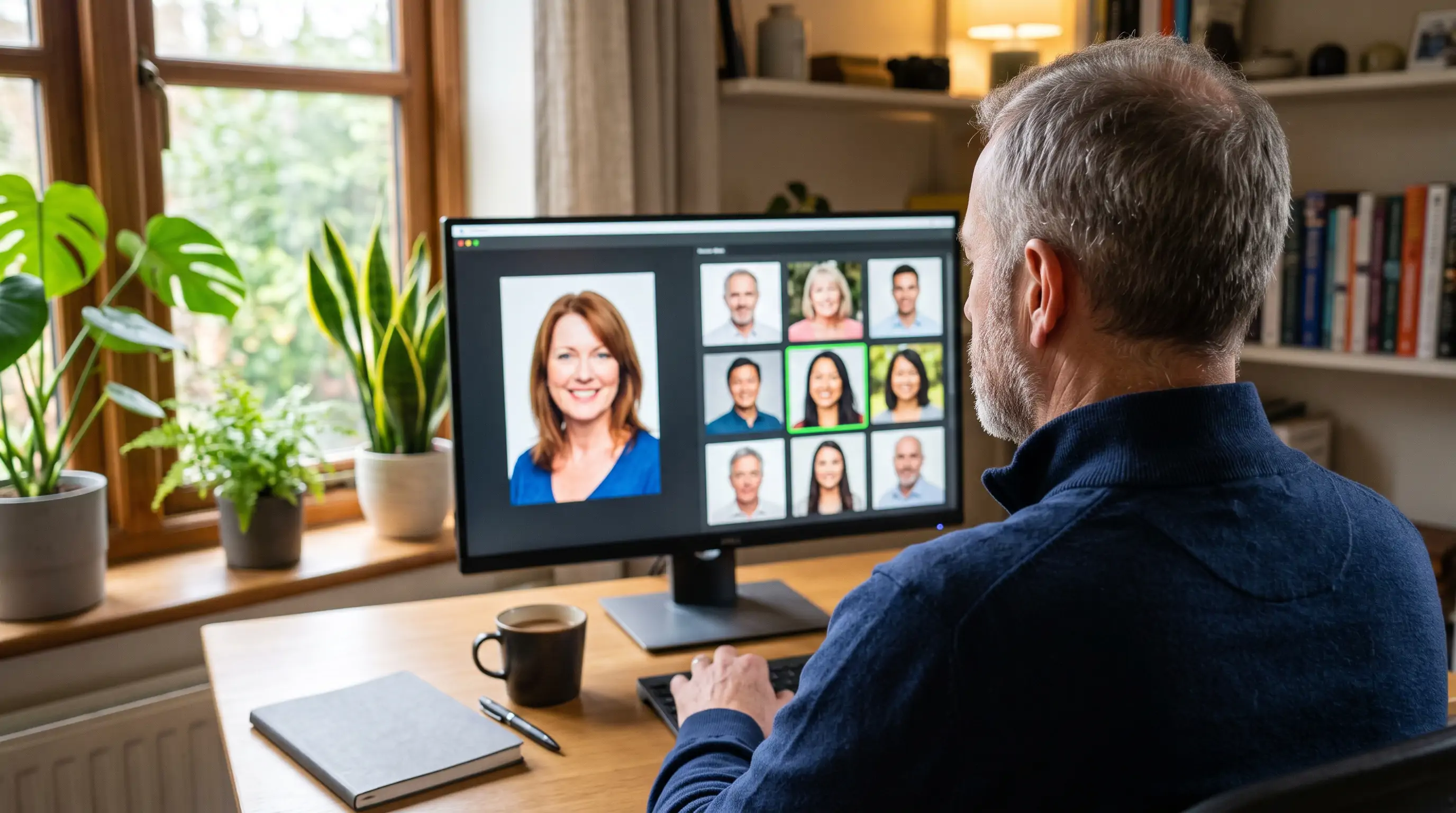
Use it as a tracing aid, nothing more:
- Crop the portrait to one adult face, front-on and as large as the file allows.
- Upload it at FaceCheck.ID, agree to the terms and run the search.
- Read the score on each match before you open anything.
| Score | FaceCheck.ID label | What it means for tracing |
|---|---|---|
| 90-100 | Certain match | Open the source page and look for a photo credit or caption |
| 83-89 | Confident match | Check the page, and look for the same shot or a second photo that agrees |
| 70-82 | Uncertain match | Possibly a lookalike; don't rely on it |
| 50-69 | Weak match | Ignore |
A free search shows every matching face thumbnail with its score. Credits unlock the links to the source pages, which is where any photographer credit would be. Searches are anonymous: no IP logging, search history deleted within 24 hours, and the photo you upload is not added to the index. FaceCheck.ID only covers public web pages, so private accounts, closed apps and sites that block scraping won't appear.
A match is a similar face, not proof of who anyone is, and it tells you nothing about who took the photo. Your citation still names the photographer and the page you found, never FaceCheck.ID. The service is for adults only: searching for a minor is prohibited and grounds for a ban. It can't be used for employment, tenant, insurance or credit screening either. For the difference between matching a picture and matching a face, see reverse image search versus face recognition.
Do you need an image citation at all?
Citation and permission are separate questions. A citation tells readers where an image came from; a licence or the copyright owner tells you whether you may use it. Use this table for the first question and the licence for the second.
| Image | Citation in an academic paper? | Attribution or permission for reuse? |
|---|---|---|
| A photo you took or a chart you made | No reference entry; give it a figure number and title | None needed |
| Public domain (e.g. many museum open-access images) | Yes, so readers can find it | None required, though crediting the museum is good practice |
| Creative Commons | Yes | Required: title, author, source, licence (TASL) |
| Stock image or clip art used as decoration | Generally not required in APA | Follow the stock site's licence |
| AI-generated image you made | Yes: figure note with the tool and prompt | Check the tool's terms and your institution's rules |
| Image from a news site, blog or social post | Yes | Permission from the copyright holder, unless your use is fair use |
Creative Commons attribution (TASL)
Creative Commons recommends crediting the Title, Author, Source and License, with each one linked to its page (Creative Commons wiki). For our bridge photo, a blog or slide credit would read: "Golden Gate Bridge as seen from Battery East" by Frank Schulenburg is licensed under CC BY-SA 4.0. The ShareAlike part means anything you build from the photo has to carry the same licence.
Clip art, stock and AI images
The University of Newcastle notes that APA generally doesn't require a reference for clip art and stock images that need no attribution, and suggests a line such as "Image via [Site Name]" if your course asks for one anyway.
For AI images, APA has no formal rule yet. Its September 9, 2025 blog post on generative AI reference formats is what most library guides now follow, as RDP Polytechnic's APA guide summarises: give the AI image a figure number and a note quoting the prompt, and list the company as author with the tool's name as the title in the reference list. MLA's guidance is the same in spirit; its Style Center captions a DALL-E image with the prompt, the tool, the version, the company and the date, and recommends against treating the AI tool as an author.
How we checked this guide
The citation patterns come from the Purdue OWL APA pages, the University of Newcastle and RDP Polytechnic library guides for APA 7 and Chicago 18, the MLA Style Center's generative AI post, and Creative Commons' attribution guidance, all read in November 2026. The worked example uses the photographer, date and licence shown on the Wikimedia Commons file page. TinEye's sorting behaviour comes from TinEye's help center. The FaceCheck.ID details (score bands, privacy and age rules) come from our published policies; we make FaceCheck.ID, so we have an interest in that section, and every other step here works without it. Style manuals get revised and instructors add their own rules, so when a professor's handout disagrees with this page, the handout wins.
FAQ
How would you cite an image?
Name the creator, the year, the title (or a bracketed description), the site or institution that hosts it, and the URL of the image's own page. In APA that reads Schulenburg, F. (2017). Golden Gate Bridge as seen from Battery East [Photograph]. Wikimedia Commons. URL. MLA puts the title in quotation marks and the date at the end before the URL; Chicago uses a footnote plus a bibliography entry.
How do I reference an image taken from the internet, including one from Google?
Google Images, Bing and Pinterest only show pictures that live on other sites, so click through to the page that published the image and cite that site, its creator and its date. If that page turns out to be a repost, run the picture through Google Lens or TinEye, open the oldest copy, and cite the original publisher instead.
What images do you not have to cite?
Your own photos and charts, and in APA, clip art or stock images that their licence lets you use without attribution. Everything else, including public-domain images, should be cited in academic work so readers can find it.
Do I have to cite my own images?
Not with a reference entry. In an APA paper, give your photo or chart a figure number and title so you can refer to it in the text. If your own image has already been published somewhere, such as in an earlier paper, cite that publication.
Do I have to cite images created by AI?
Yes. Treat an AI image you generated as a figure and say how it was made: the tool, the company, the date and the prompt. MLA recommends against listing the AI tool as an author, and the APA format puts the company, not the tool, in the author position. Check your course or publisher policy too, since some ban AI images entirely.
Do I have to do in-text citations for images?
Yes, when the image is in your paper. In APA, refer to the figure by number in your text, put the credit in the figure note, and list the source in the reference list. In MLA, the "Fig. 1" caption carries the source details. If you only mention an image without showing it, a normal in-text citation such as (Schulenburg, 2017) does the job.
Can I use an image from a website if I cite it?
Citing an image doesn't give you permission to use it. A citation credits the source; the copyright holder or the licence decides whether you may reuse it. A school paper often falls under fair use, but a blog, a product page or a public talk usually needs a licence or written permission. When in doubt, the U.S. Copyright Office recommends getting permission.
What to do with your image now
If the picture already has a creator and a source page, copy the example for your style above and swap in its details. If all you have is a repost, download the file, sort TinEye by Oldest, check Google Lens, and cite the earliest page that names a creator. If it's a portrait with no credit anywhere, crop to the face and run a face search to find other pages that carry it, then cite the photographer and the page, and check the licence before you publish it anywhere outside a classroom.

Read More on Search by Face
Catfish Pictures Search: Check a Profile Photo in 3 Steps
That match with the perfect jawline and the oil rig job might be wearing someone else's face. Here is how to run a catfish pictures search on a profile photo, what the free results already tell you, and how to read scores and sources before you trust, or block, anyone.
Popular Topics
Image Search Facial Recognition How To Google Images TinEye Image Search Tool LinkedIn Catfishing Yandex Images Screenshot Google Lens Face Search Ai-Generated Image WatermarkingExpert Analysis: PimEyes vs FaceCheck for Facial Recognition 2026