Face Match Software: Which Kind Fits Your Photo Problem
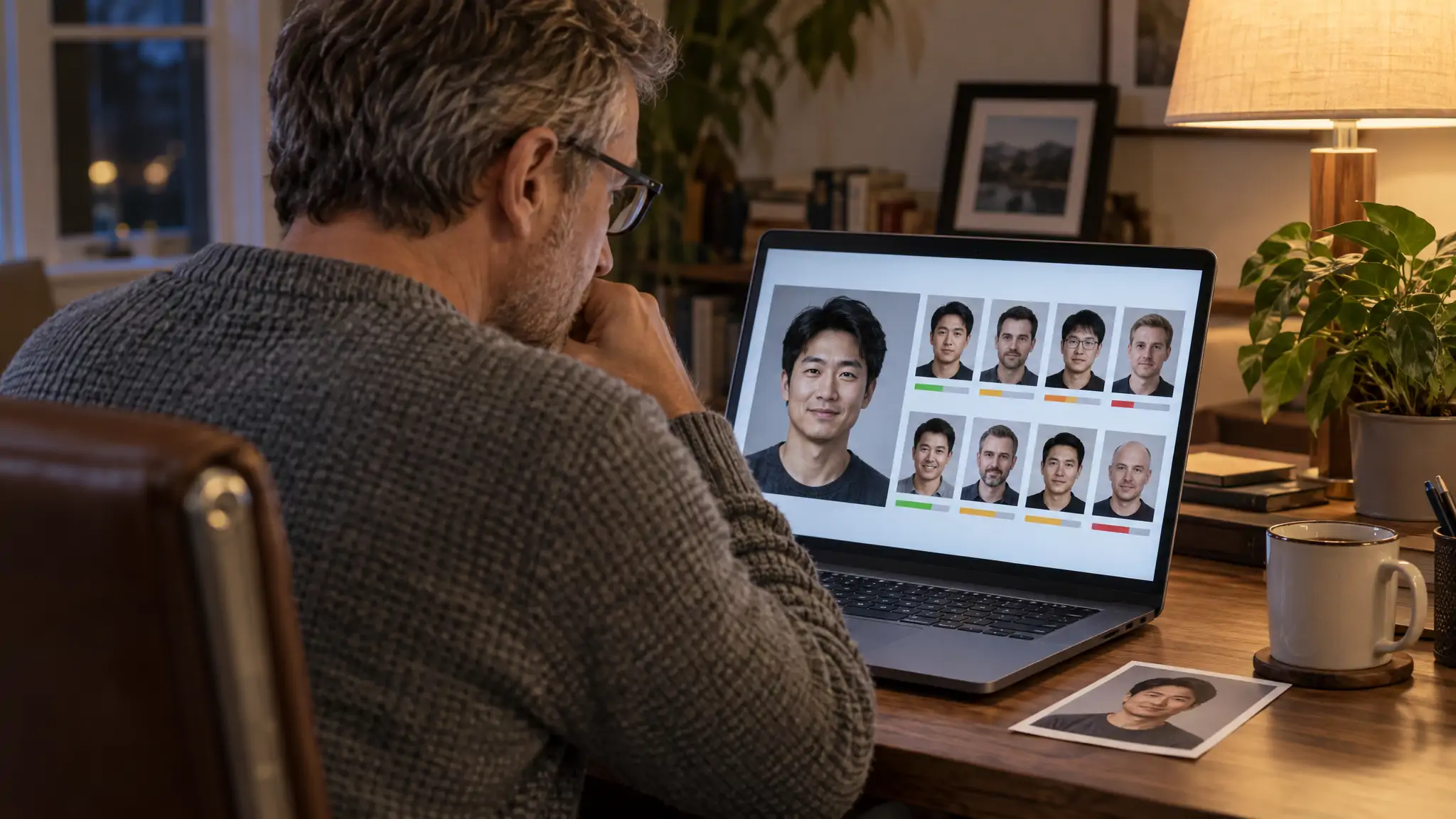
Face match software compares the facial features in one photo with the faces in other photos and returns either a similarity score or a ranked list of matching faces. There are four kinds:
- Reverse face search (FaceCheck.ID): one photo in, matching faces from public web pages out.
- Two-photo comparison tools: two photos in, one "same person?" score out.
- Photo-library managers such as digiKam: they group the faces in your own pictures.
- Developer APIs and open-source models such as Amazon Rekognition and DeepFace: parts for building your own app.
Pick by what you are holding. Two photos, one photo and the whole internet, or a folder of 20,000 vacation pictures each call for a different tool.
In this article, we're going to discuss
1:1 comparison vs 1:N search
The single biggest source of confusion with face match software is that two different jobs share one name. Engineers call them 1:1 verification and 1:N identification. You can call them "are these two the same person?" and "where else is this face?"
| 1:1 comparison | 1:N search | |
|---|---|---|
| What you upload | Two photos | One photo |
| Question it answers | Is this the same person? | Where else does this face appear? |
| What comes back | One similarity score | A ranked list of matching faces, each with a score and a source page |
| Typical tools | Browser face-similarity testers, DeepFace verify, Amazon Rekognition CompareFaces | FaceCheck.ID, PimEyes |
| Dead end when | You only have one photo | The person has no public photos |
A 1:1 tool cannot tell you who someone is. It only tells you whether photo A and photo B look like the same face. A 1:N tool needs a large index of faces to search against, which is why the free open-source libraries never do it out of the box: they ship the matching engine but not the billions of photos.
FaceCheck.ID is a 1:N tool. One upload returns a ranked list of faces found on public web pages, so it answers the second question, and in practice it often answers the first one too: if a stranger's dating photo matches a 95-score hit on a model's portfolio under a different name, you have learned something about both photos.
The four kinds of face match software
Reverse face search across the public web
This is the kind most people mean when they type "face match app" into a search bar. You give it one photo; it compares that face against an index built from public web pages and shows you every similar face it found, sorted by score. FaceCheck.ID runs in the browser on a phone or a PC, so there is nothing to download or install.
Use it to check whether a dating match's photos belong to someone else, whether your own face turns up on sites you never joined, or whether a new business contact's headshot is a stock photo.
Two-photo comparison tools
These are the "face comparison online free" sites: upload two pictures, get a percentage. They are fine for a quick "is this the same person" check when you already have both photos, such as a dating profile photo and a tagged party picture a friend sent you.
Two cautions. Most free testers do not say which model they run or where their thresholds sit, so a "78%" means whatever that site decided it means. And you are uploading a stranger's face to a site whose privacy policy you probably did not read. Read it.
Photo-library managers
If the r/datacurator thread asking how to sort "a folder full of hundreds of pictures" into folders by person sounds like you, you need a library manager, not a search engine. digiKam's documentation describes a face workflow built on deep-learning models: it detects every face in your collection, you name one face for a person, and it suggests the rest for you to confirm. digiKam is free and runs on Windows, macOS and Linux.
The limit is the obvious one: it only knows the photos you feed it. It will happily find Aunt Carol in 400 family pictures and has no idea she also has a LinkedIn page.
Developer APIs and open-source models
This is the toolbox for people building their own system:
- DeepFace is an MIT-licensed Python library. Its
DeepFace.verifyfunction takes two images and decides whether they belong to the same person, and it wraps models such as VGG-Face, FaceNet and ArcFace. - CompreFace is a free, Apache 2.0 face recognition service you host yourself. It ships as a docker-compose config and exposes a REST API for detection, verification and recognition.
- Amazon Rekognition CompareFaces is a paid cloud API. It compares the face in a source image with up to 100 faces in a target image and, by default, only returns matches with a similarity of 80% or higher.
DeepFace and CompreFace run on your own hardware, which makes them the privacy-first choice if you never want a photo to leave your machine. None of them can search the web for you, though. If you want to add web-scale face search to an app, our guide to face recognition systems and APIs covers the models and the FaceCheck.ID API.
Where Google Lens fits (it doesn't)
On r/OSINT, someone asking for free facial recognition software was pointed to a "Search by Image" browser extension. That sends your photo to general reverse image engines, which look for the same picture: the same file, the same crop, the same background. A different photo of the same person in different light is a different image to them. Upload a selfie and you get pages of strangers in similar navy sweaters. Here is why Google fails at face searches in more detail.
How to run a face match search on FaceCheck.ID
- Pick the clearest photo you have: one face, looking roughly at the camera, not tiny in the frame. Crop out anyone else, because the search runs on a single face.
- Go to facecheck.id, upload the photo and agree to the terms of use, which is required before any search.
- Wait for the results grid. A free search shows every matching face thumbnail with its score. Credits unlock the links to the web pages where each face was found.
- Read the scores against the table in the next section, then open the source pages of the strongest hits before you conclude anything.
The model is trained on adult faces only. Searching for a minor is prohibited by the terms and is grounds for a ban.
What face match software scores actually mean
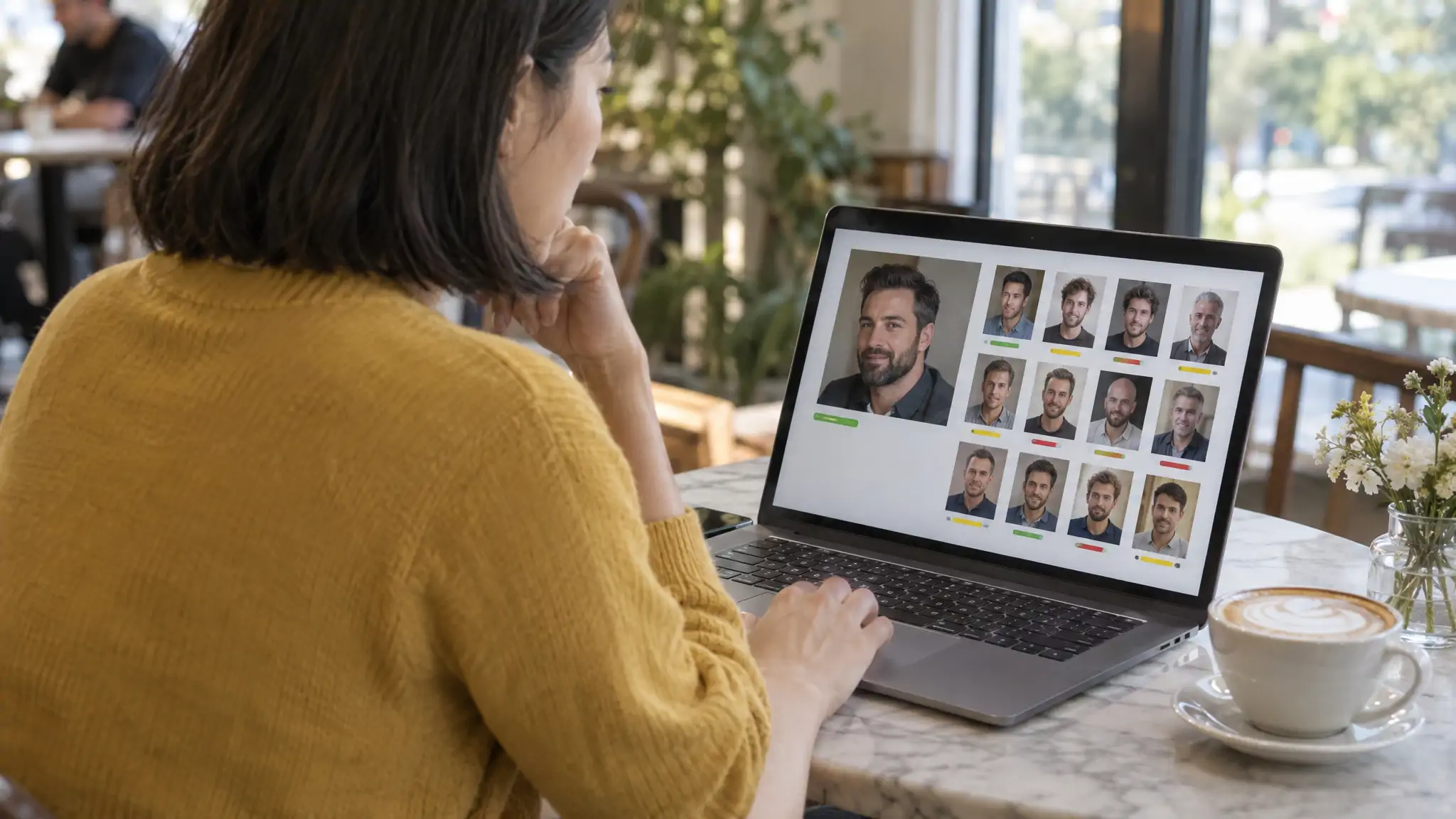
Every tool prints a number, and the numbers do not translate between tools. Amazon's API treats 80 as its default cutoff; a free comparison site might call 60 a match. These are FaceCheck.ID's bands:
| Score | FaceCheck.ID label | What to do with it |
|---|---|---|
| 90-100 | Certain match | Very likely the same face. Open the source page and confirm with context (name, location, other photos). |
| 83-89 | Confident match | Probably the same face. Check two or three hits before acting. |
| 70-82 | Uncertain match | Could be the person, could be a look-alike. Needs independent confirmation. |
| 50-69 | Weak match | Treat as a look-alike. Do not act on it. |
Whatever the score, results are similar faces, not confirmed identities. Plenty of unrelated people look alike, and scammers reuse photos of innocent people, so a 96 can mean "this is the same face" while the person using the photo is someone else entirely.
A worked example
Here is a hypothetical result set to show how the reading goes. You search the profile photo of a match who calls himself Daniel, a 38-year-old engineer in Denver, and the top three hits are:
- 94 on a modeling agency portfolio, under the name Marco.
- 91 on a stock photo site, same face, same studio lighting.
- 73 on a LinkedIn profile of a different man with a similar jawline.
The 94 and the 91 tell you Daniel's photo almost certainly belongs to a model whose pictures are for sale. The 73 is a look-alike and tells you nothing on its own. Your next move is to ask Daniel for a live video call, not to message the man on LinkedIn.
Red flags in the results
FaceCheck.ID marks a red flag when a match sits on a scam-warning, adult, sex-offender, mugshot, most-wanted or AI-generated-face source, or when the same face appears across many profiles under different names. Two more patterns are worth noticing yourself: hits on stock photo or modeling pages (the photo is someone's portfolio, not someone's life), and profiles created last month with a single post.
What face match software can't see
FaceCheck.ID indexes public web pages. It does not search inside closed apps such as Tinder, Snapchat or WhatsApp, private Instagram or Facebook accounts, or sites that block crawlers. A dating profile only shows up if the same photo also sits somewhere public.
That means a no-match result proves nothing about whether someone has an online life. It only says no public page in the index carries a similar face. When you do get a match, the useful path is usually indirect: find the face on a public page, then follow the name, username or bio link from there back to the platform you care about.
For a side-by-side of how the main engines handle this, see our comparison of facial recognition search engines.
Privacy: what happens to the photo you upload
On FaceCheck.ID, searches are anonymous. There is no IP logging and there are no third-party trackers, search history is deleted within 24 hours, and the photo you upload is not added to the index. The service stores no biometric templates and no personal details, only low-resolution face thumbnails and the URLs of the public pages they came from. The person you search is not notified.
If your own face turns up somewhere you did not expect, removal from the index is free through the self-service takedown form.
The terms also draw a hard line on use: no consumer-credit, employment, insurance or tenant-screening decisions. Face similarity is not a background check, and the terms do not let you treat it as one.
If you would rather no photo ever leave your computer, run DeepFace or CompreFace locally for 1:1 comparisons. You give up the web search in exchange.
FAQ
Is there free face match software?
Yes, in each category. A FaceCheck.ID search is free and shows every matching face thumbnail with its score; credits only unlock the links to the source pages. For two-photo comparison, DeepFace and CompreFace are free and open source, and digiKam sorts your own photo library by face at no cost. Free browser comparison sites exist too, but check their privacy policy before you upload anyone's face.
What is the difference between face matching and face recognition?
Face matching compares faces and reports how similar they are. Face recognition is the broader term for systems that detect a face and then identify or verify it, which includes matching as one step. In everyday use the two are interchangeable; the distinction that matters is 1:1 (two photos, same person or not) versus 1:N (one photo searched against many).
How do I compare two faces to see if they are the same person?
If you have both photos, use a 1:1 tool: DeepFace's verify function if you can run Python, or a browser comparison site if you cannot. If you have only one photo, run it through a reverse face search and see whether the same face appears elsewhere under the same name. Either way, a high score means the faces look alike, not that the identity is confirmed.
Is there face match software to download for PC or Windows 11?
You do not need to download anything for web face search, because FaceCheck.ID runs in any browser on Windows 11, macOS or a phone. If you want software installed on your PC, digiKam handles face sorting in your own photo collection, and DeepFace or CompreFace run face comparison locally for developers. None of the installed options search the internet.
How accurate is face match software?
It depends on the photo more than the brand. A sharp, front-facing photo of one face gives the best results; sunglasses, heavy filters, low resolution and side profiles all pull scores down. On FaceCheck.ID, 90-100 is a certain match, 83-89 confident, 70-82 uncertain and 50-69 weak, and even a certain match means a similar face, not a verified identity.
Is there a free facial recognition software I could use to find where someone's photo appears online?
Free open-source libraries cannot do this, because they come without an index of the web. Google Lens and "search by image" extensions look for the same picture rather than the same face, so they miss different photos of the same person. A reverse face search such as FaceCheck.ID is built for exactly this job, and its free search shows the matching faces and scores.
Can the person tell I searched their face?
No. FaceCheck.ID does not notify anyone, does not log your IP address and deletes search history within 24 hours. Searching for minors is prohibited regardless.
Which one to open first
Look at what is on your screen right now. Two photos of a maybe-same person: run a 1:1 comparison. One photo and a question about who this is: crop it to a single face and run it at facecheck.id, then read the top five scores against the table above before you open any source page. A hard drive full of untagged family pictures: install digiKam and spend an evening naming faces.
FaceCheck.ID publishes this guide. Details about DeepFace, CompreFace, digiKam and Amazon Rekognition come from their own documentation, linked in the text.

Learn More...
Face Recognition Systems: How They Work, Best Open Source Models, and Production APIs
A technical breakdown of how modern face recognition systems actually work, from detection to embedding to matching. Covers the best open source models (FaceNet512, FaceNet, DeepFace), their real-world performance, and when it makes more sense to use a production-ready API like FaceCheck.id instead of building from scratch.
On the subject in other languages
 Software de correspondência facial: qual tipo resolve seu problema com fotos
 人脸匹配软件:哪一种适合解决你的照片问题
 Software pro porovnávání obličejů: který typ se hodí pro váš problém s fotografiemi
 Software zum Gesichtsabgleich: Welche Art zu Ihrem Fotoproblem passt
 Software de comparación facial: cuál se adapta a tu problema con una foto
 Logiciels de comparaison faciale : lequel convient à votre problème de photo
 Software di confronto facciale: quale tipo risolve il tuo problema con le foto
 顔照合ソフトウェア:写真の悩みに合うのはどの種類か
 얼굴 매칭 소프트웨어: 내 사진 문제에 맞는 유형은 무엇일까
 Oprogramowanie do dopasowywania twarzy: który rodzaj pasuje do Twojego problemu ze zdjęciem
 Программы для сопоставления лиц: какой тип подойдёт для вашей задачи с фотографиями
 برامج مطابقة الوجوه: أي نوع يناسب مشكلتك مع الصور
 Yüz Eşleştirme Yazılımı: Fotoğraf Sorununuza Hangi Tür Uygun
Popular Topics
Deepfake API Face Recognition Search Facial Recognition Software Identity Facial Recognition Free Facial Recognition Confirm Identity Reverse Face Search How To Facebook Instagram LinkedIn Scammers Identification PimEyes Sex Offenders Mugshots Search by Image Biometric Photo Search Face Lookup Google Lens Face Search Face Match OsintPimEyes vs FaceCheck: Comprehensive Review and Rankings 2026