Instagram Face Search Matches
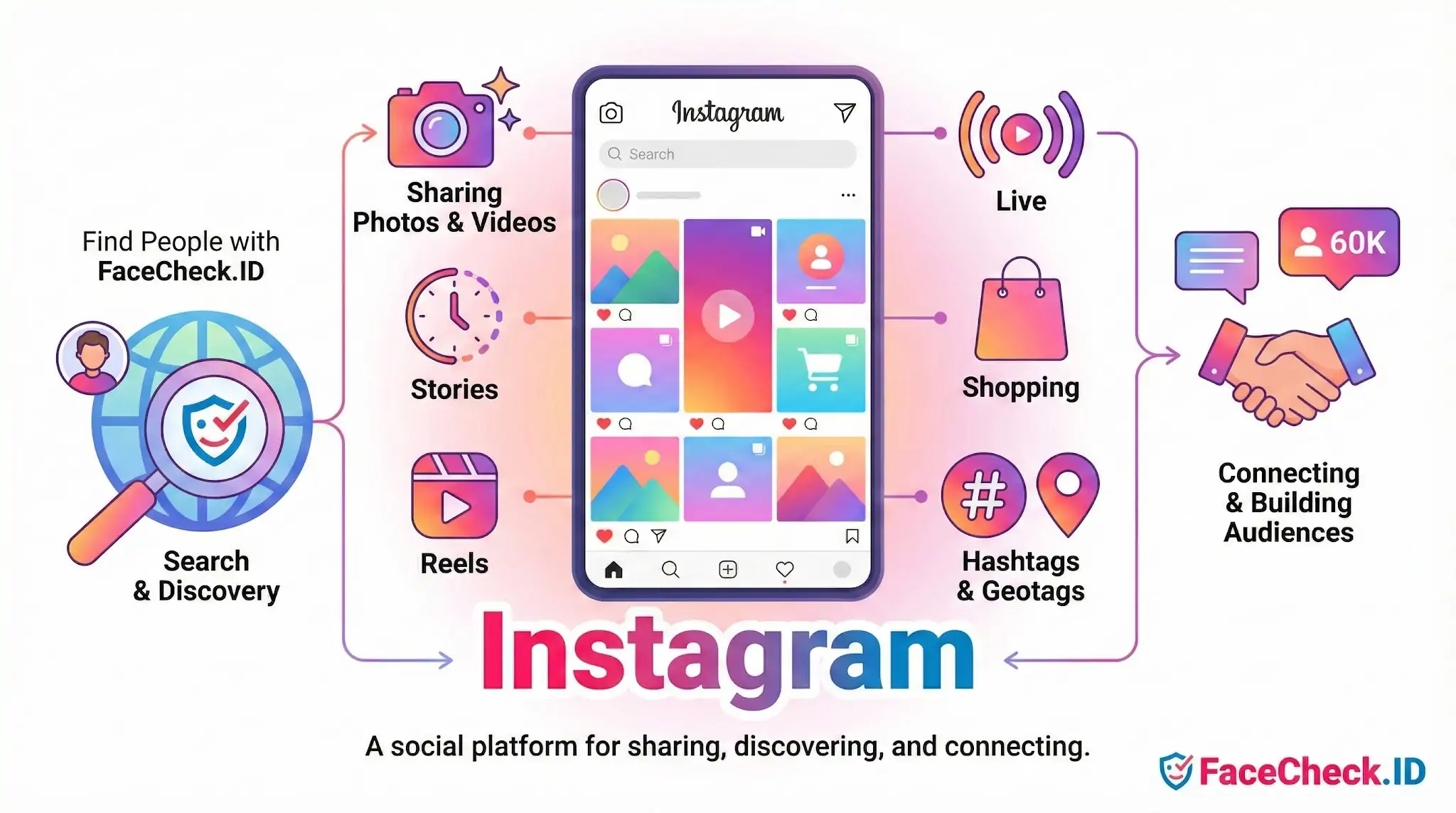
For a face-search engine, Instagram is one of the richest sources of identifiable face imagery on the public web. Billions of profile photos, tagged group shots, selfies, Reels thumbnails, and Story highlights make it a primary surface where reverse face search can connect a single image to a real name, location, friend network, and posting history.
Why Instagram matters in face search results
When FaceCheck.ID surfaces an Instagram profile against an uploaded face, the value is rarely the platform itself — it's the metadata wrapped around the match. An Instagram hit typically gives you a username, display name, bio, follower context, geotagged posts, and a visual timeline that can confirm or contradict whatever story someone is telling you elsewhere.
Public Instagram profiles tend to match well because users post frequent, varied face shots: front-facing selfies, side angles, group photos, and Reels frames. That variety helps face-recognition models score higher confidence than platforms with a single static headshot. Private profiles still expose a profile picture and sometimes tagged appearances on public accounts, which is why a person can show up in face-search results without ever posting publicly themselves.
Common investigation patterns
Reverse face search on Instagram is most often used in a handful of recurring scenarios:
- Catfish and romance scam checks. Someone on a dating app claims to be "Mark, an engineer from Denver." A face search returns an Instagram account belonging to a different name in a different country — a strong signal the dating photos were stolen.
- Verifying a new contact. A recruiter, investor, or online date sends a photo. An Instagram match with years of consistent posting history suggests a real person; no Instagram presence, paired with no other social footprint, raises the question of why.
- Finding alternate or burner accounts. People often run multiple Instagram profiles — a public one and a "finsta," or a personal account alongside a business account. Face search can surface both even when usernames share nothing in common.
- Identifying someone from a single photo. A photo from a party, a protest, or a public event can lead back to a tagged Instagram appearance, which then exposes the person's real identity through their network.
What Instagram exposes that users underestimate
Instagram's discoverability features create face-search exposure even for people who think they're private. Tagged photos on friends' public accounts remain visible. Profile pictures are public by default, regardless of account privacy. Reels surfaced through Explore are indexed broadly. Old usernames, deleted-but-cached posts, and reposts on third-party sites continue to appear in face-search indexes long after the original is gone.
Geotags compound the issue. A face match plus a recurring location tag — a specific gym, neighborhood café, or workplace — can narrow someone's identity and routine far beyond what the user intended to share when they tapped a location pin.
What an Instagram match does not prove
A face-search hit on Instagram is a strong lead, not a verdict. Several caveats apply.
Lookalike matches happen, especially with low-resolution profile photos, heavy filters, or partial face coverage. Two different people can score similarly if the input image is poor. Stolen-photo accounts are also common: scammers scrape real Instagram profiles and reuse them, so the matched account may itself be a victim rather than the person you're investigating. Matching the same face to multiple Instagram profiles doesn't automatically mean impersonation either — many people legitimately maintain personal, professional, and niche-interest accounts.
Account age, posting consistency, comment authenticity from real friends, and cross-platform corroboration matter more than any single match score. Treat an Instagram result as one piece of evidence to be checked against LinkedIn, news mentions, other social platforms, and the original context where the photo first appeared. Face search narrows the field; verifying identity still requires judgment.
FAQ
What does “Instagram” mean in the context of face recognition search engines?
In face recognition search, “Instagram” usually refers to Instagram-hosted images (posts, profile photos, reels thumbnails, or reposted content) that are publicly accessible on the web or have been copied and re-published elsewhere. A face search engine may surface Instagram URLs directly, or it may find the same image on other sites even if it originated on Instagram.
Can face recognition search engines find someone from Instagram photos?
They can sometimes find matches using images that are publicly viewable or widely re-shared, but they typically cannot “see” content behind privacy controls or content that is not accessible to their crawlers. Results depend on what is publicly available, how often the image is reposted, and whether the face is clear enough for matching.
Why might an Instagram profile picture appear in face search results even if I didn’t post it elsewhere?
Instagram profile photos and popular posts are frequently screenshotted, embedded, mirrored, or re-uploaded by third-party sites and aggregators. A face search engine may match the face from those re-uploads (or from cached/preview versions), not necessarily from your original Instagram page.
If a tool like FaceCheck.ID shows an Instagram link, does that confirm the person’s identity?
No. An Instagram link in FaceCheck.ID (or similar tools) indicates a visual similarity match to an image associated with that page or a repost of it; it does not prove account ownership or real-world identity. Treat it as a lead: verify by checking multiple photos, consistent usernames, cross-links to other platforms, timestamps, and non-face cues (tattoos, scenery, captions), and be cautious of fan pages, impersonation, or repost accounts.
How can I reduce the chance that my Instagram photos are discoverable via face recognition search engines?
Use stricter privacy settings (e.g., private account), limit public profile photo visibility where possible, avoid posting high-resolution front-facing images, and remove or replace widely shared pictures. Also monitor for reposts and request takedowns from third-party sites that copied your images; reducing re-uploads often matters as much as changing Instagram settings.


Recommended Posts Related to instagram
-
Search Instagram by Pic and Find Anyone's Instagram Profile
The Adventures of the Instagram Sleuth. Oh, Instagram... Whatever the case, you have a burning need to find this person's Instagram profile.
-
Instagram Image Search to Find Instagram Profile by Photo using Face Search Engine
Instagram is one of the most popular social networking platforms, with over a billion monthly users. With such a large user base, many people are looking for ways to search for specific Instagram users and find out more about them. We'll show you how to use a face search engine to do an Instagram image search and find an Instagram profile by photo.
-
Searching Instagram by Photo: A Guide to Finding People and Accounts
Instagram: A world of selfies, food pics, and cute pets! It's your magic magnifying glass for Instagram. How do you find someone on Instagram by their picture?
-
How to Find Someone on Instagram Using a Picture
Finding someone on Instagram with only their picture is not easy. This tool uses facial recognition technology to help you find Instagram profiles from photos. This article will explore FaceCheck.ID's capabilities, discuss the limitations of Instagram's search function, and provide a step-by-step guide on using FaceCheck.ID effectively.
-
Search Instagram by Photo with Reverse Image Instagram Search Engine
Instagram Sleuthing 101: How to Find Instagram Profile. Fortunately, you can use reverse image search to find Instagram profiles by uploading a photo on FaceCheck.ID Instagram search engine. This technique is particularly useful for finding social media profiles, including Instagram accounts.